Every setting on one page, for beginners and pros
Chord types, keys, inversions, hands, tempo, notation, sound and looks are all set on one page. You can search it and match the drill to your level.
The whole drill on one page
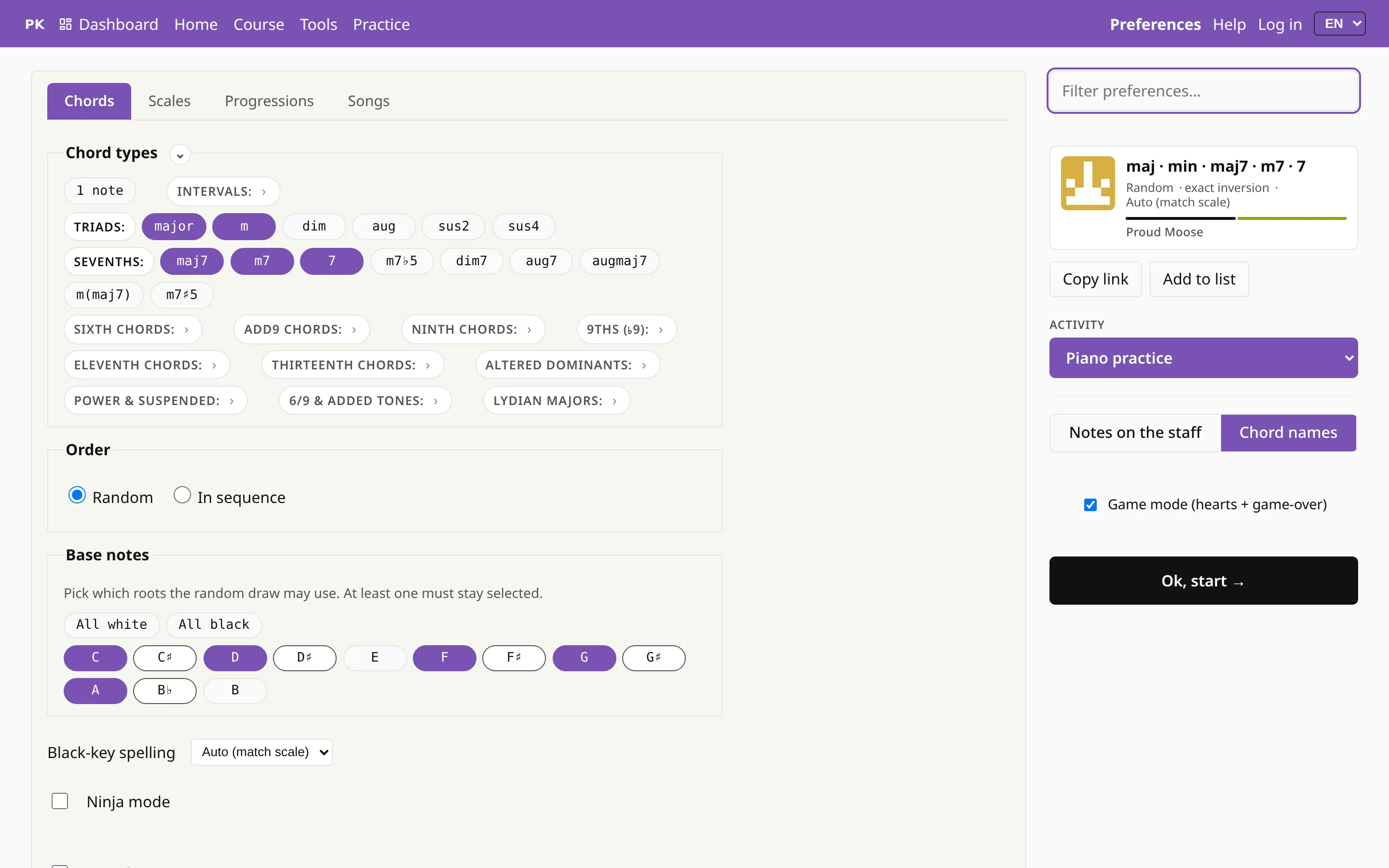
Everything that shapes an exercise is on the Preferences page: the subject (chords, scales, progressions, songs), which chords, from which keys, in which inversions, with which hand, at what tempo and how they are shown. A beginner starts with major triads on the white keys, and a jazz pianist can ask for ninth chords in every key on the same page.
At the top is the exercise you have just built, shown as a card with buttons to copy its link, add it to a list or send it to someone. Press P on the practice screen to open this page, and P again to go back and play.
Find a setting by typing
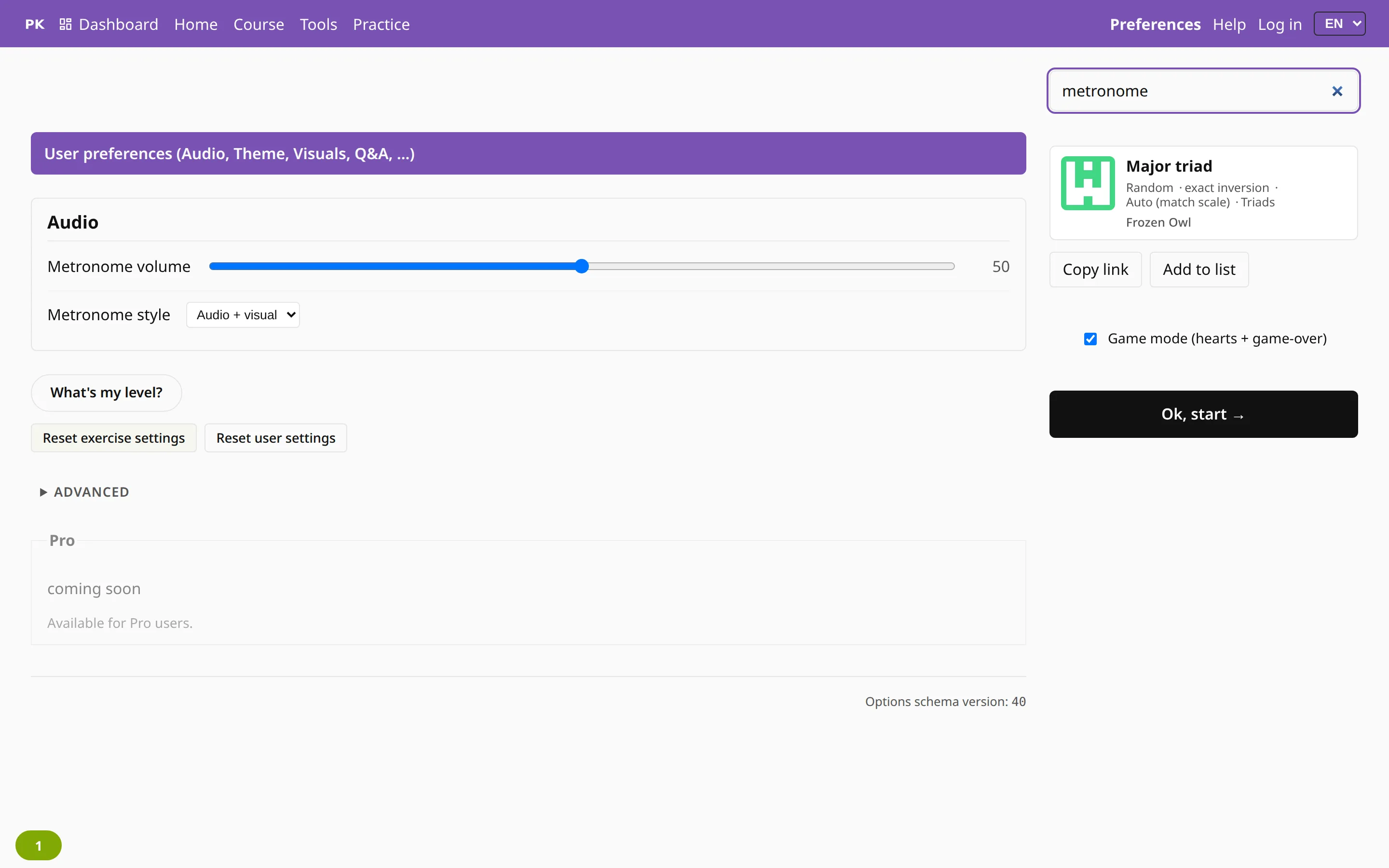
Type a word such as “metronome”, “inversion”, “sharp” or “theme” into the search box, and only the matching settings stay on the page. The search also knows a few other words for each setting, in English and Polish.
Exercise settings and your settings
There are two kinds of settings. Exercise settings, such as the chords, keys and tempo, define the drill, so they go with it into a link, a list, a lesson or a badge. Your own settings, such as theme, sound, notation and hints, describe how you like to practice, and they stay as they are when you open someone else’s exercise.
So there are two reset buttons. One starts the exercise over and keeps your theme; the other restores your own settings and keeps the drill.

Not sure where to begin? Find your level picks the settings for you after a two-minute test, and the Levels raise them step by step as you improve.