Tools
Two small games, tutorials, links to other sites and apps, and a guide to everything the app can do.
-
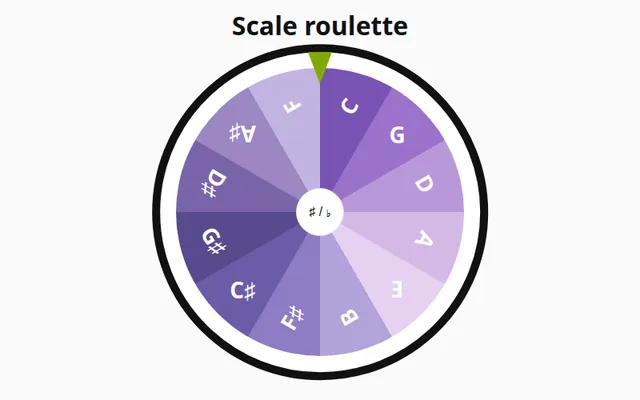
Scale roulette
Spin the wheel, get a key, play the scale.
- Picks one of the 12 keys for you, so you stop practicing only the ones you like.
- Hold Start longer and the wheel spins faster.
- One click opens the scale in Practice, ready to play.
Spin the wheel -
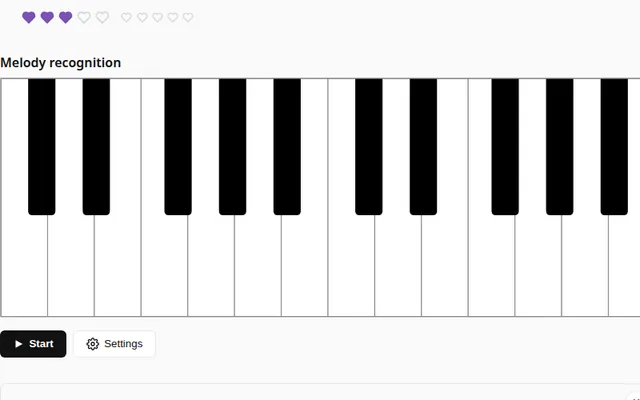
Listen and repeat
The app plays a melody. You play it back.
- It starts with one note and adds another after every round you get right.
- 15 levels, from five notes in C major to two octaves in any key.
- The melody comes back at the tempo you played it.
- Ear mode hides the keys and doubles the points.
- Works with a MIDI keyboard or the keys on screen.
Start the game -
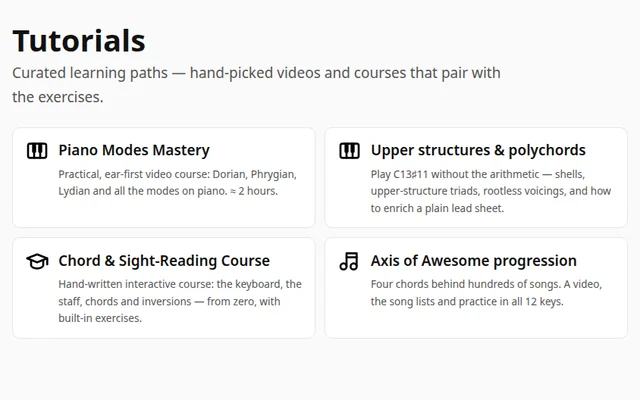
Tutorials
Videos and courses that go with the exercises.
- A video course on the modes: Dorian, Phrygian, Lydian and the rest.
- Upper structures: a complex chord played as two simple shapes.
- Axis of Awesome: four chords behind hundreds of songs, to practice in all 12 keys.
- An interactive course from the keyboard and the staff to chords and inversions.
Browse the tutorials -
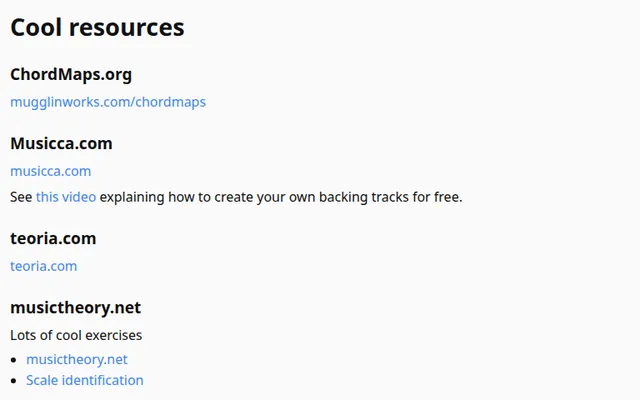
Resources
Hand-picked sites and apps from outside PianoKitty.
- Theory and exercise sites such as musictheory.net, ToneSavvy and teoria.com.
- Sight-reading and rhythm practice: SightReadingFactory, Core Skills Generator, RhythmRandomizer.
- Ear training with EarBeater and Ear Trainer. Moises detects the chords in any song.
- Drum machines to practice rhythm with. Chordify shows a song's chords in real time, like subtitles.
Browse the links -
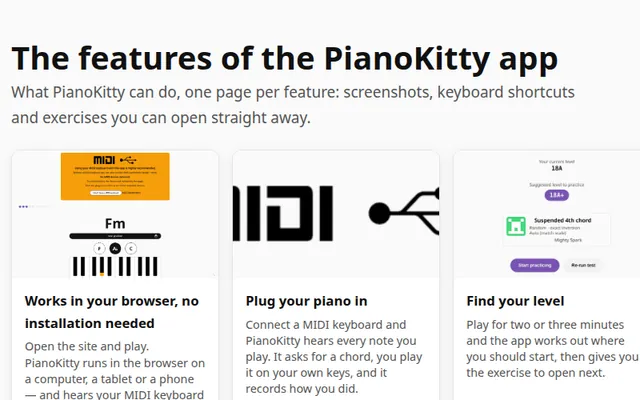
Everything the app can do
Every feature has its own page, with screenshots and a link to try it.
See the features