Inversions, fast
Drill root position and the first, second and third inversions, and switch between them with a single key press.
Same chord, different bottom note
An inversion keeps the notes of a chord but puts a different one at the bottom. C major is C–E–G in root position, E–G–C in first inversion and G–C–E in second. Songs use inversions all the time, because they let the hand move a short way instead of jumping across the keyboard.
You choose which inversions PianoKitty asks for, and it checks that the right note is at the bottom.
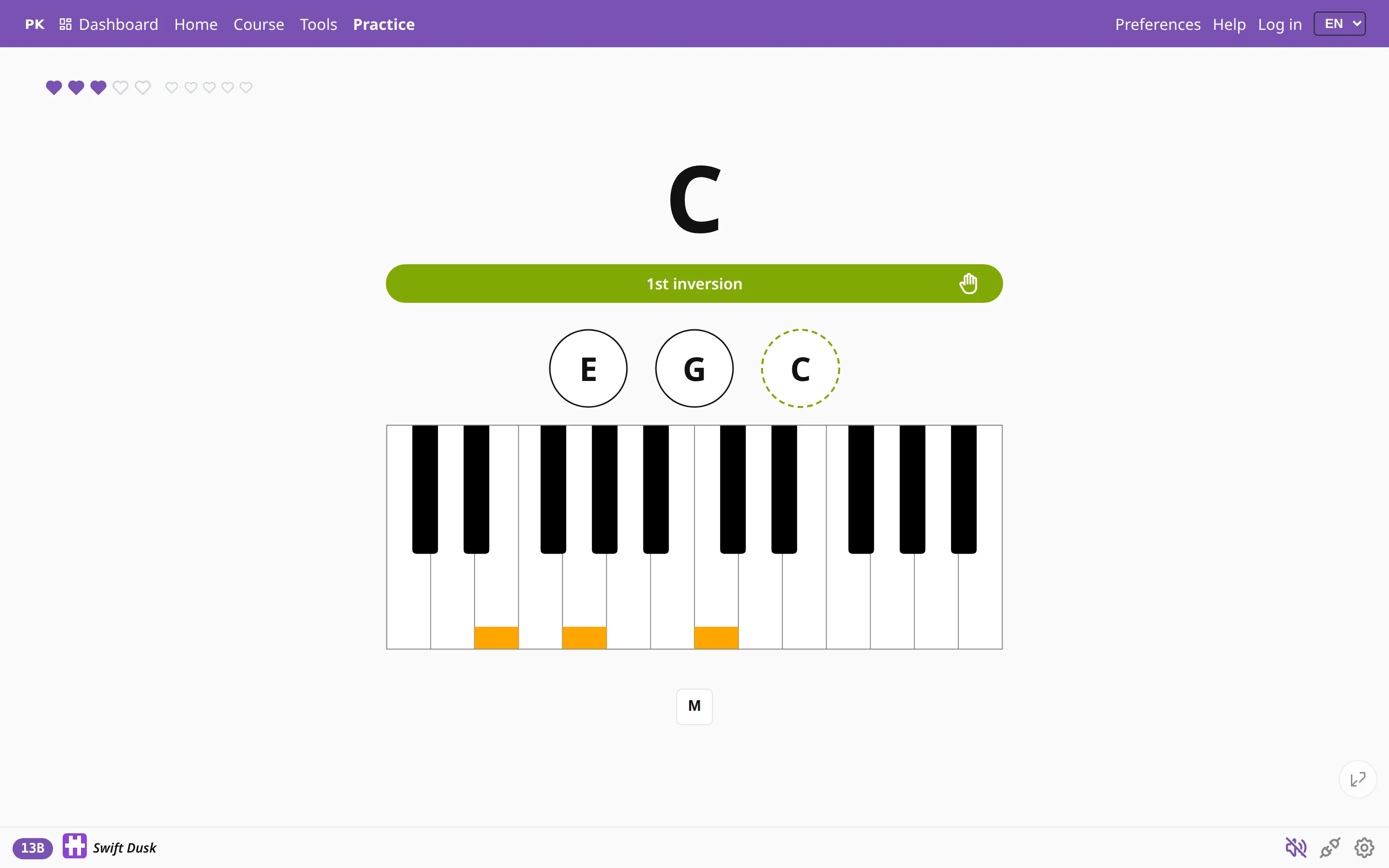
Change inversions without leaving the keyboard
Since your hands are on the piano, you switch inversions from the computer keyboard. On the practice screen:
| 0` | Root position |
| 1 | First inversion |
| 2 | Second inversion |
| 3 | Third inversion (seventh chords and up) |
| ←→ | Previous / next inversion |
To drill a mix, press several digits within about a quarter of a second. 012 asks for all three inversions of a triad in random order. The app skips inversions a chord cannot have, such as a third inversion of a triad.
The same choice in Preferences
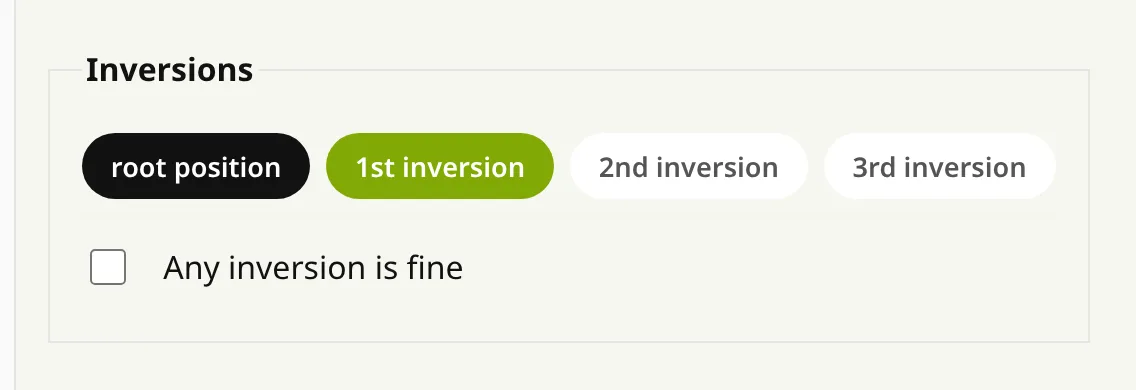
The inversion buttons are also in Preferences, next to the chord types. Select as many as you want to mix.
When any inversion will do
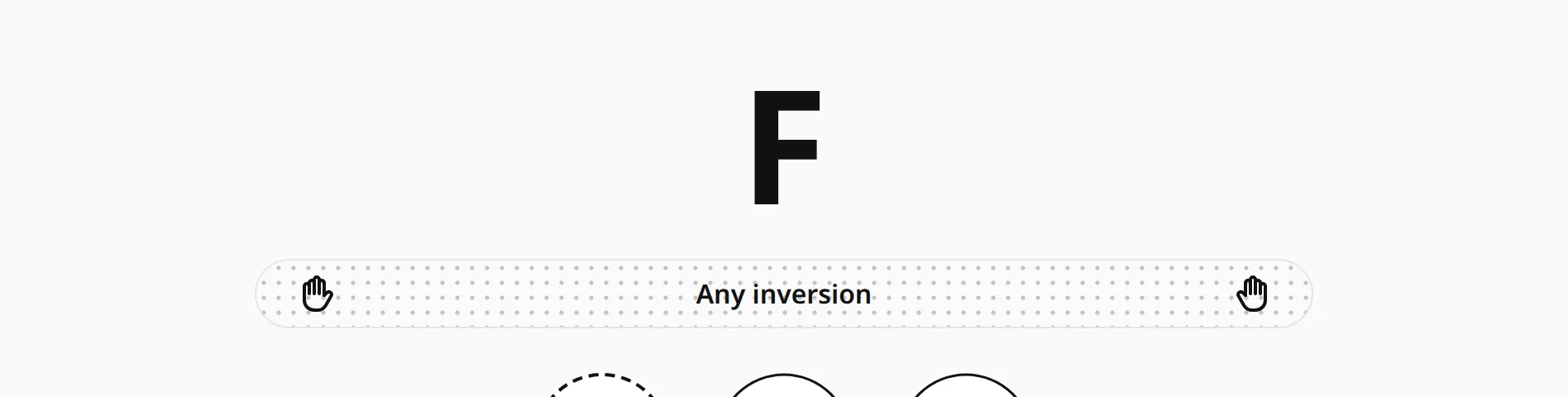
While you are still learning to find F major, any inversion of it should count. Tick Any inversion is fine and the app accepts every inversion. The bar then becomes a dotted outline, which shows that any note of the chord can be at the bottom.
An inversion key turns strict mode back on: after you press 1, the next chord must be in first inversion again.
How the inversion is shown
These display options in Preferences change how the inversion appears:
- Color each inversion — black for root position, green for first, violet for second and orange for third.
- Show inversion bar — shows or hides the bar under the chord name.
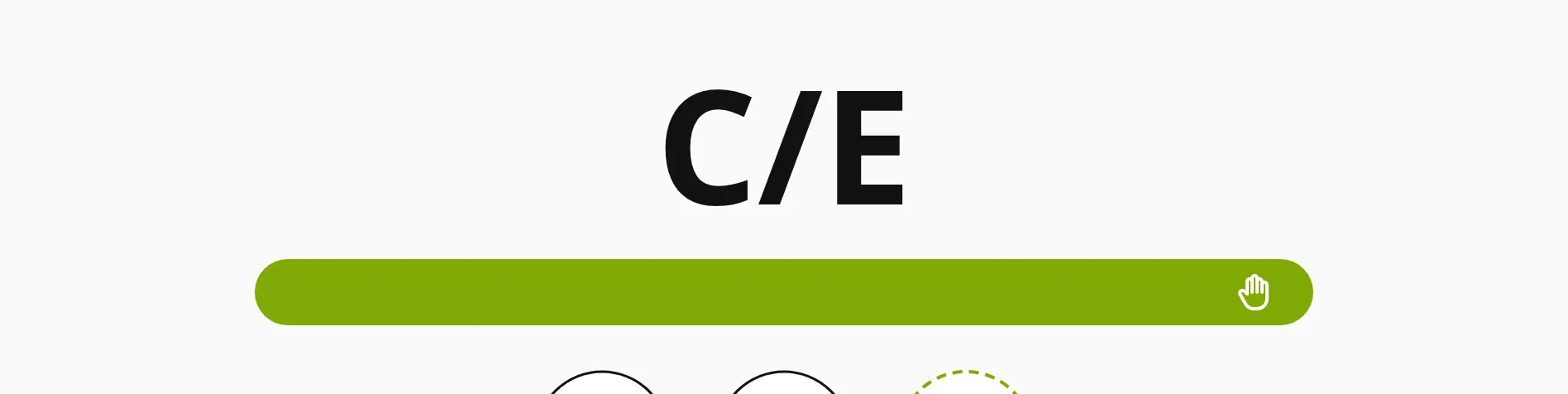
- Slash inversions (C/E) — writes the inversion into the chord name, as lead sheets do: C/E is C major with E in the bass.
- Display inversions in the chart — marks the inversions in the chord chart as well (C.2, G.1).