Type your own chords
Paste a chord sequence, from a song you are learning or from your teacher's homework, and practice it in any key.
Your chord list as an exercise
Most drills here draw chords from a pool. Sometimes, though, you know exactly what you need to play, such as the four chords of a song you are learning or a turnaround your teacher wrote down. Type them in and the app turns them into an exercise.
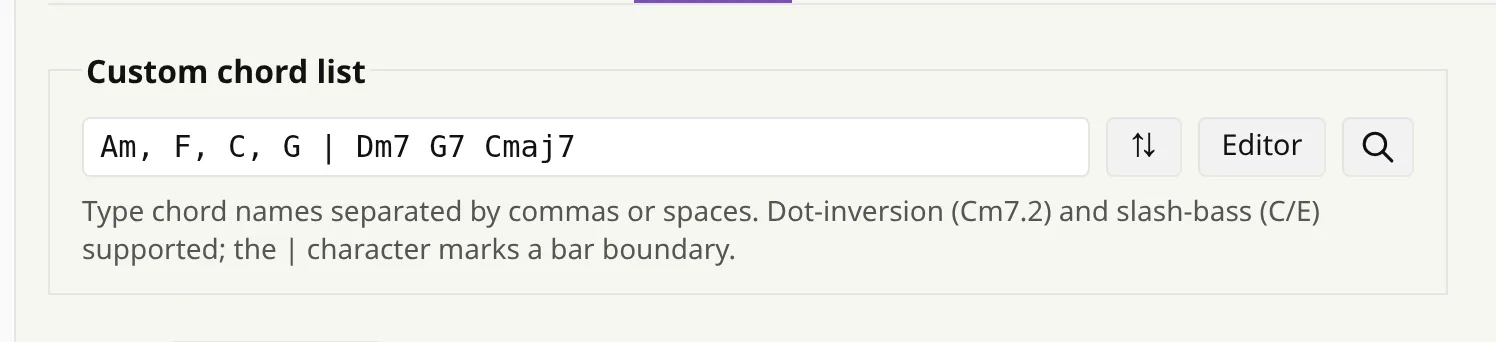
You write the chords the same way as on paper:
- Am, F, C, G — chord names, separated by commas or spaces.
- Cm7.2 — a dot and a number ask for a specific inversion.
- C/E — a slash bass, as on a lead sheet.
- | — a bar line, if you want to see the phrasing.
Then practice it like any other drill
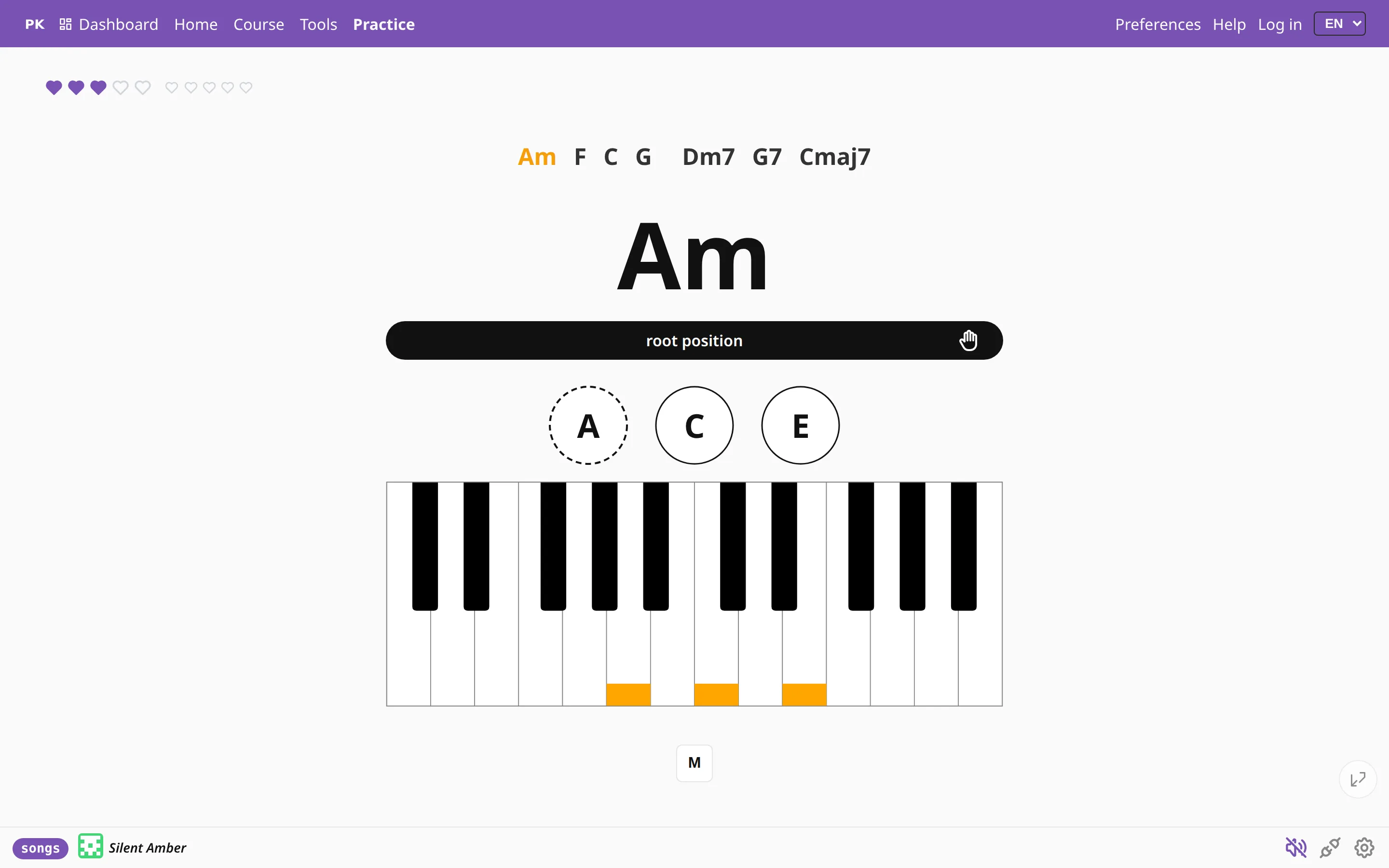
The chart shows your chords with the current one marked, and the app checks what you play against the list. Hints, the keyboard, the staff, the metronome and the statistics all work as usual.
Not sure which inversions to use? One button rewrites the list with inversions that keep your hand as still as possible.
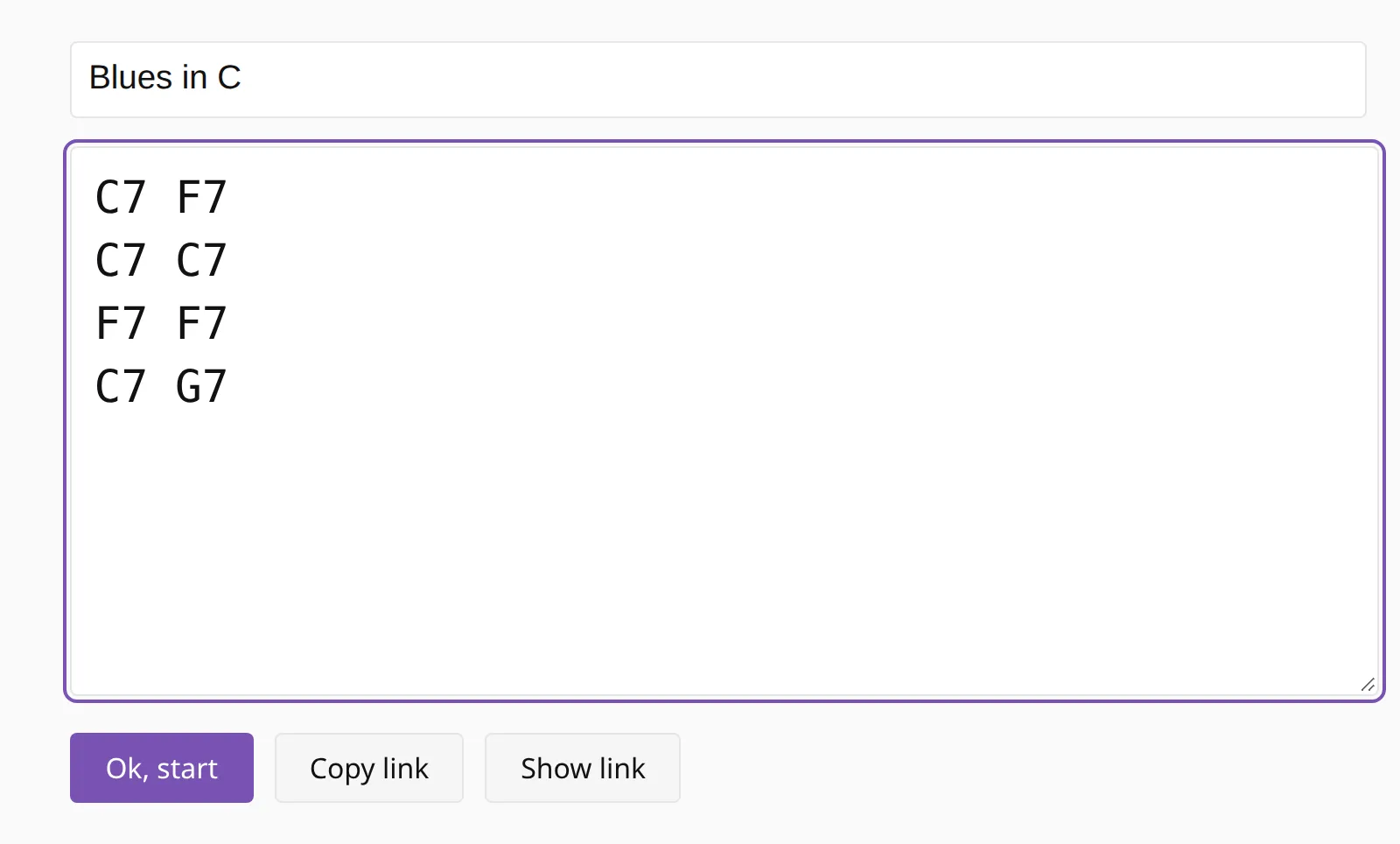
Or write it out properly
For anything longer than a line there is a chord editor, with one bar per line and a title at the top. Ctrl+click on a chord cycles through its inversions. The editor keeps your recent sheets and gives you a link, so you can send a new sequence to a student or open it on your own phone.