Chord names or sheet music
Each question can be written as a chord symbol or printed on the staff, and chord names can use American, German, jazz or solfège spelling.
Chord symbol or staff
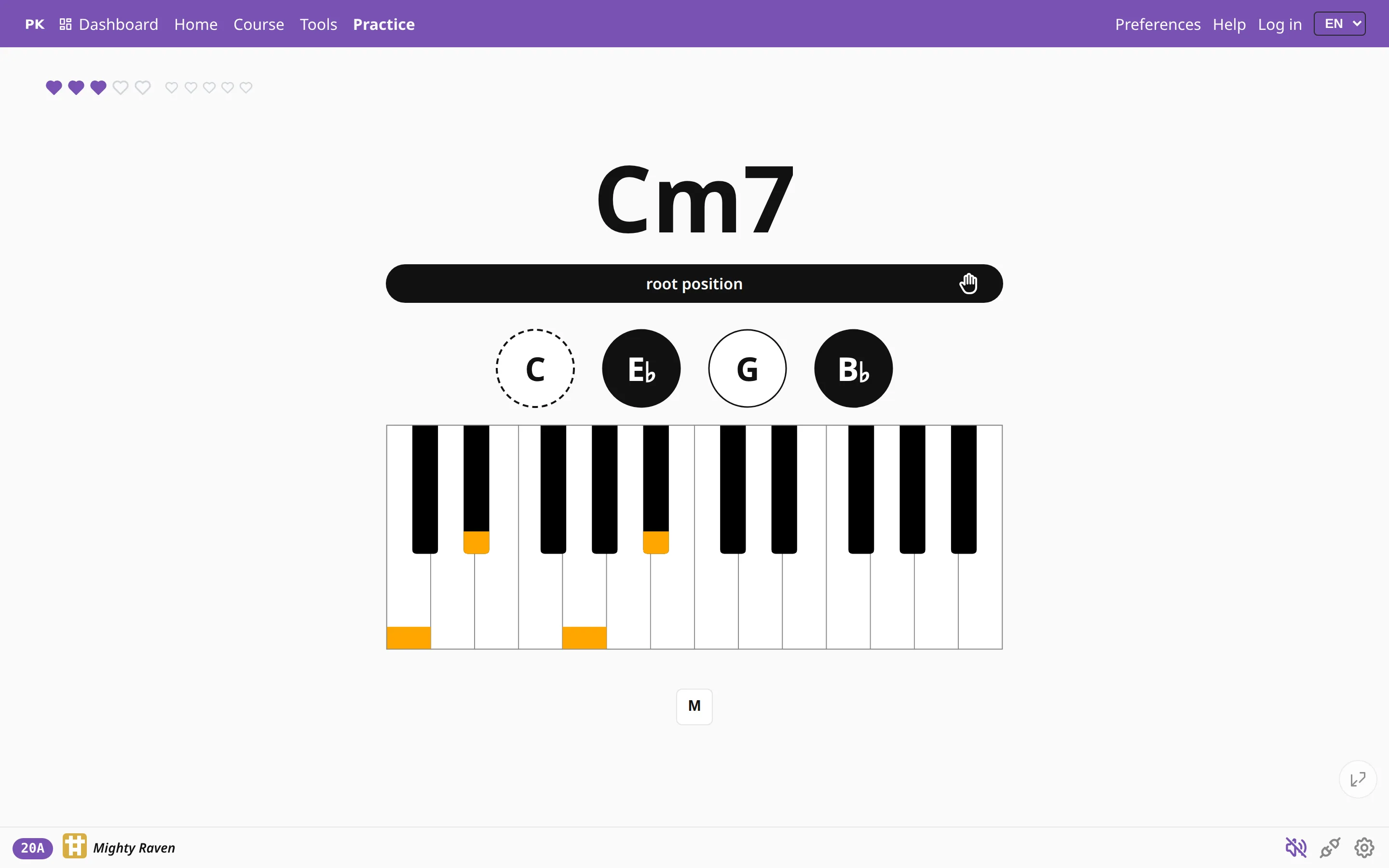
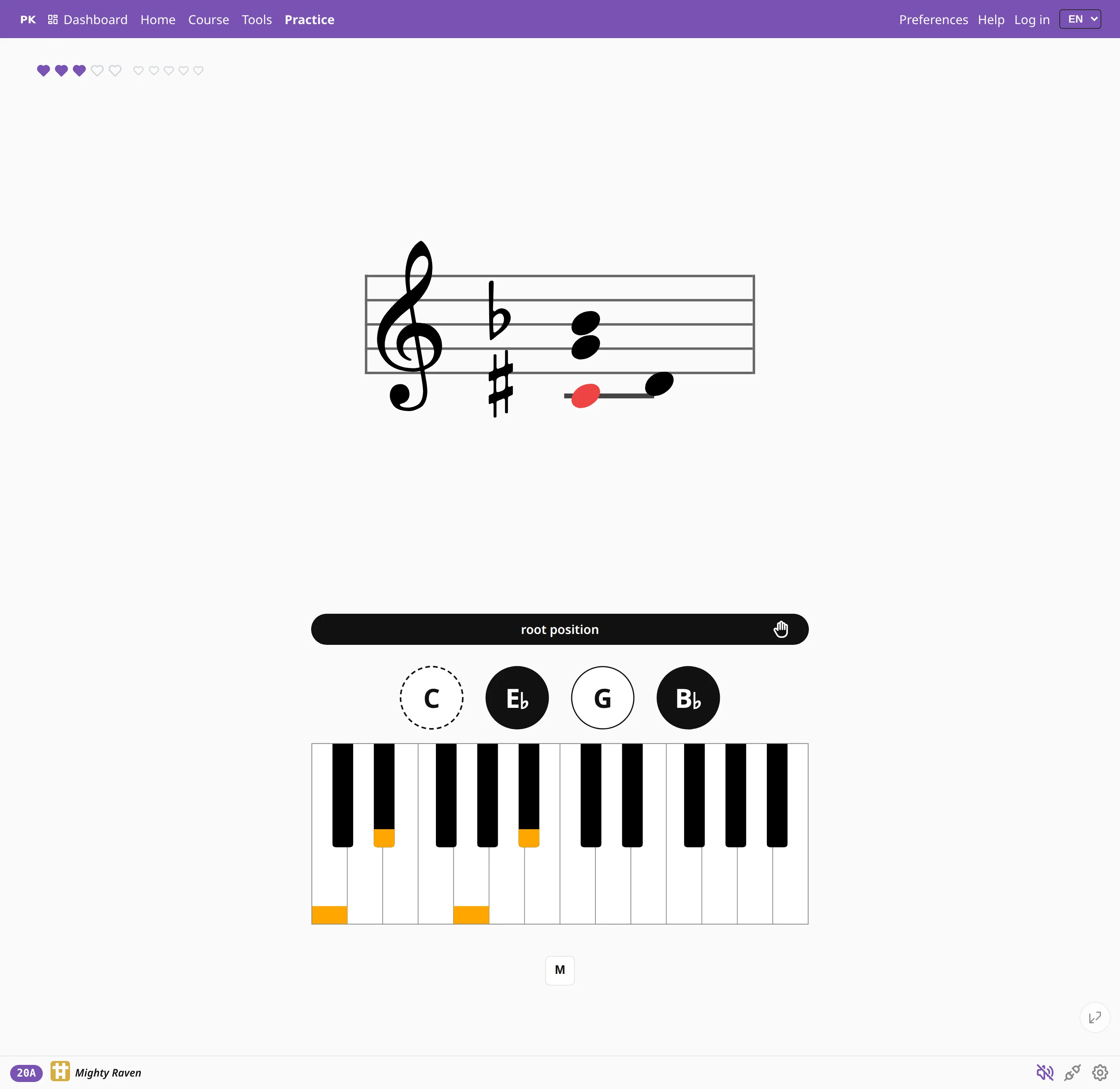
PianoKitty can ask for a chord by name, as a lead sheet or a songbook does, or with notes on the staff, as a score does. The drill and your answer on the keys stay the same; only the way the question is written changes.
Names are quicker to read: three characters and you can play. The staff takes longer, but it is what the sheet music on your stand looks like.
Four ways to spell a chord
Choose the system you learned, or the one you want to get used to.
- American: C, C♯, Cm7. Most online material and pop songbooks use it.
- German: C, Cis, and H where American notation writes B. This is the standard in Poland, Germany and much of central Europe.
- Jazz (Real Book): C−7, CΔ7, the shorthand printed in fake books.
- Solfège: Do, Ré, Mi, for anyone who learned with movable or fixed do.



Short symbol or spelled out
A beginner reading Cm7 has to decode three things at once. Set the chord-name form to long and the app spells the name out in words. This helps in the first weeks, and you can switch back once the short symbols are familiar.

Where to set it
You set all of this in Preferences, and it applies everywhere: in practice, in levels and in shared drills.

Black-key spelling is a separate setting: sharps, flats, random, or auto, which follows the key you are in, so in F major you see B♭ rather than A♯. Random prepares you best for real music, where the same black key turns up under both names.
Settings for reading music
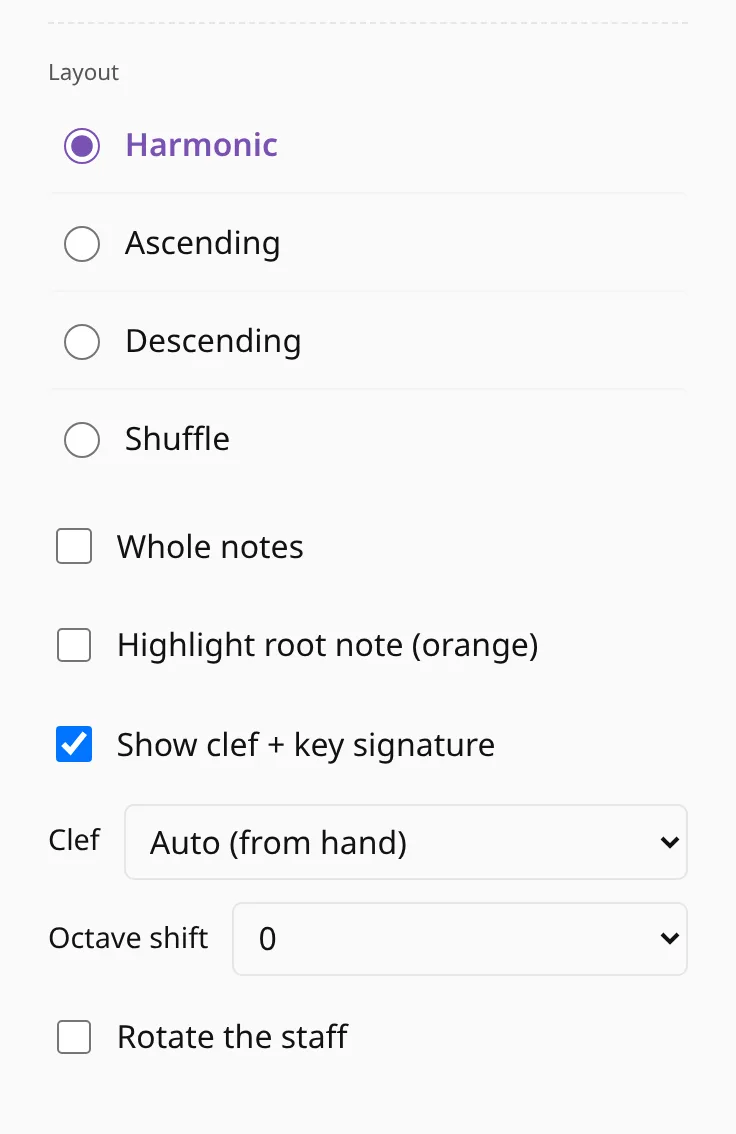
Staff mode has its own settings, and each one makes a different reading exercise from the same chords: the clef (treble, bass, or following the practicing hand), the key signature on or off, whole notes instead of quarters, an octave shift, and the root highlighted in orange until you can find it on your own.