Left hand, right hand, or both
Practice one hand at a time, or both, with the left hand given its own part: the root, octaves, fifths, or the whole chord doubled.
Which hand is being graded
One setting decides which hand has to play: any hand (whichever is more comfortable; this is the default), the right, the left, or both.
To accompany anyone, your left hand needs to know the chords too. Set the hand to left and the same chords come back, but now the left hand has to find them on its own.

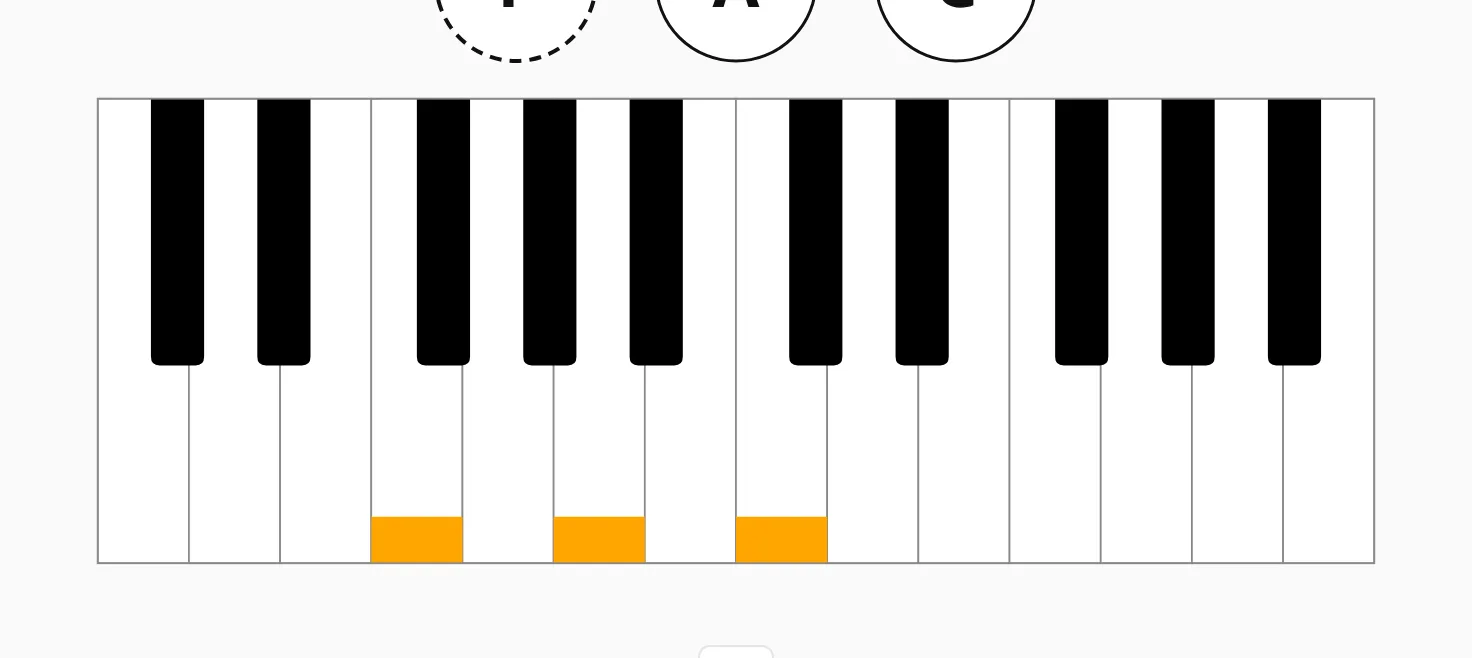
What the left hand plays
With both hands on, the right hand plays the chord and you choose what the left hand has to play:
- The same notes — the chord doubled an octave lower.
- Root note only — the chord’s root, whatever inversion the right hand is in.
- Lowest note only — the bass of this voicing; in first inversion that is the third, not the root.
- Octaves — two roots an octave apart, the boom-boom bass.
- Fifths — root and fifth.
- Nothing — the right hand plays alone.

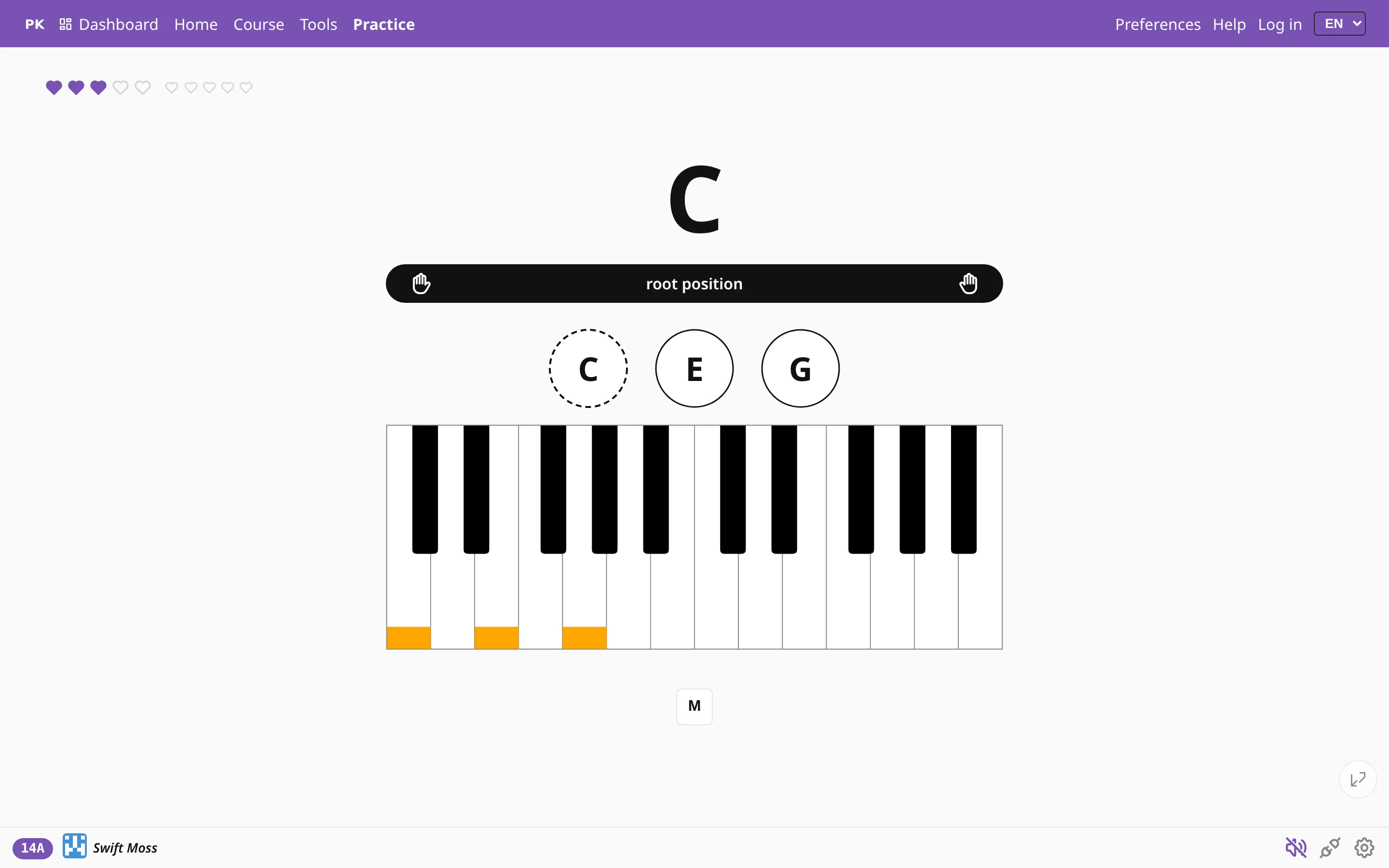
Sharing one keyboard
Press / and pick a split point: from then on only one side of the keyboard is graded and the other is free. This helps when a teacher plays along on the same instrument, or when you want to drill the left hand while the right keeps a melody going. There is more about it on splitting the keyboard.
Grading ignores octaves, so play the shape wherever it falls under your hands. The app checks which notes you play, in any octave.