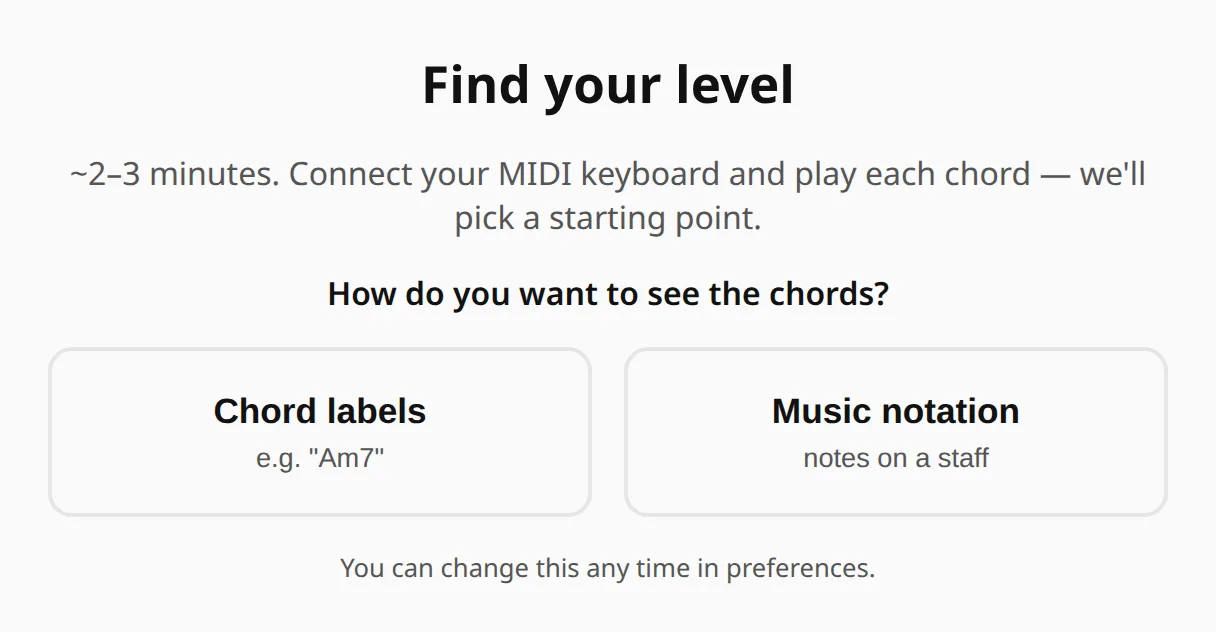
Find your level
Play for two or three minutes and the app works out where you should start, then gives you the exercise to open next.
The first question a new player has
“Where do I start?” depends on what your hands already know, and that is often different from how long you have played or which book you finished.
So the app tests your playing. A chord you get right makes the next one harder, one you miss makes it easier, and the level where you settle is the answer.
Play it, or skip it
The app names a chord and you play it. Nothing is timed, and if you do not know a chord yet, press Space to skip it. A skip tells the test where your knowledge ends, just as a wrong answer does.
Along the way it also checks the black keys, the inversions and, if you chose notation, the bass clef.
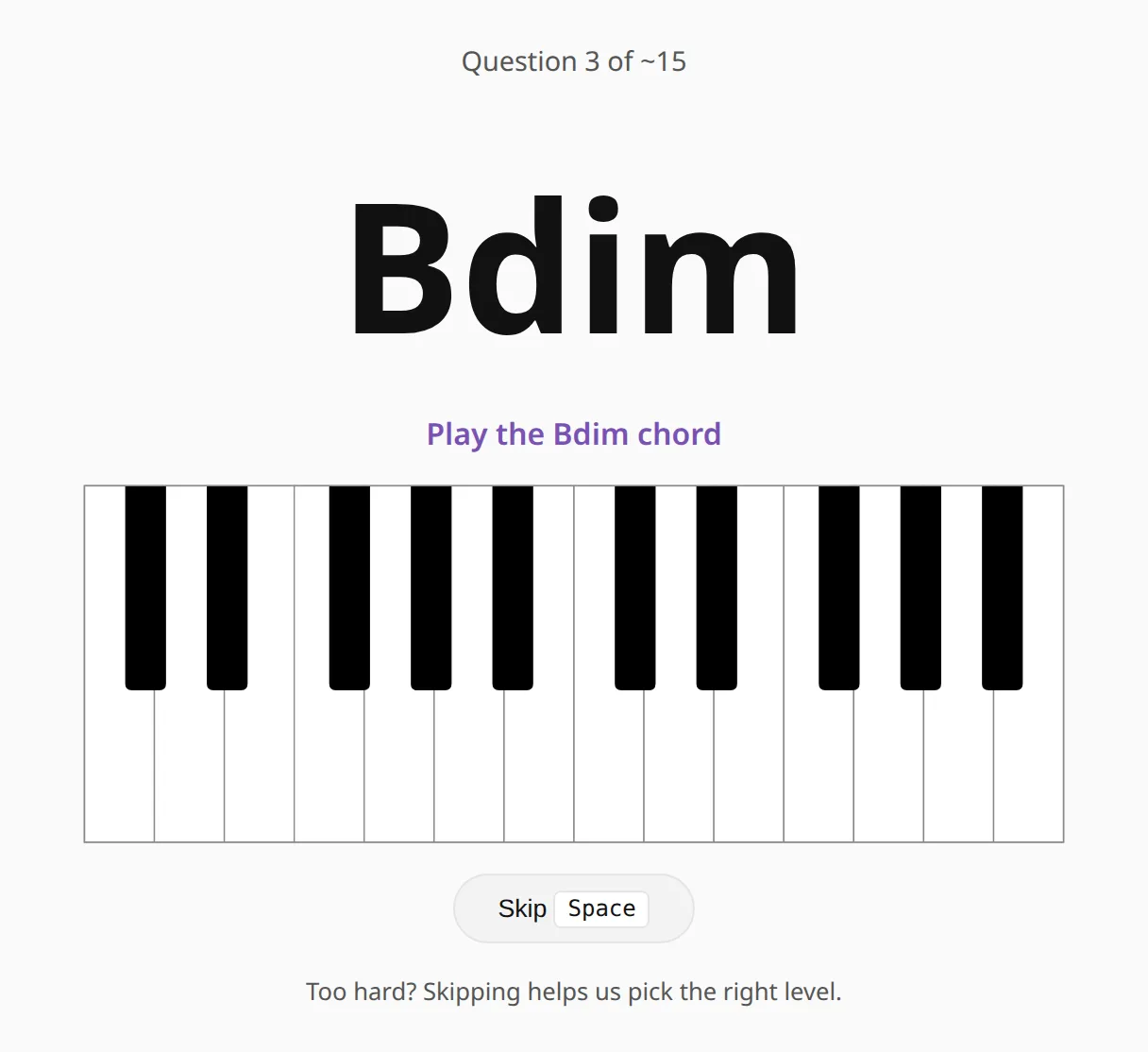
This one needs a MIDI keyboard — it grades what you actually play. Without an instrument, the naming and ear modes are where to start instead.
A level, and what to open next
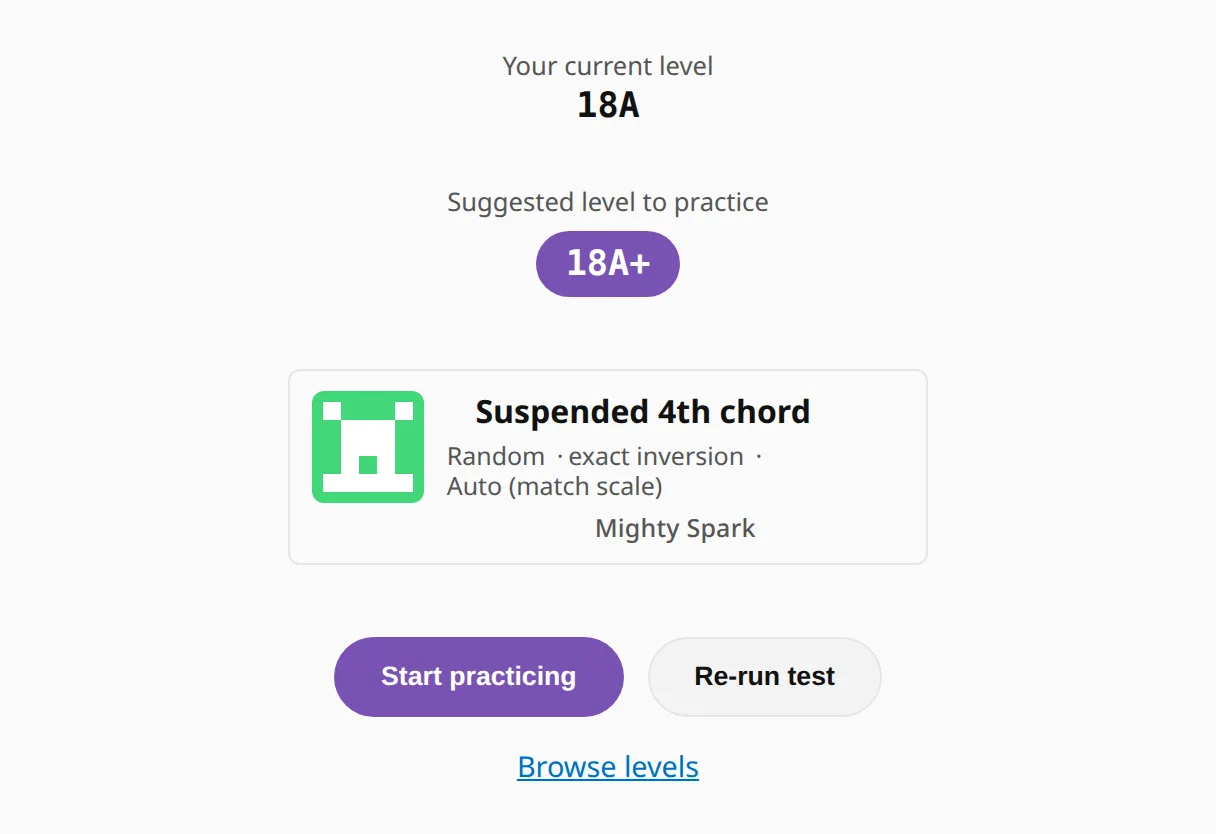
At the end you see the level you have mastered, the one to practice next, and that next level as a ready-made exercise. Press Start practicing to open it without setting anything up yourself.
The ladder it puts you on
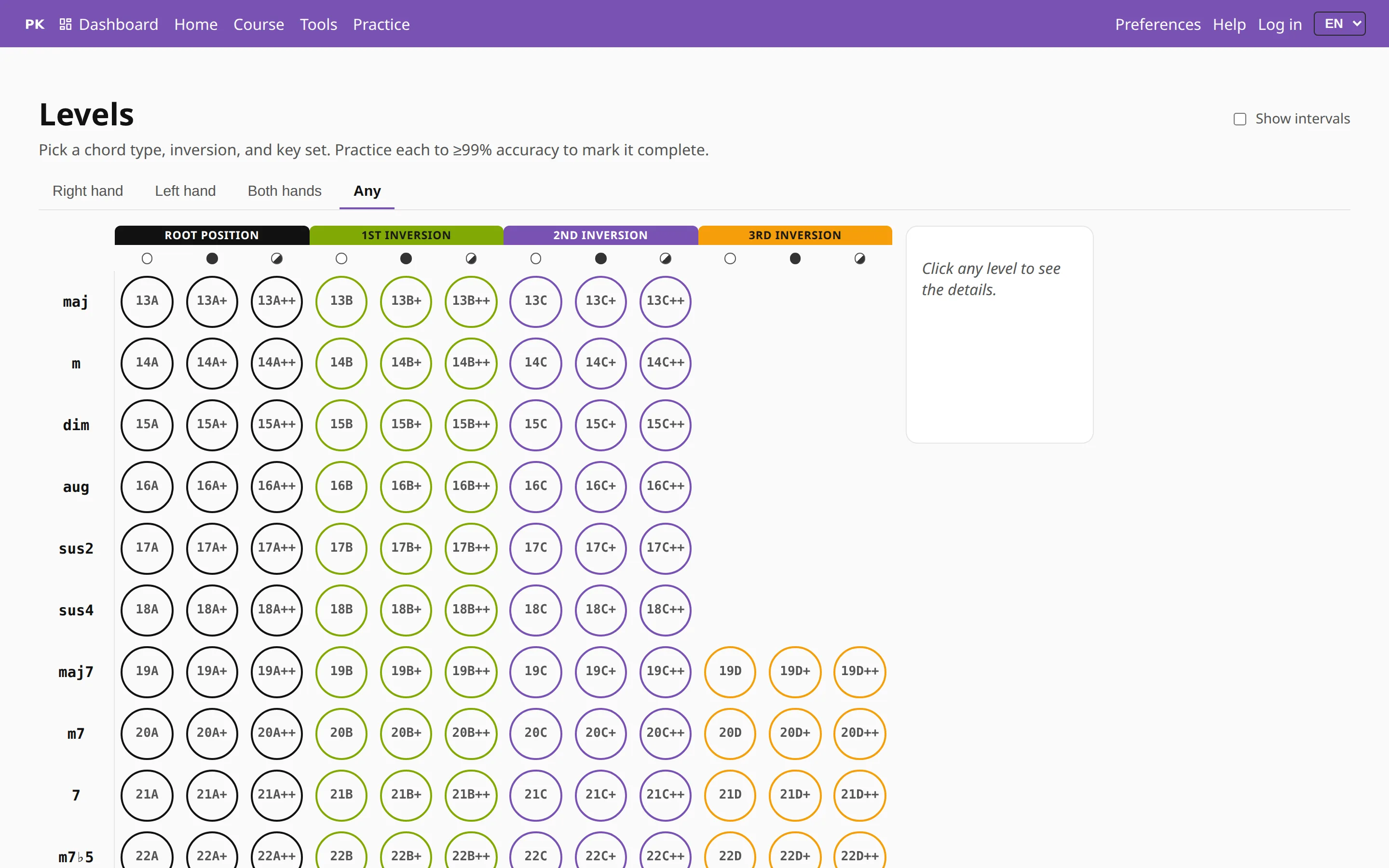
The level is a cell on the Levels grid: one chord type, one inversion, one set of roots. Clear it at 99% accuracy and the next one opens. The assessment is a quick way to find the right cell, and you can take it again whenever you have improved.