Practice real songs
Find a song by name and drill its chords verse by verse and chorus by chorus, in a key that suits your voice.
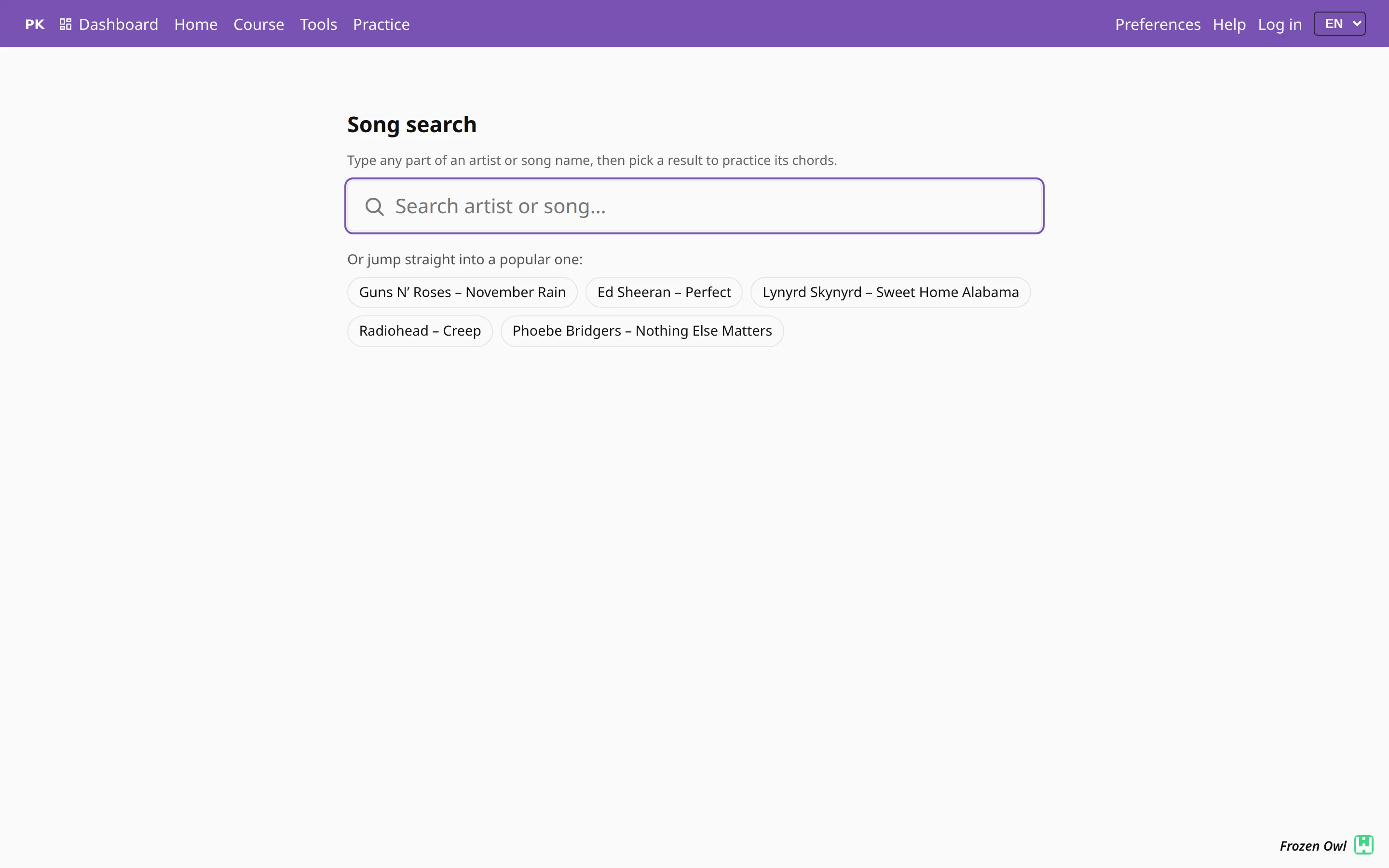
Search for the song you want to play
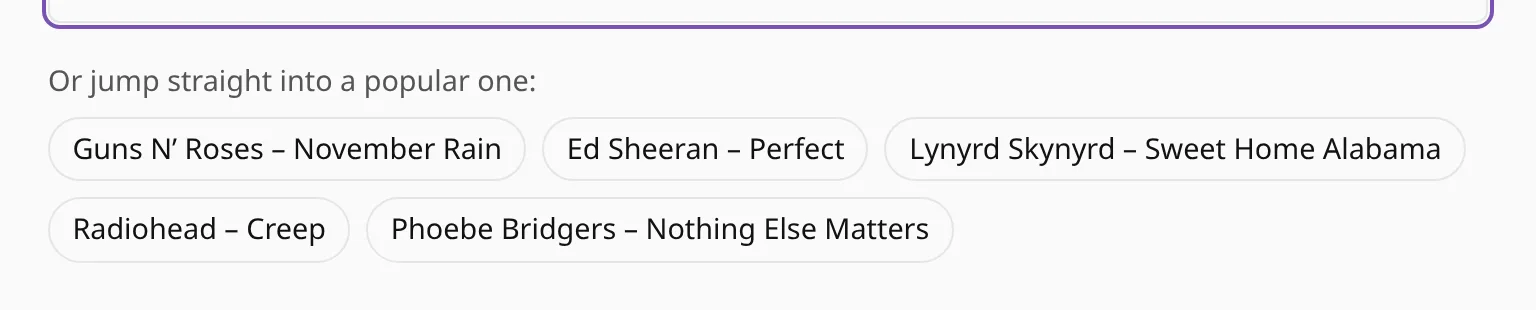
Type part of an artist's name or a song title and pick a result. The chords come from a very large collection of songs, so the one you have in mind is often there.
The song as a drill
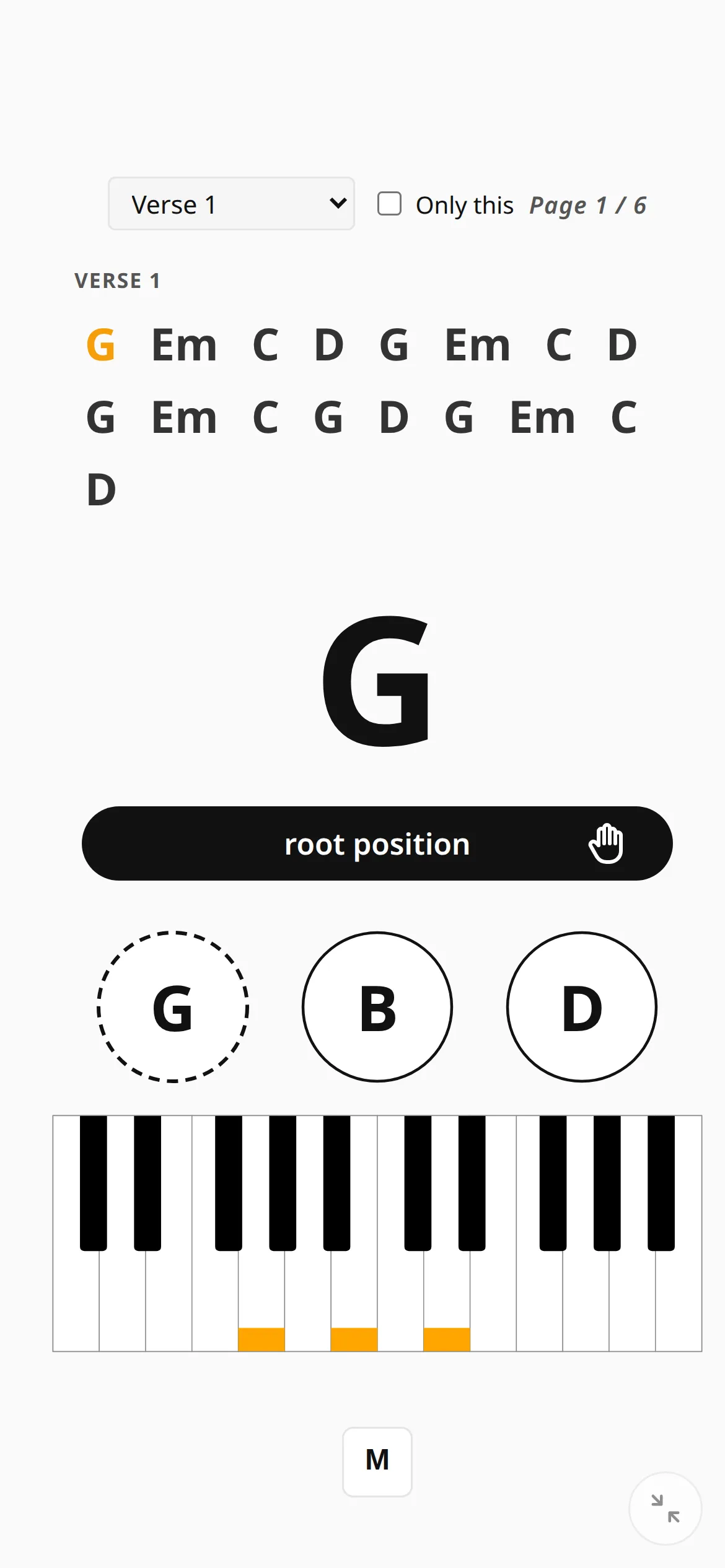
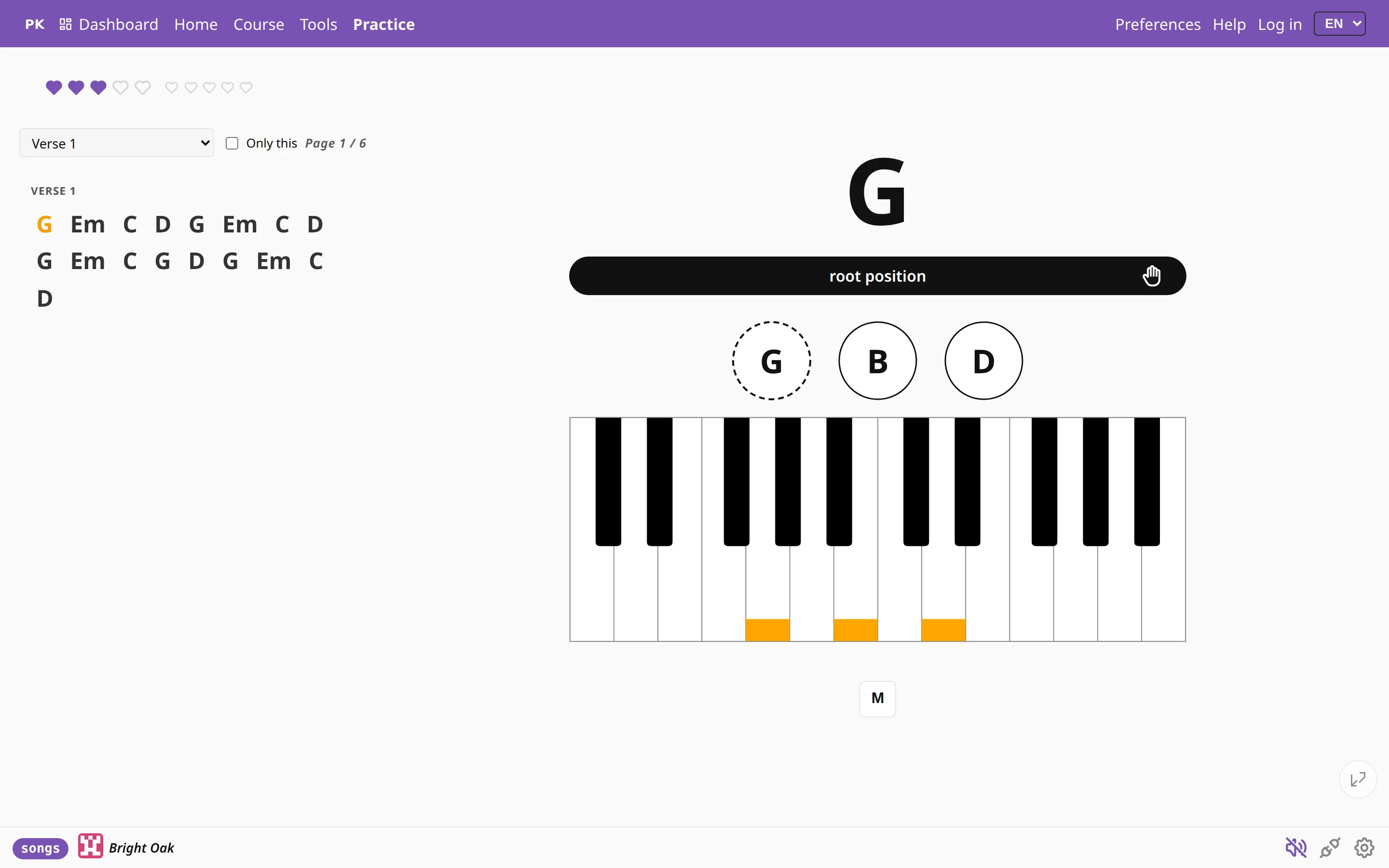
When you pick a song, practice starts right away with its chords in the chart. The current chord is marked and the rest of the part stays in view, while the keyboard and the hints work as in every other drill. The app asks for each chord in turn and checks whether you played it.
One part at a time
Songs keep their structure: intro, verse, chorus, bridge, solo, outro. Jump to the part you are working on, or tick only this and loop that part until you can play it without stumbling.

You can transpose a song by a half step, a whole step or a fifth, up or down. The key of the recording may not suit your hands or your singer.
On a phone