Choose your own voicing
Choose which parts of the chord each hand plays, or set the exact notes step by step and let the app ask only for the root.
One chord, many shapes
A D7 can be voiced in many ways. You might play root and fifth in the left hand and the color notes in the right, leave the root out because the bass player has it, or stack the whole chord in one hand, as in a hymn.
The drill can require any of these. There are two settings, one for each way of describing a voicing: by the parts of the chord, or by the exact steps above the root.
By part: left takes these, right takes those
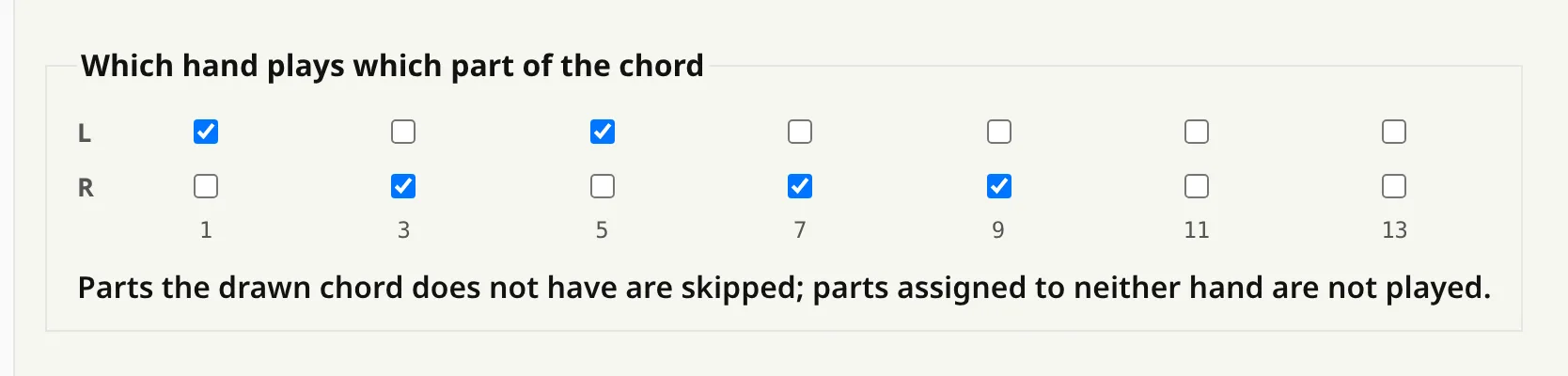
Specific voicing is a grid with the seven parts a chord can have (root, 3rd, 5th, 7th, 9th, 11th, 13th) and one row for each hand. Tick the parts each hand should play. The chord that gets drawn decides the actual notes, so the same split works on every chord in the pool.
A part the chord does not have is skipped, and a part given to neither hand is not played. Root+5 in the left and 3+7+9 in the right makes a jazz split on a D9; on a plain D major the same setting leaves root+5 and the 3rd.
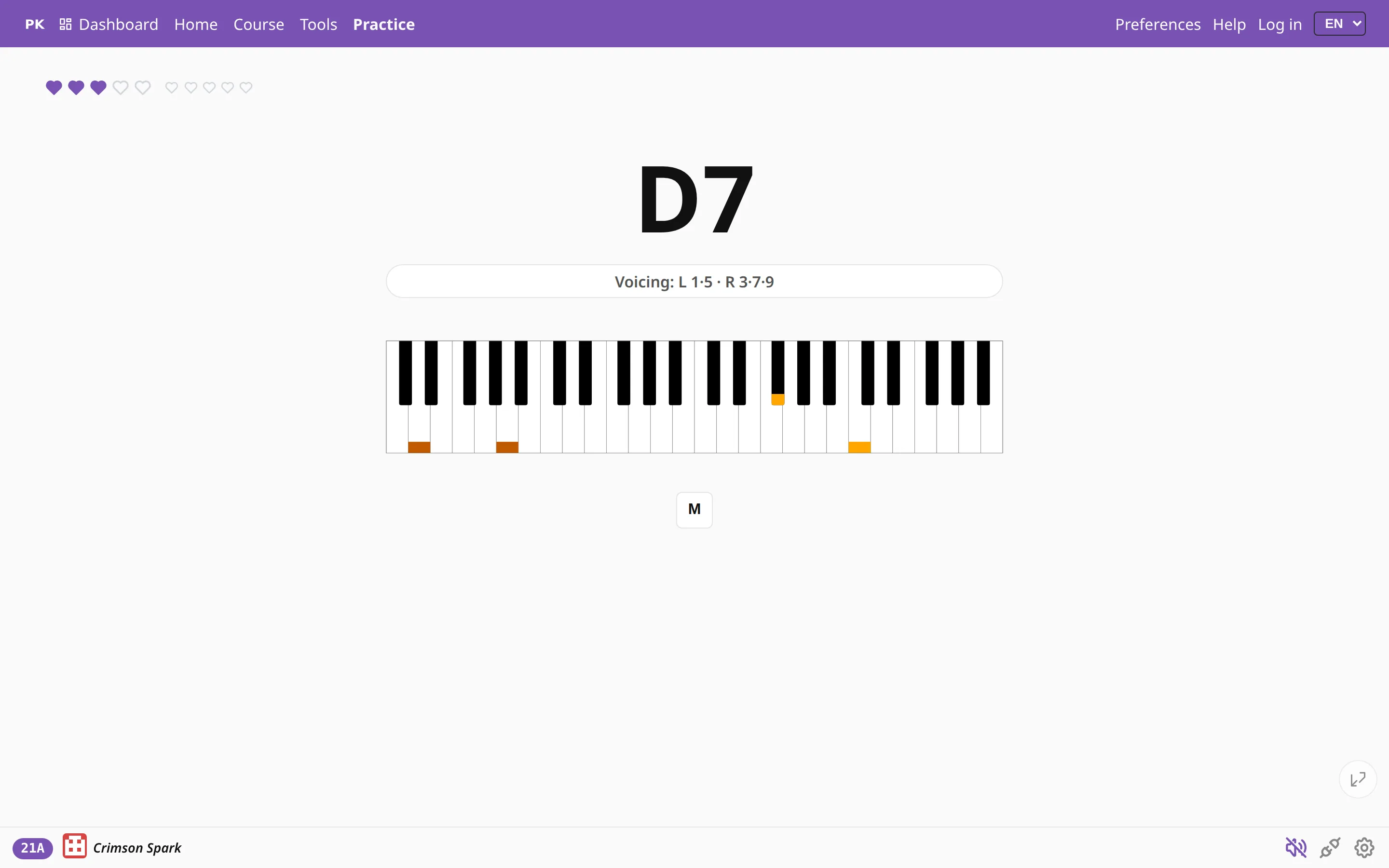
Grading ignores octaves, so play the split wherever it sits comfortably under your hands. It checks only that the required notes are there and no others.
By step: ninja mode
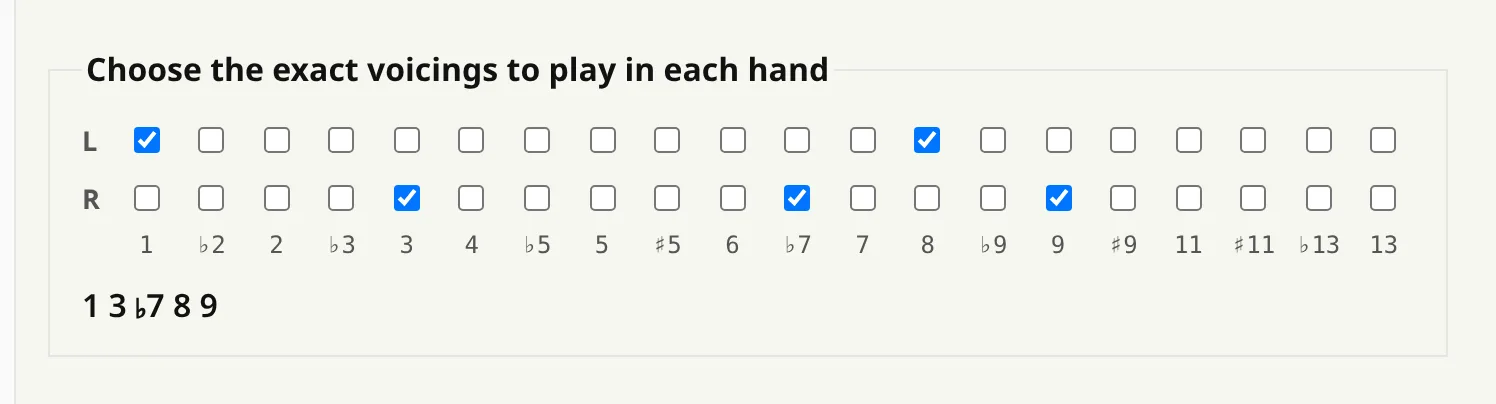
Ninja mode does without chord names. You pick semitone steps above the root, twenty per hand, from the root itself through the octave to the tensions above it, and the question asks only for the root note.
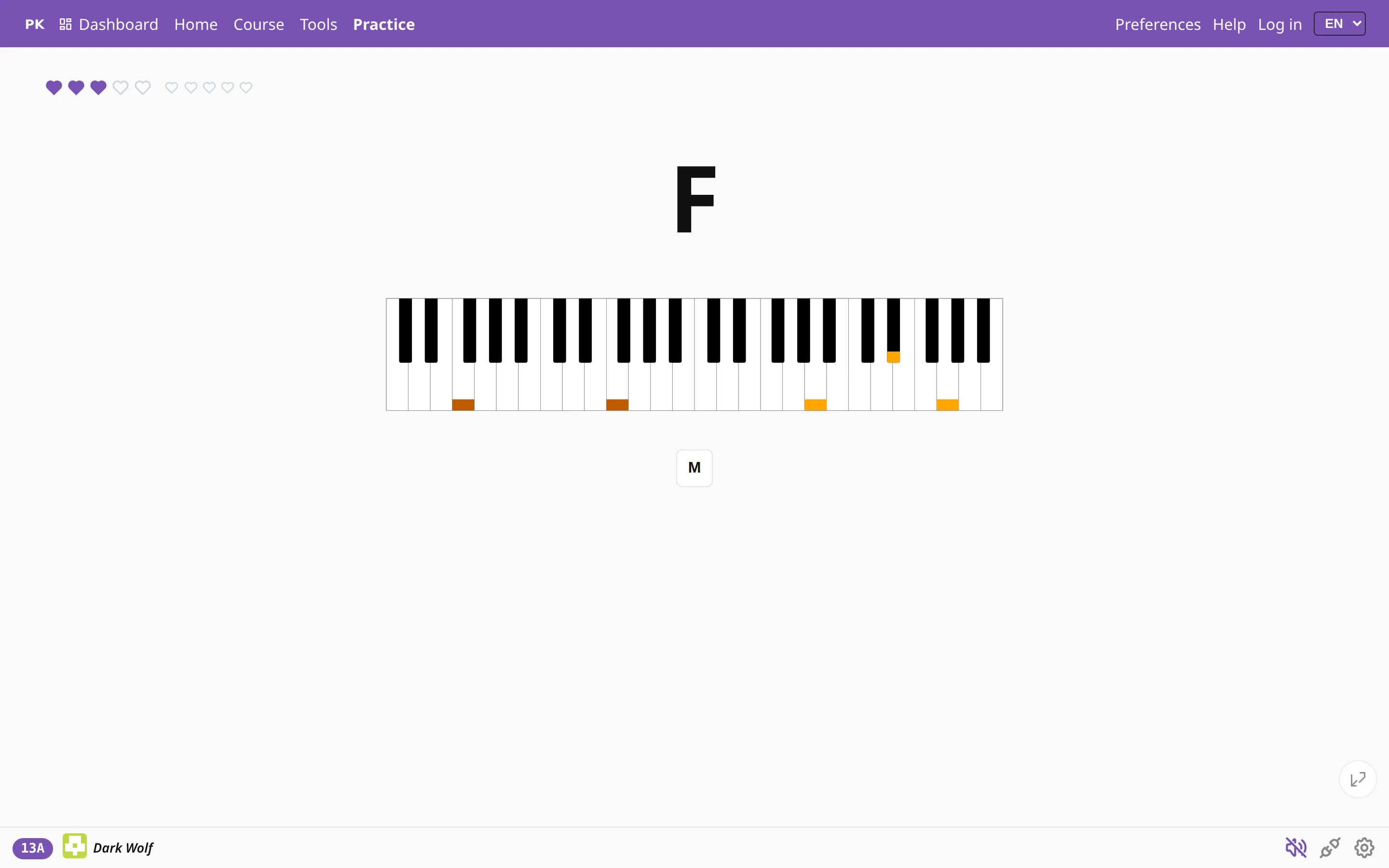
Chord types and inversions no longer matter. You practice a hand shape, moved to wherever the root falls, and so learn a voicing in all twelve keys without having to name it.
Which one do I want?
Use specific voicing when you want to keep practicing chords: the pool still draws majors, minors and sevenths, and you decide how each one is spread across the hands.
Use ninja mode when you want to practice one shape: a fixed stack of steps played from every root until you no longer have to think about it.
Both are ordinary settings you can switch off at any time, and both are in Preferences with the rest of the exercise.