Piano chord games: flashcards, ear training, rhythm
Four free piano games that teach chords: play them, name them, hear them or jump to the beat. Hearts, streaks and coins keep you coming back.
Practice that feels like play
Learning piano chords takes repetition, and repetition gets dull. PianoKitty turns the repetition into games: you have hearts to lose, streaks to keep, coins to earn and a level to beat. The games are free, run in the browser and work on a phone, a tablet or a computer.
They suit self-taught players who want a reason to open the piano every day, and teachers who want a quick game for the last ten minutes of a lesson. There are four of them.
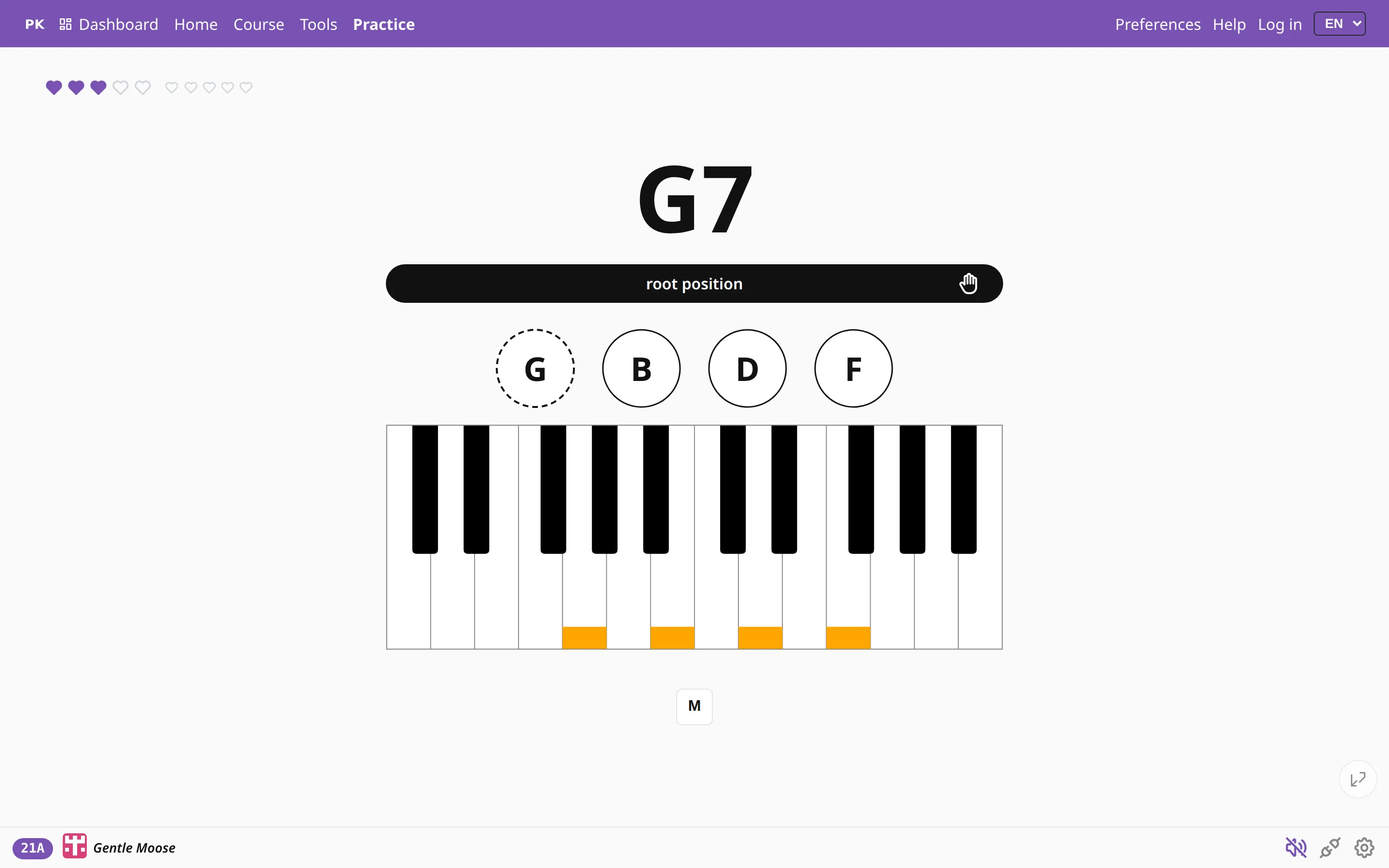
Chord drills: play the chord you see
The core game. The app shows a chord name, such as F♯m7, and you play it on a MIDI keyboard or on the on-screen keys. You pick the chord types, keys and inversions, and the app asks only for those. A wrong note costs a heart; a run of correct chords builds your streak.
It is the quickest way to learn piano chords by heart, and to find out which ones you still hesitate on. More in random chord practice and chord inversions.
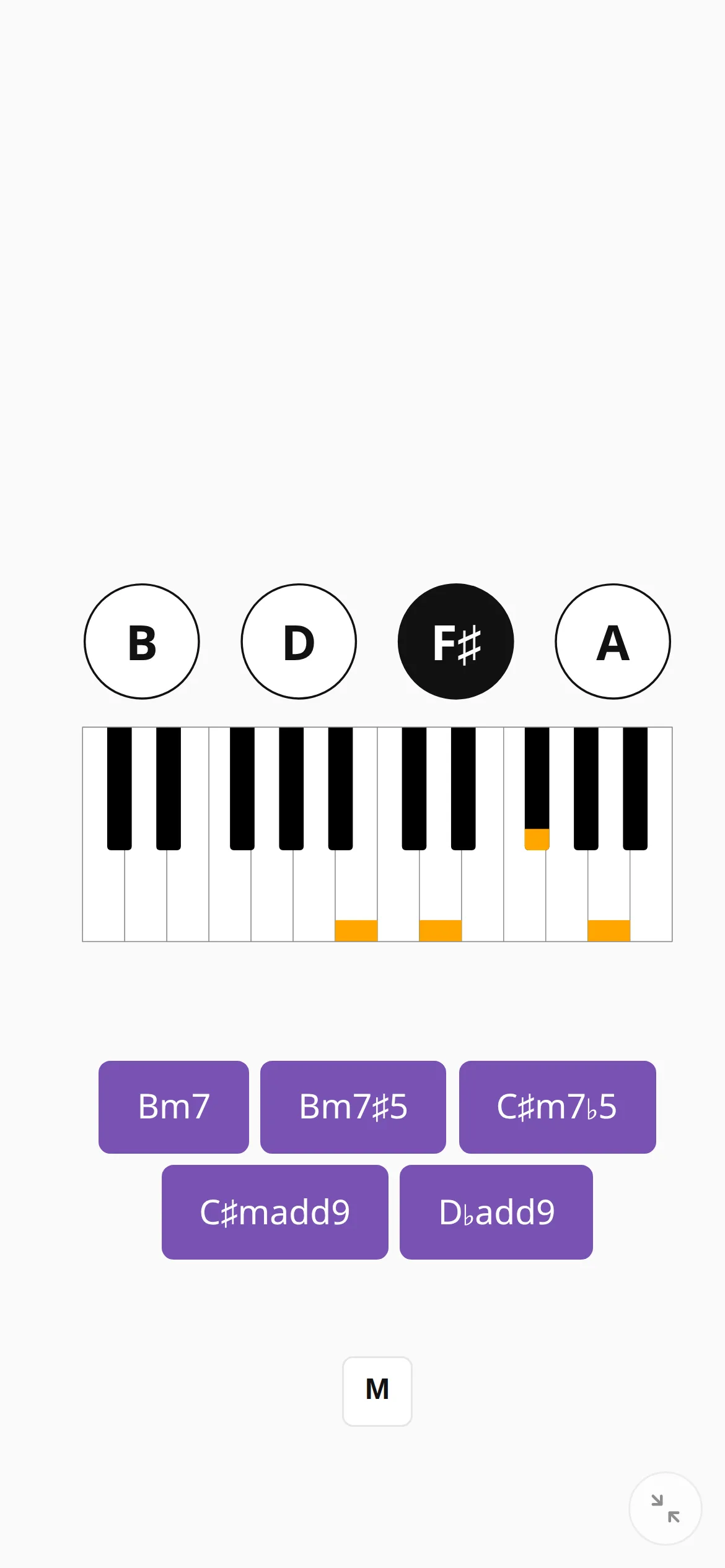
Chord flashcards: name the chord
The same pool as a quiz. The app shows the notes or the staff and you pick the chord name, or it shows the name and you tick the notes. You can also name key signatures and scale degrees. No piano is needed, so it works as a set of chord flashcards on a phone, on a train or in the ten minutes before a lesson.
Read naming chords for the six kinds of question.
Ear training and listen & repeat
Two games train the ear. In ear training the app plays a chord, hides it behind a question mark and you say whether it was major, minor, diminished or a seventh.
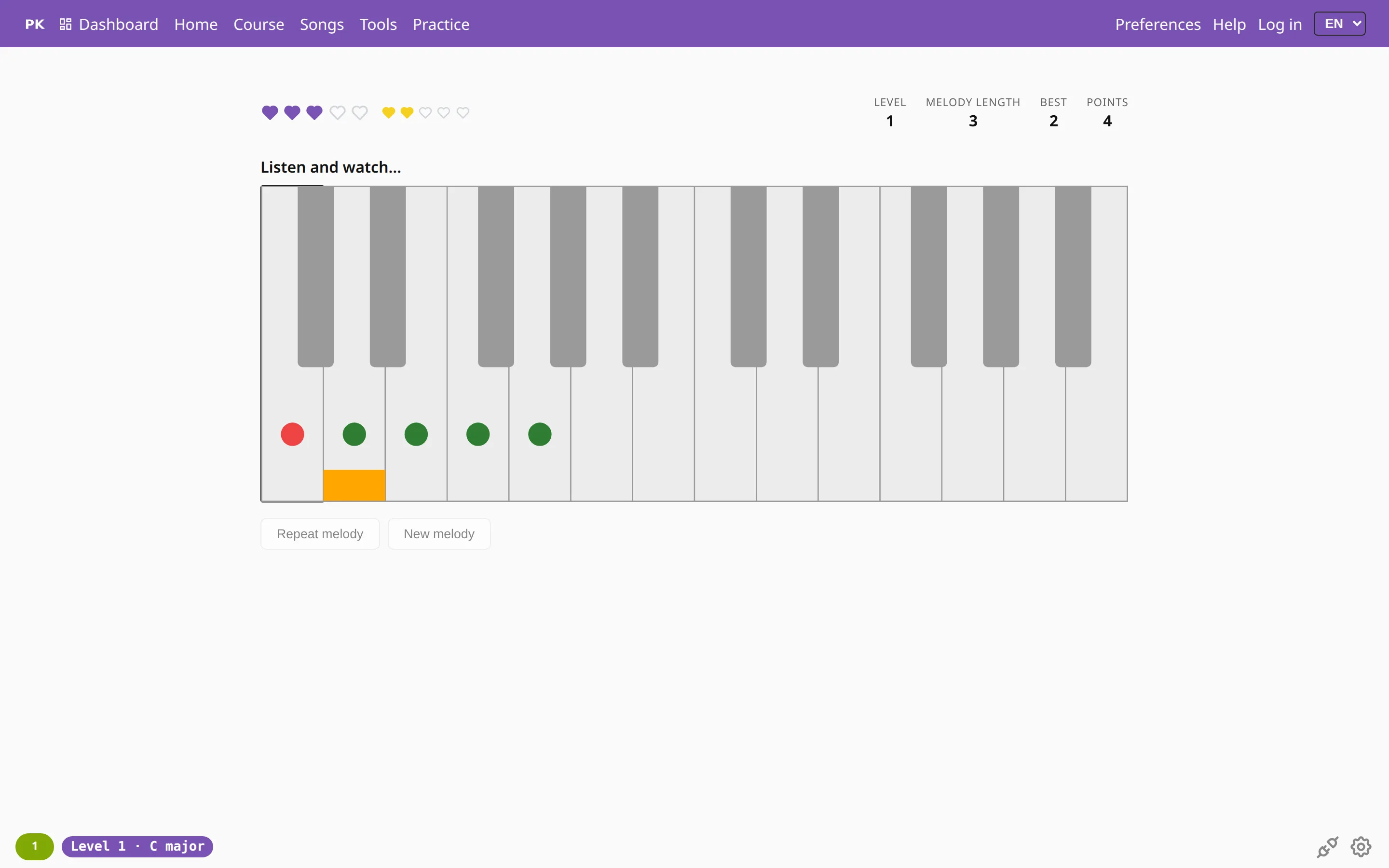
Listen and repeat is a piano memory game: the app plays a melody, you play it back, and the melody grows by one note each round. It is free, needs no account and has 15 levels and an endless one. It also helps with playing by ear and with sight-reading.
Jumper: chords on the beat
A rhythm game for piano. A runner moves along a line, obstacles arrive on the metronome beat, and the runner clears one only if you play the right chord in time. Knowing a chord and playing it on the beat are different skills, and Jumper trains the second one.
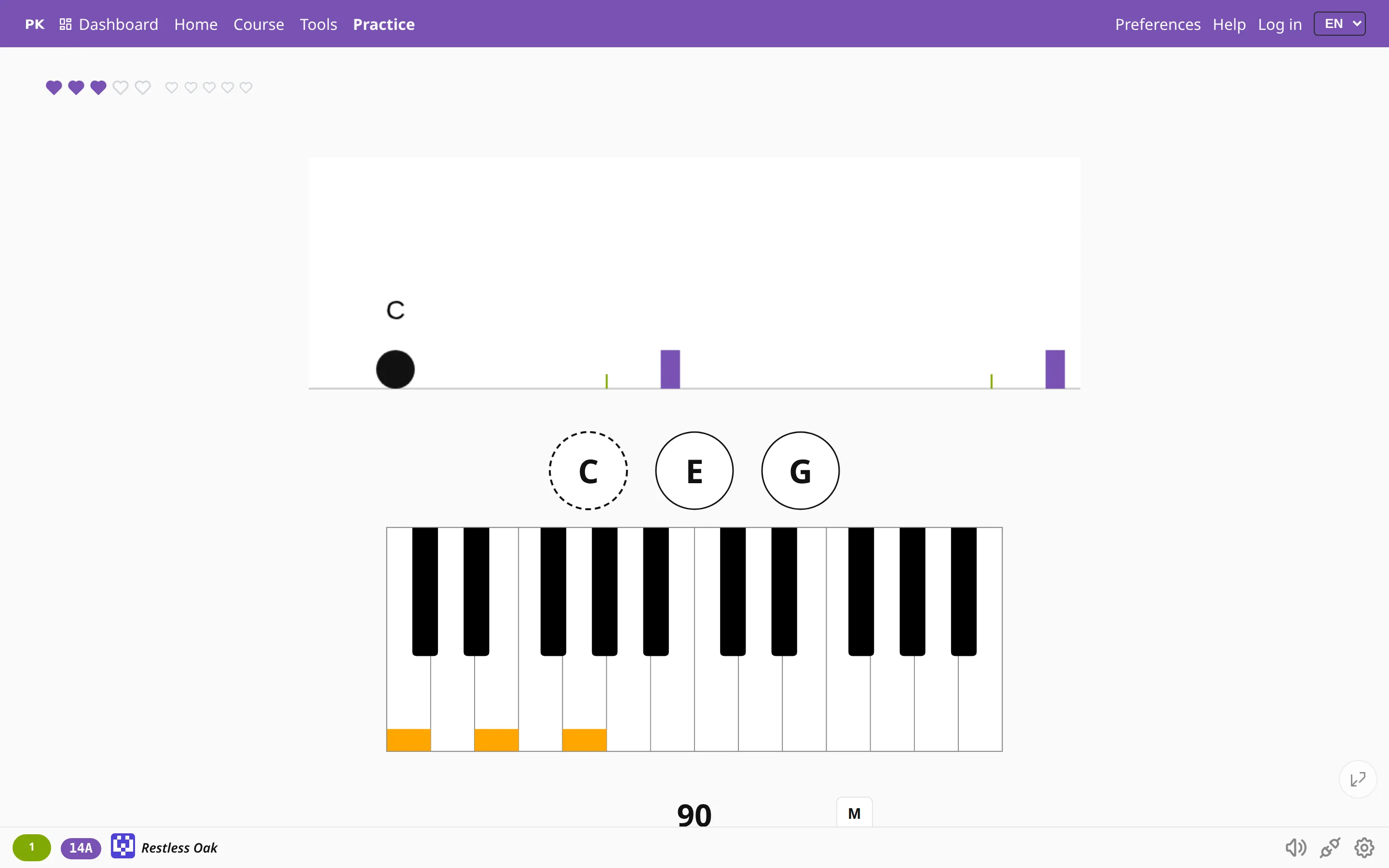
What keeps you playing
- Hearts make a wrong note matter.
- Streaks reward practicing every day.
- Coins buy things in the pet shop.
- Badges mark milestones.
- Levels raise the difficulty only when you are ready.
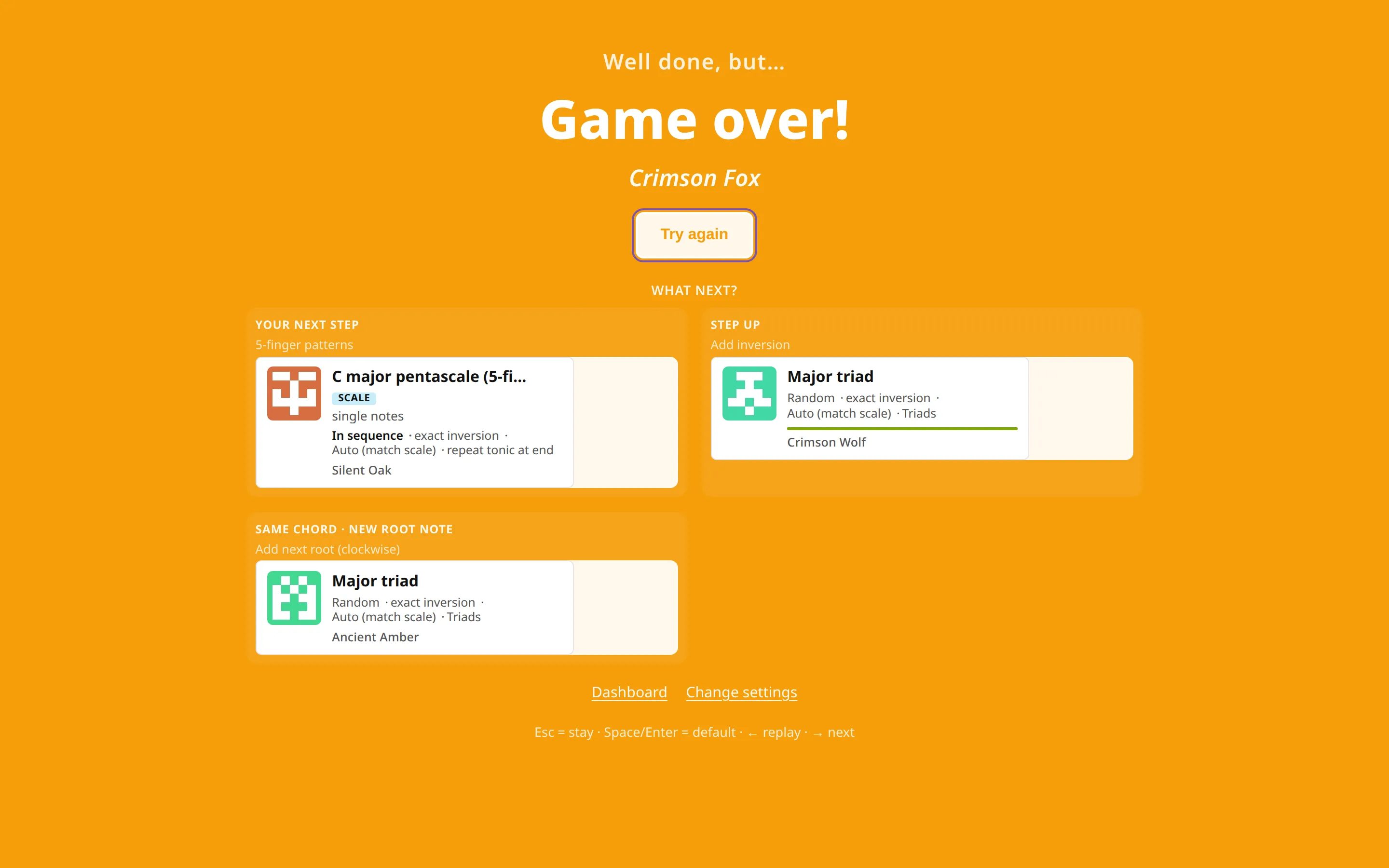
The whole system is in gamification. Teachers can hand games to students as homework, and parents can start younger children with baby mode.
Pick a game
Questions about the games
Are the piano games free?
Yes. You can play all four without an account. Signing in saves your progress, streaks and coins.
Do I need a piano or a MIDI keyboard?
No. Naming, ear training and listen and repeat work on a phone with on-screen keys. A MIDI keyboard makes the chord drills and Jumper more fun; see plug your piano in.
Are these games good for kids?
Yes. Short rounds, hearts and rewards suit children, and the difficulty is yours to set. Parents will find a start in getting started for parents.
Can a piano teacher use them in lessons?
Yes. Use a game as a warm-up or a ten-minute reward, or assign a set of chords as homework. See PianoKitty for teachers.
How do the games help me learn chords?
Each one repeats the same chords in a different way: playing, naming, hearing and timing. Seeing a chord in four contexts makes it stick faster than drilling it one way.