Ear training
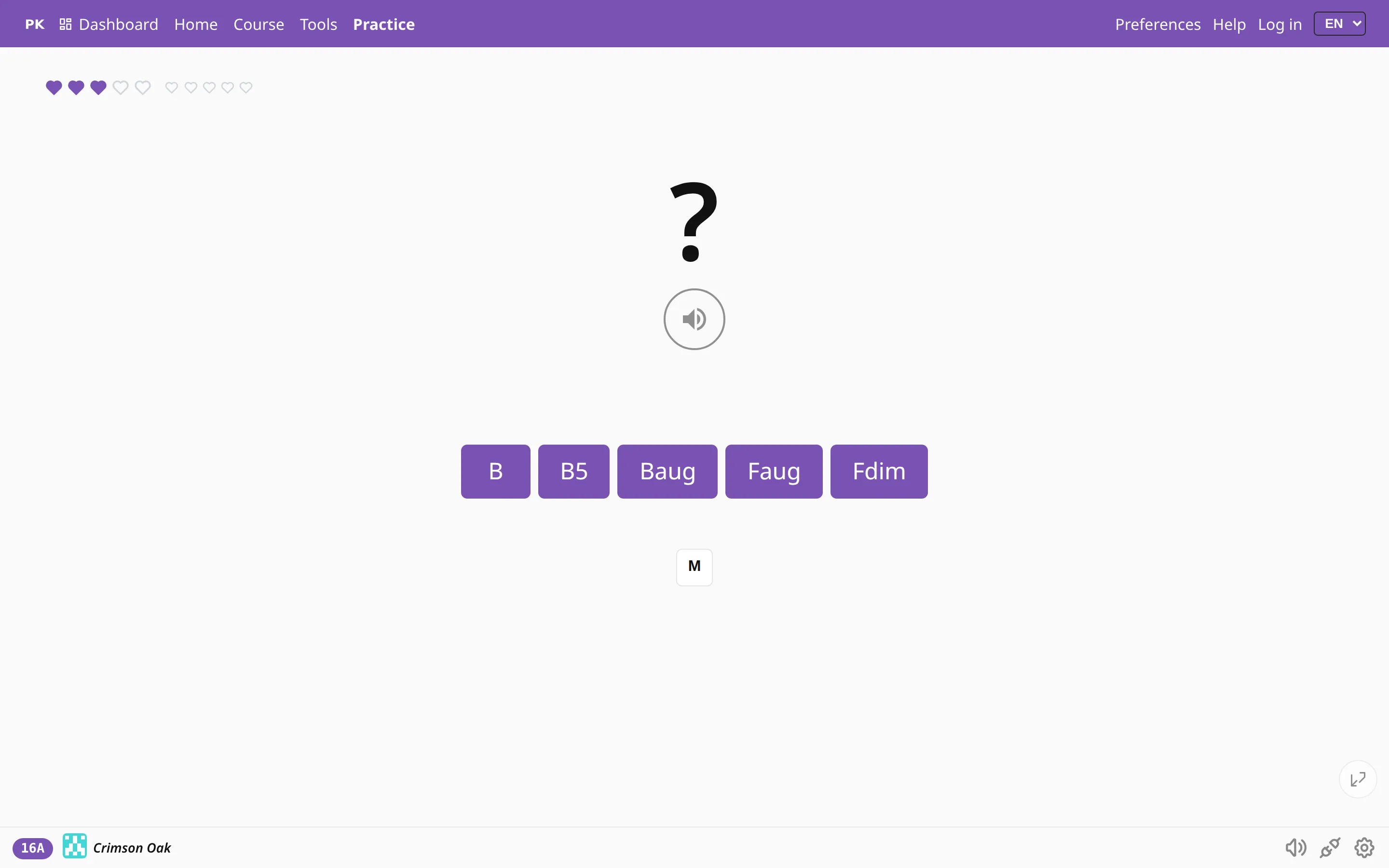
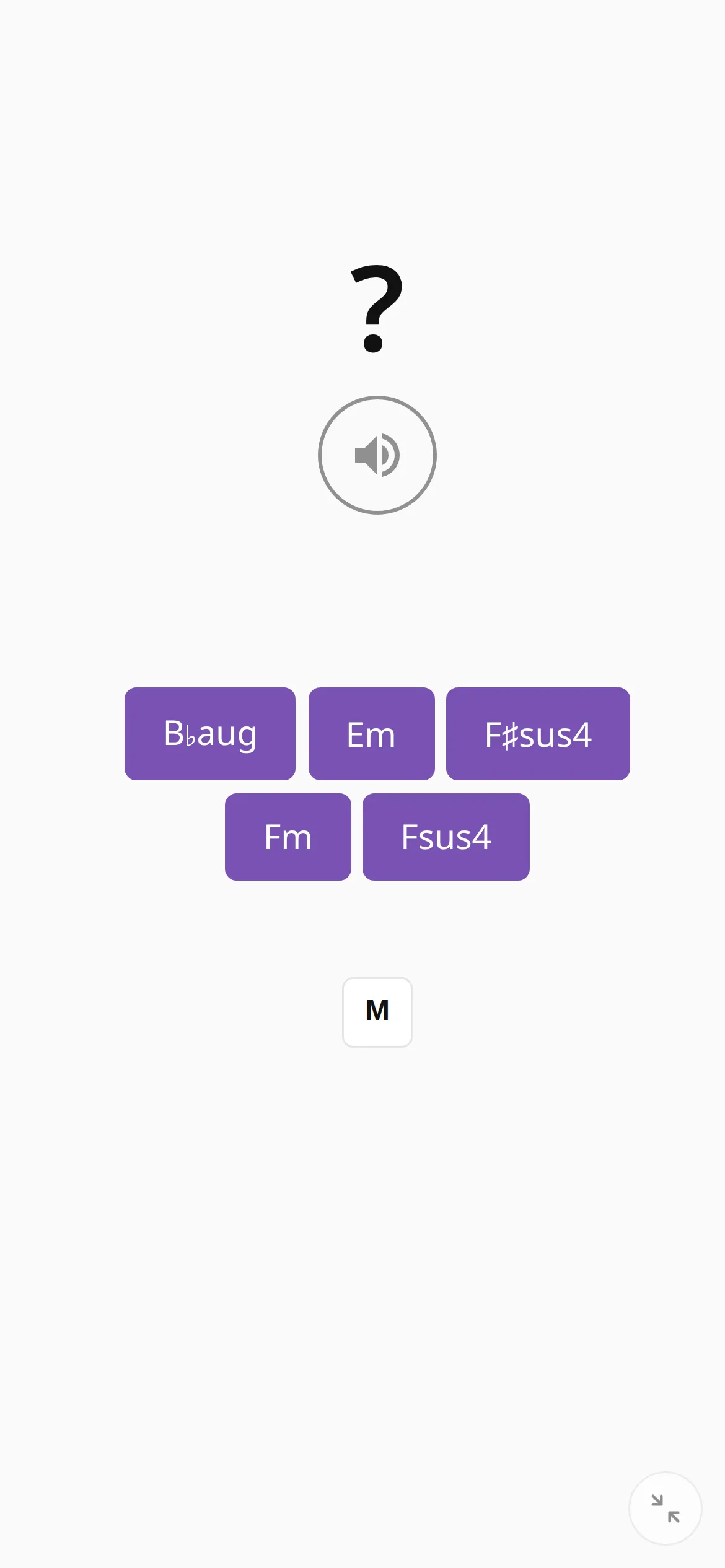
The app plays a chord without showing it, and you name it from the sound, either with the buttons or by playing it back on your keyboard.
Hear it, then name it
In the rest of PianoKitty you see a chord and play it. In ear training the chord is played, the screen shows only a question mark, and you say which chord it was.
This is the skill behind playing by ear, and reading music does not train it. Start with major against minor, then add diminished and augmented, then seventh chords, where only one note in four is different.
Two ways to answer
Tap the chord’s name, or play the chord if a MIDI keyboard is connected. Playing it back is harder, and it shows that you heard the individual notes as well as the overall sound.
R replays the question as often as you like, and nothing is timed.
How it sounds
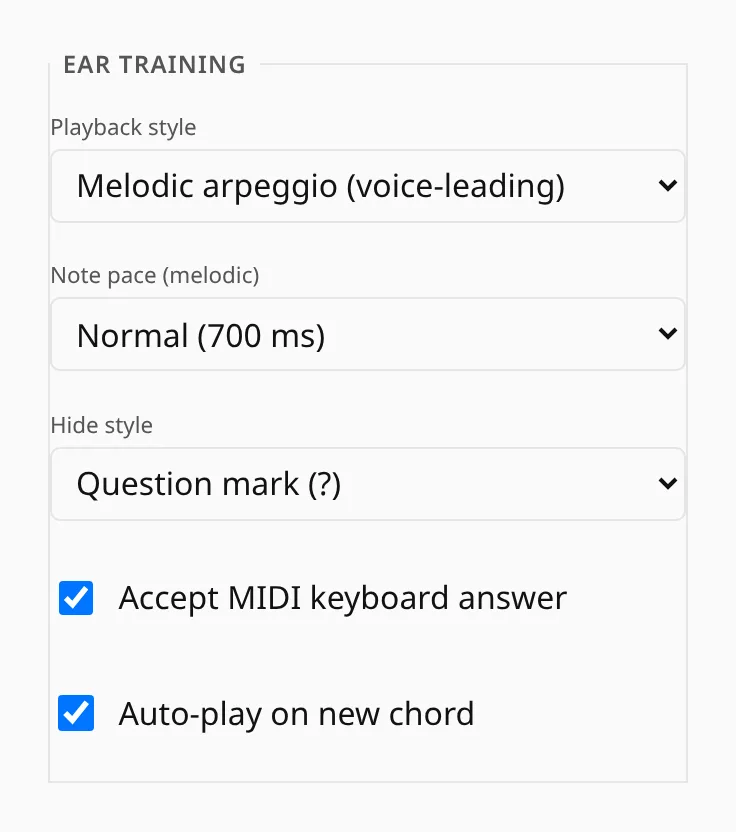
- Melodic plays the notes one after another, which is easier to follow; harmonic plays them together, as you usually hear chords in music.
- The melodic version can be slow, normal or fast.
- You can hide everything, or show the root and ask only for the chord type.
- The chord can play automatically when the question appears, or wait until you press play.
Ear training with melodies
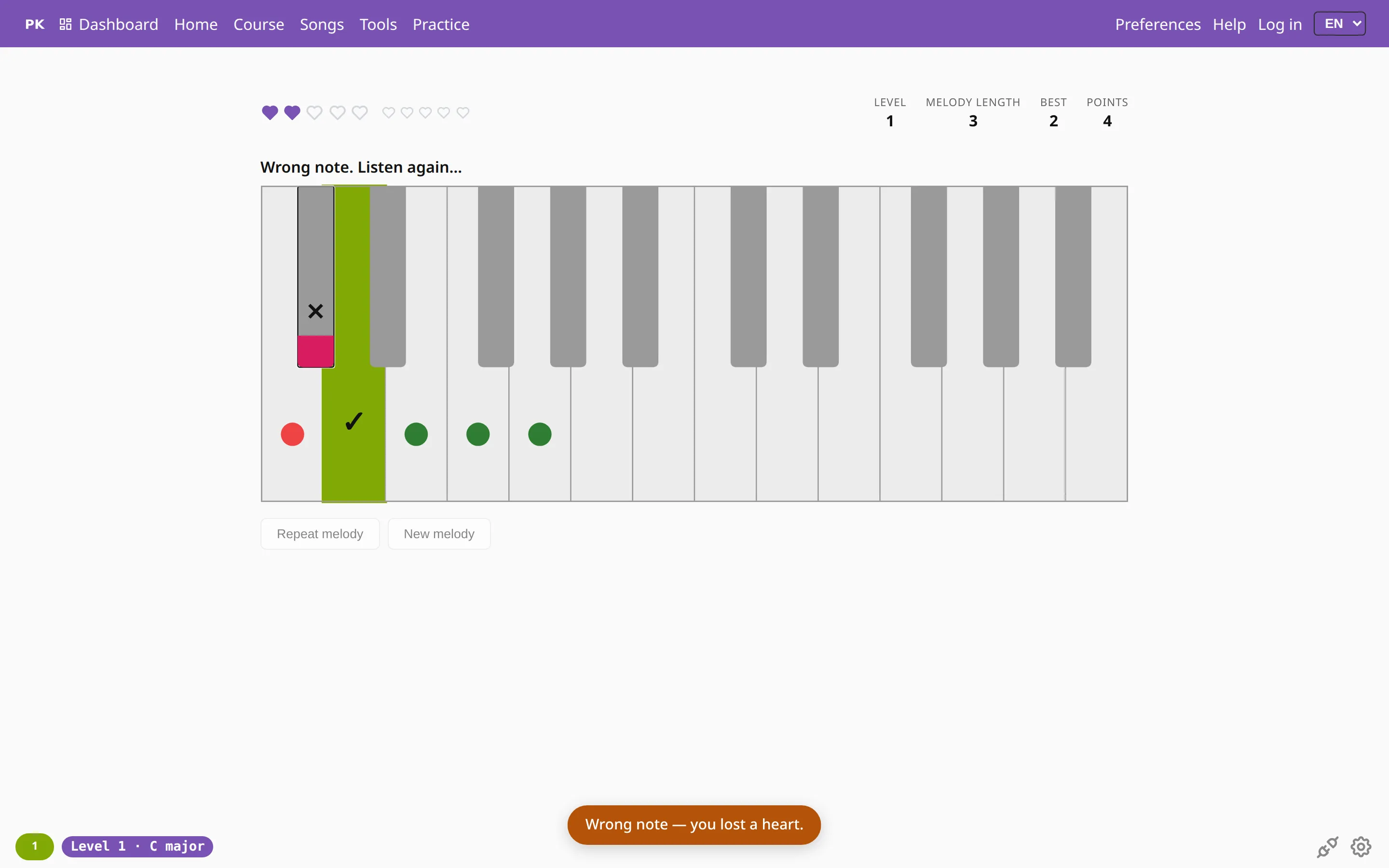
This page trains chords. Melodies have a game of their own: Listen and repeat.
You hear a short melody and play it back, on a MIDI keyboard or the on-screen keys. You start at level 1 and climb through 15 levels, then play on without end. A wrong note costs a heart.
Hearts, levels and tempo are explained in the Listen and repeat tour.