The naming quiz
Practice without an instrument: the app shows a chord, a staff or a key signature and you tap the answer. Six kinds of question, all of them on a phone.
Music theory on your phone
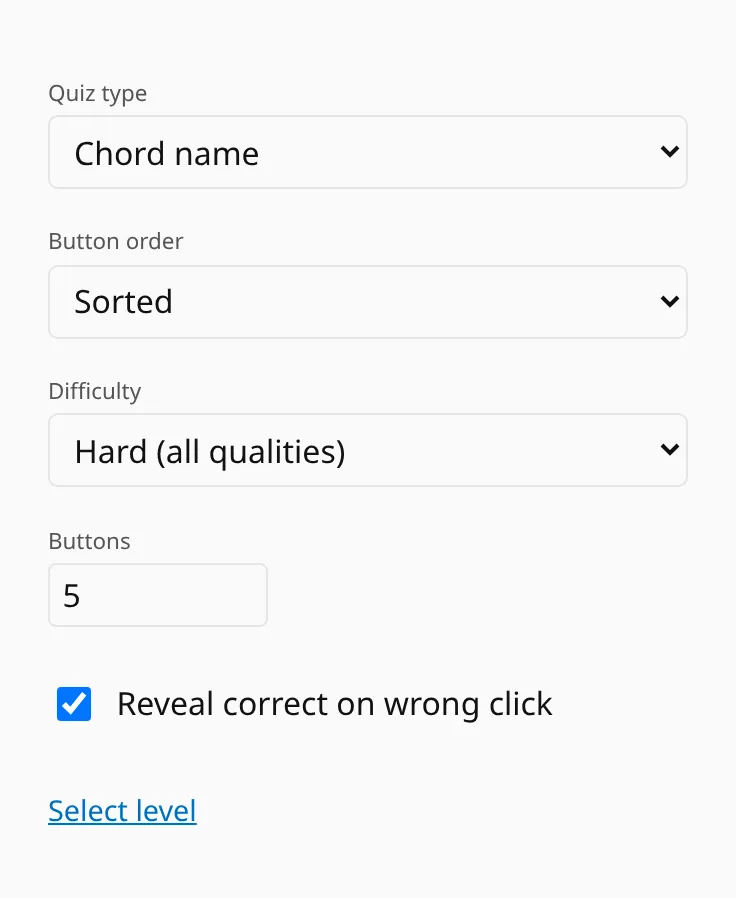
Naming turns any exercise into a multiple-choice quiz. The chord pool, keys, hearts and streaks stay the same, and you answer by pressing a button instead of playing the chord. You can do it in a queue, on a train or in the ten minutes before a lesson.
On a computer you pick answers with the digits 1–9; on a phone you tap them.
Six kinds of question
Three are about chords and keys:
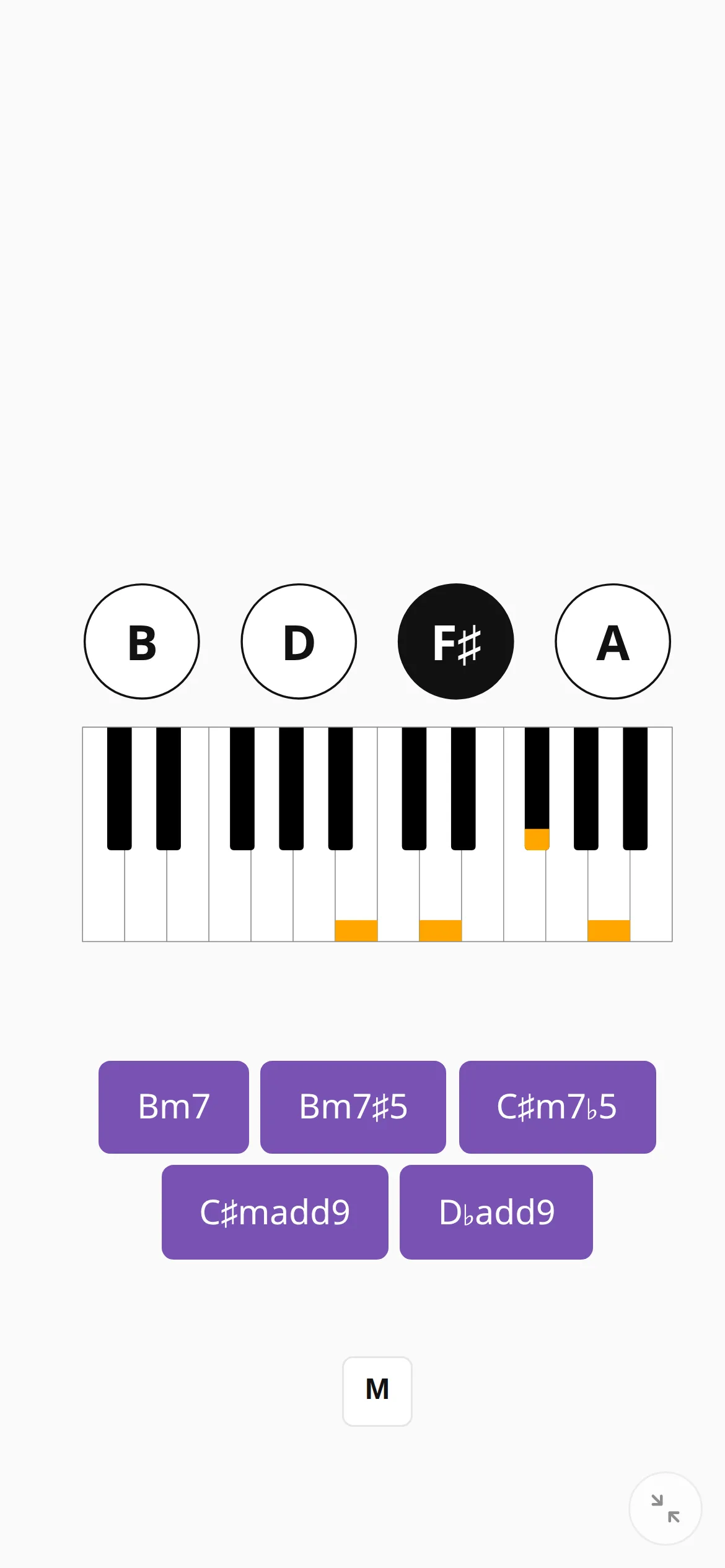
- Chord name: the app shows the notes (or the staff) and you pick the chord.
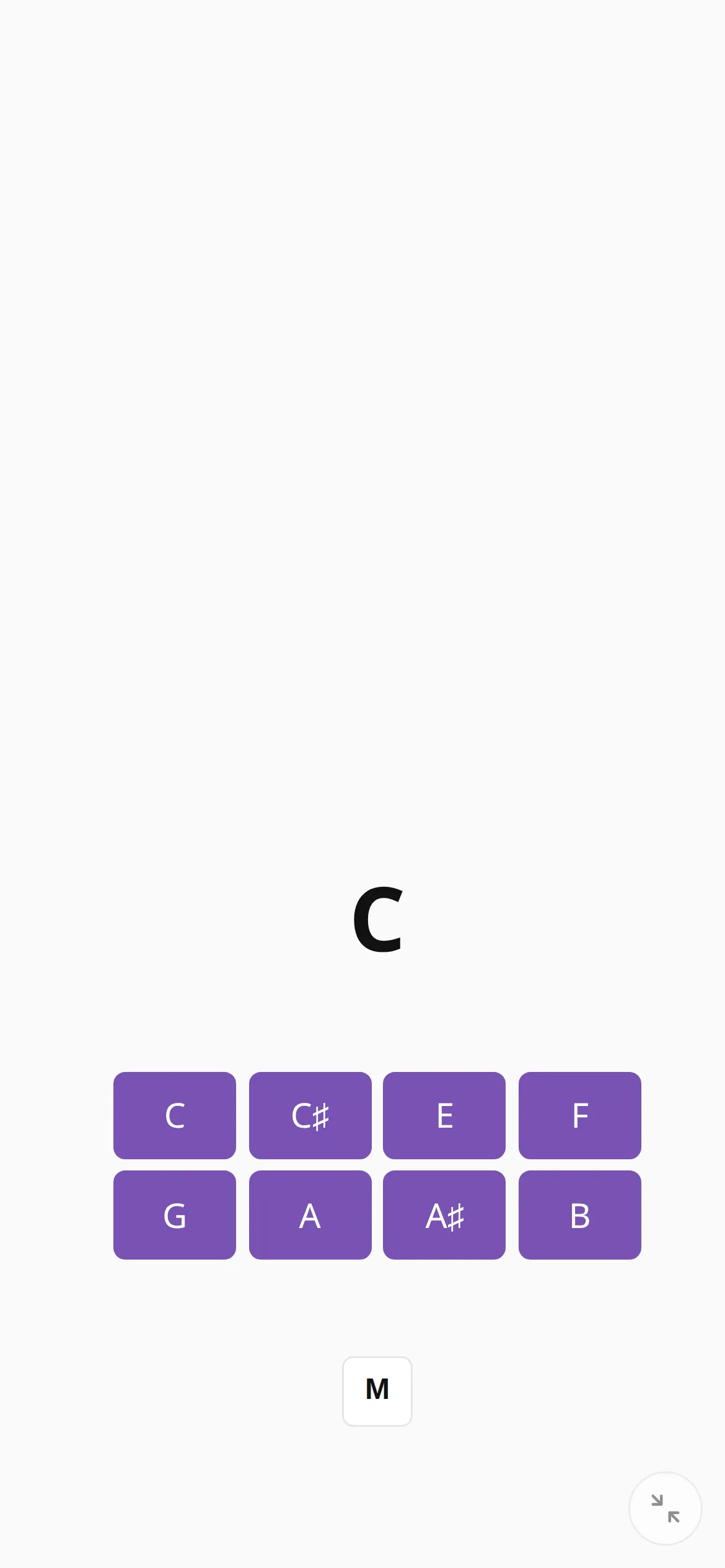
- Notes: the app shows the chord’s name and you tick every note that belongs to it.
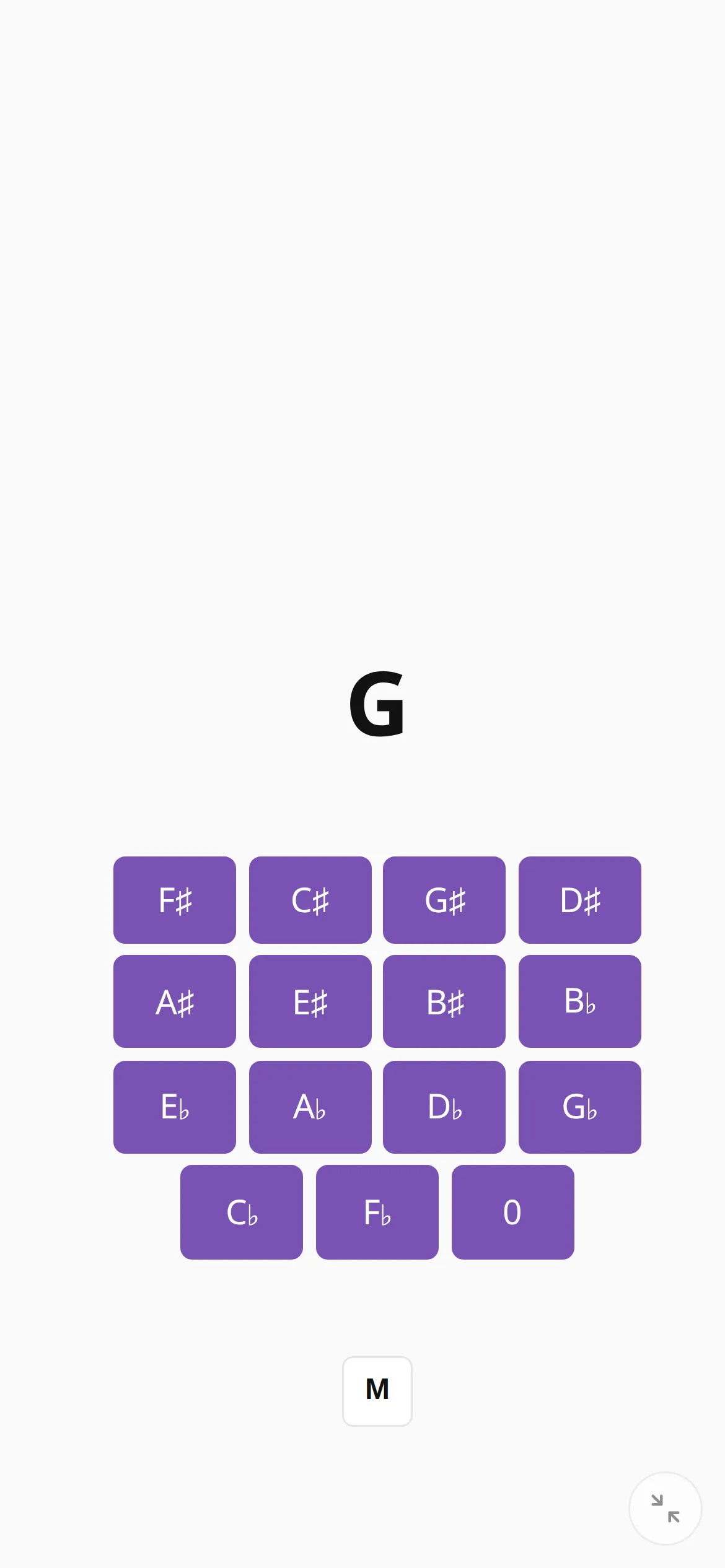
- Key signature: the app shows a key and you tick every sharp or flat in its signature. You can choose major keys, minor keys or both.
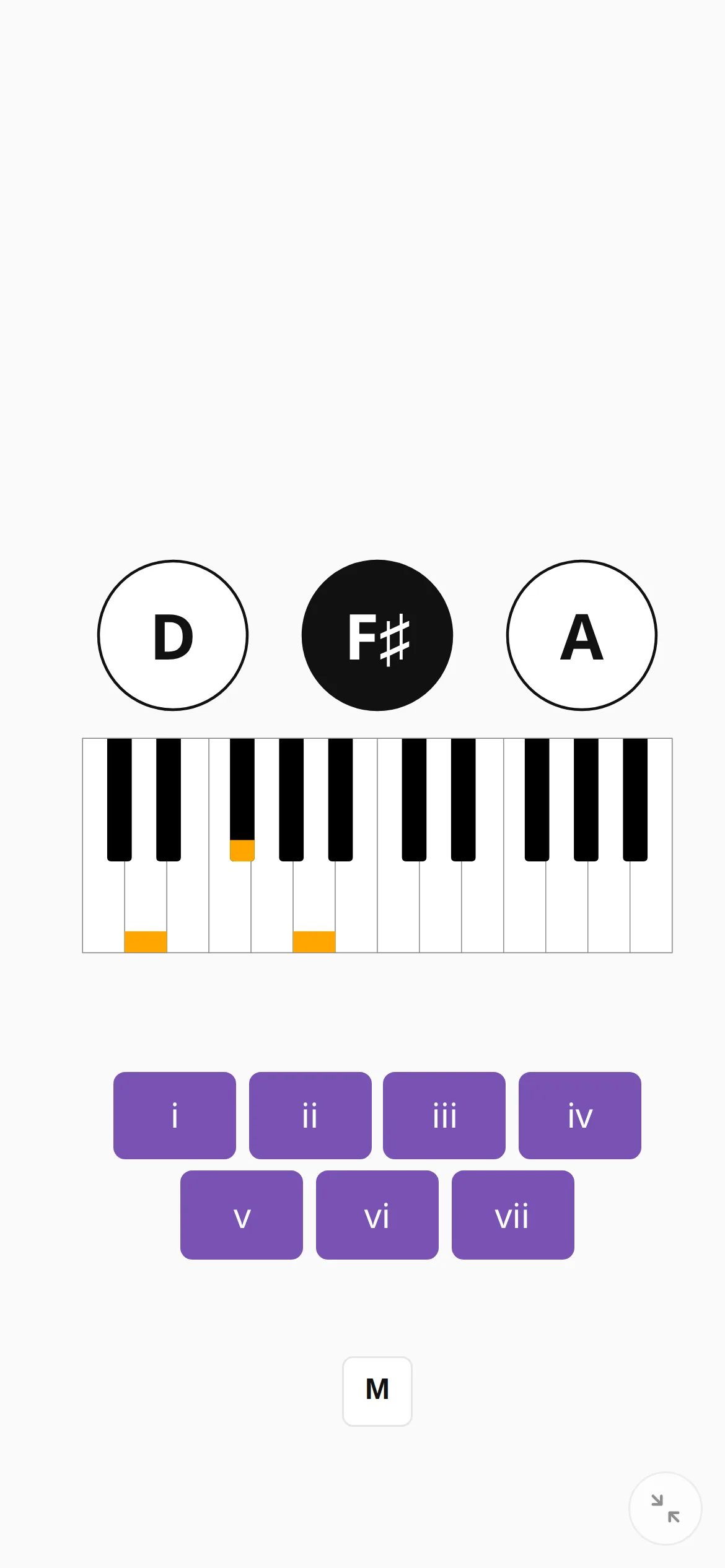
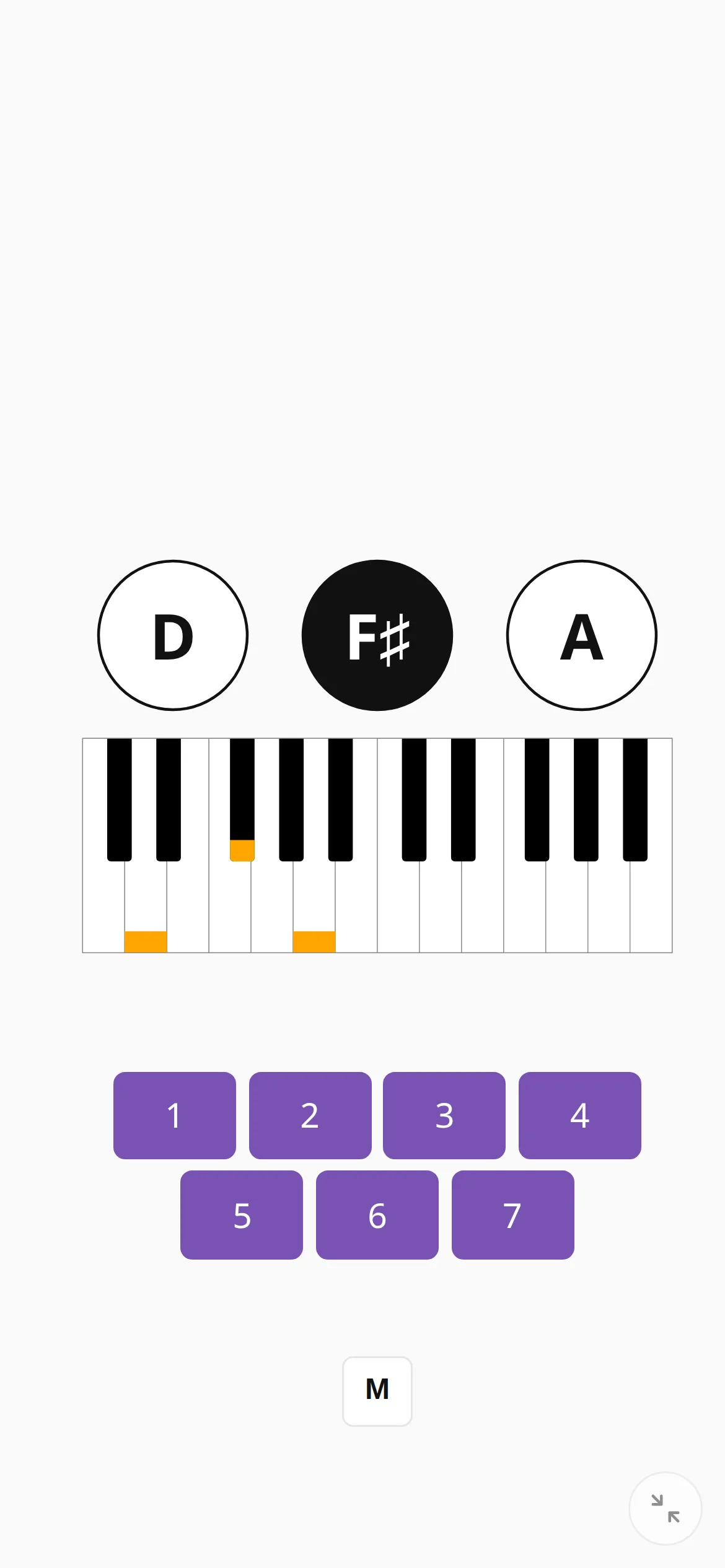
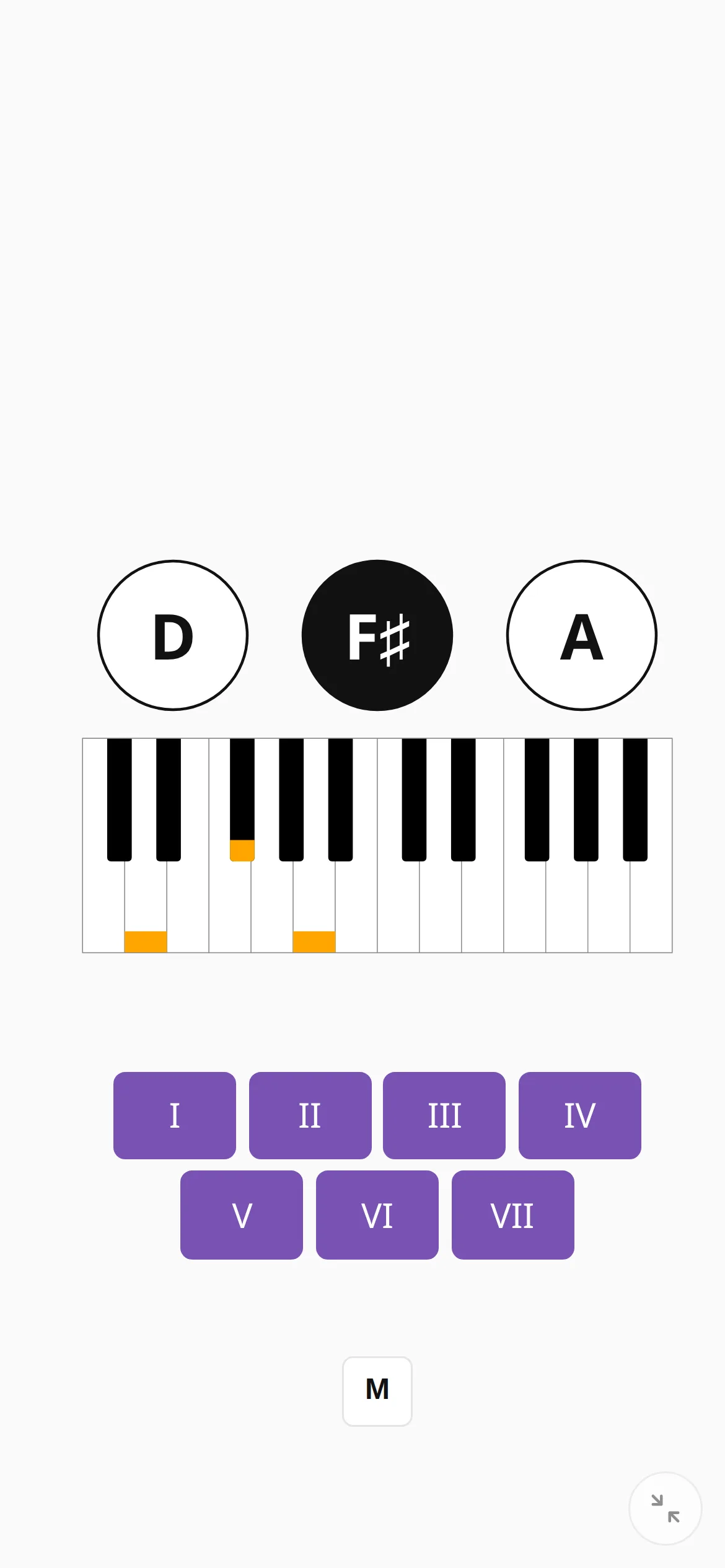
The other three ask where a chord sits in its key, so they are for scale exercises, where the answer depends on the key:
- Scale degree: a number from 1 to 7.
- Roman numerals: i to vii, as a harmony textbook writes them.
- Function: I to VII, as on a chord chart or when a teacher calls them out.
Set the difficulty
- On easy the wrong answers come only from your own chord pool; on hard they come from all chords.
- Each question has between two and eight buttons.
- The buttons can be sorted or shuffled. Shuffling stops you remembering where the right answer usually is.
- After a wrong answer the right button can light up, or you can turn that off and work it out yourself.