The Jumper game
A runner, a row of obstacles and a metronome. Play the chord in time and the runner jumps over the next obstacle.
Chords on the beat
Knowing a chord and playing it on the beat are separate skills. The ordinary drill screen does not check the second one: if you take four seconds to find the notes, it still counts the chord as correct.
In Jumper the obstacles arrive on the beat, and the runner clears one only when you play the right chord in time. If you are late, the runner walks into it.
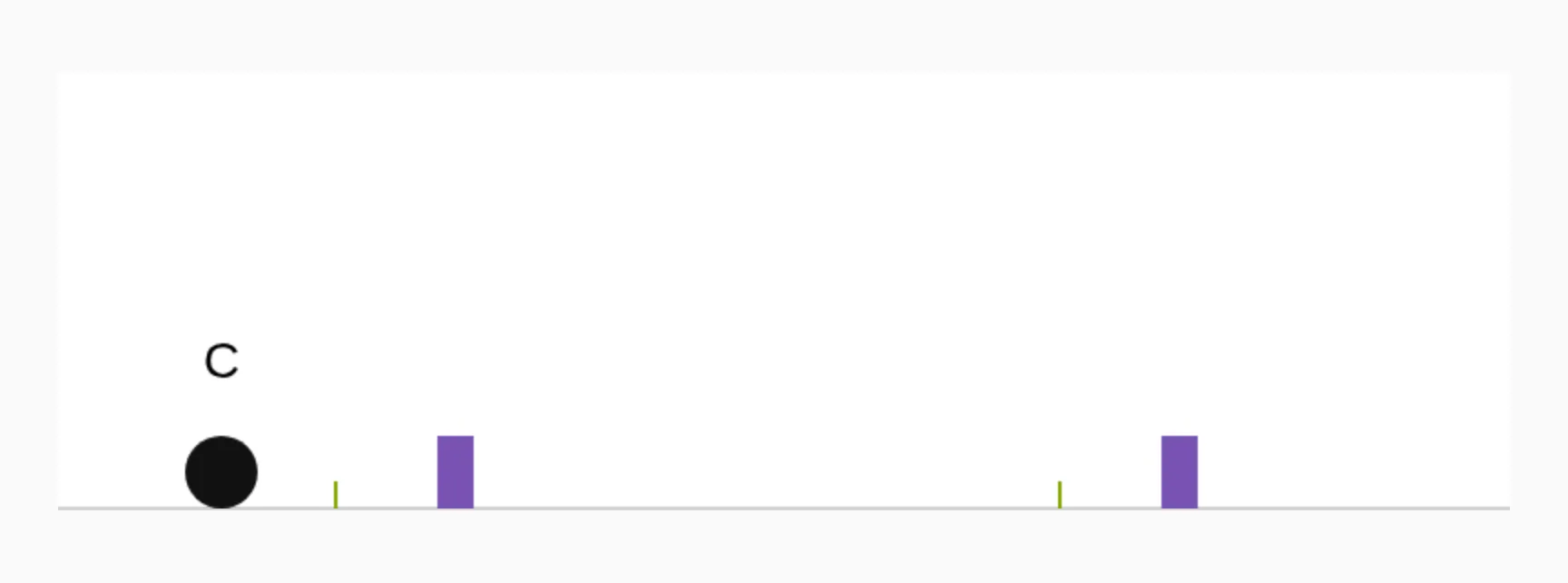
Press M, then play
The game runs on the metronome: starting the click starts the run, and stopping it stops the runner. It uses the tempo and meter you have already set, so the obstacles arrive on the same click you normally practice to.
J switches between Jumper and ordinary practice. The chord pool, keys and inversions stay as they were; the difference is that each chord now has to arrive on time.
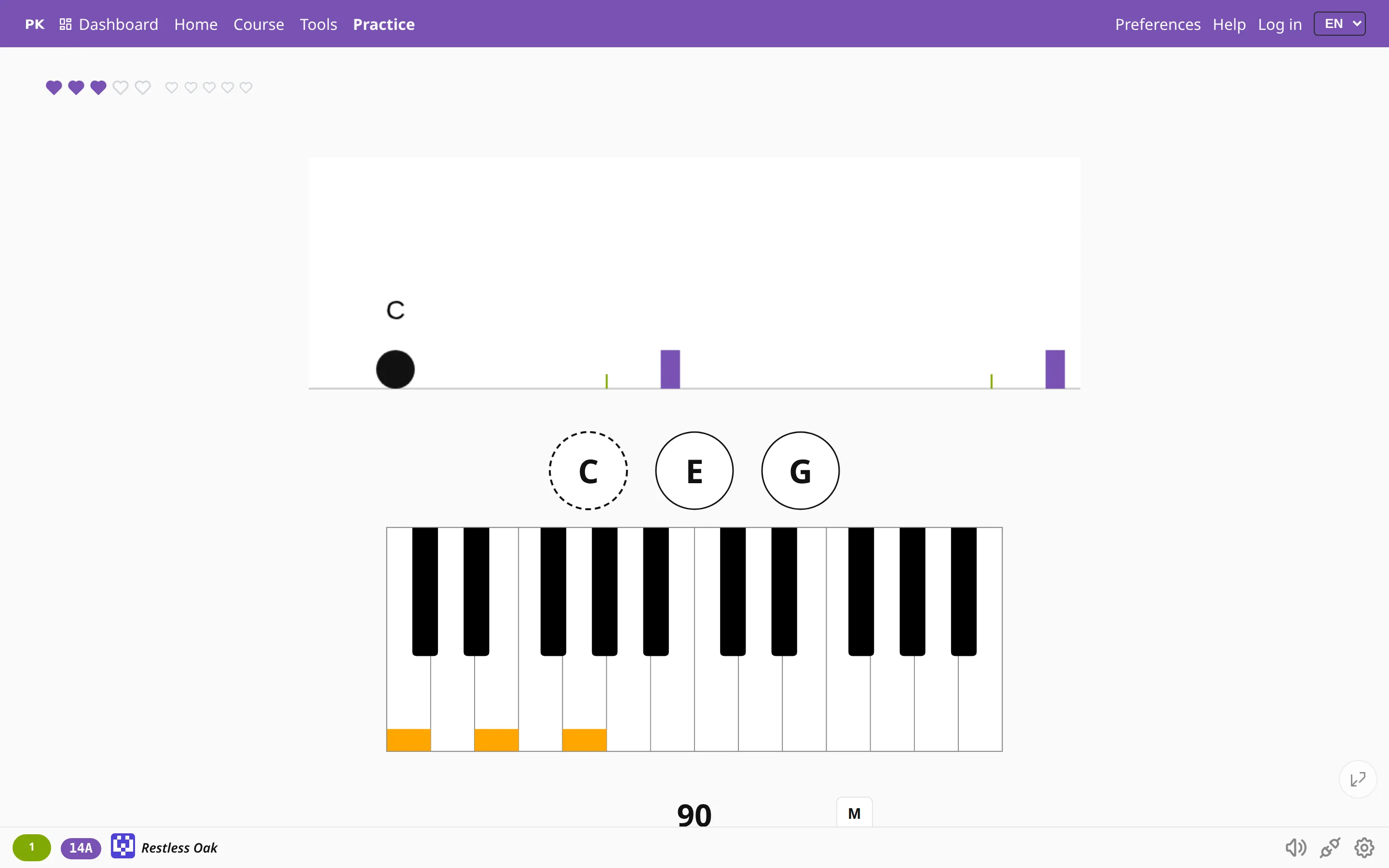
How hard you want it
- Beats per obstacle — the gap between obstacles. Four beats give you a bar to prepare; one is a sprint.
- Obstacle height — how precise your timing has to be.
- Jump cues — the small marks that warn you an obstacle is coming. With them off, you have only the beat to go by.
- Failure counts as — a miss only, a broken streak, or game over, depending on how much you want a stumble to cost.
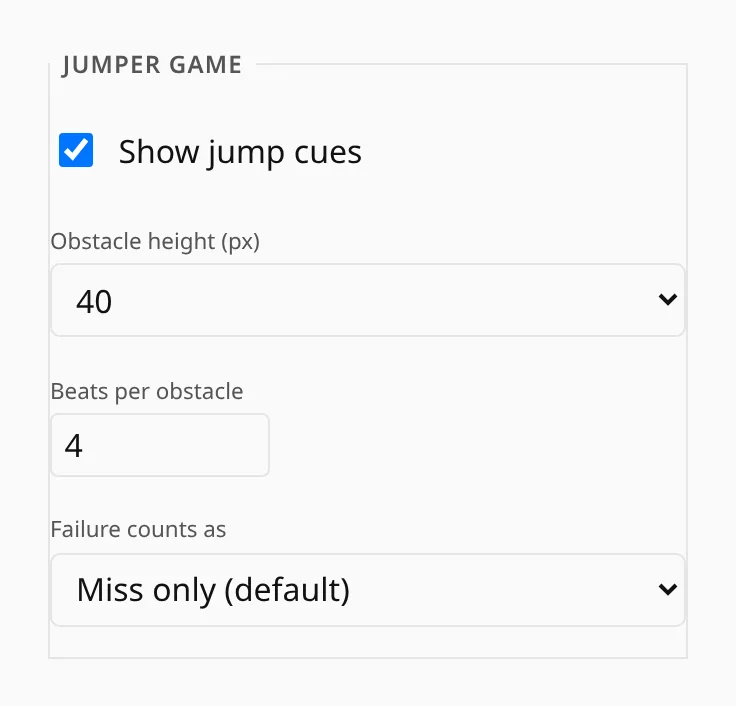
Jumper makes a good warm-up: after five minutes at a slow tempo, the ordinary drill feels unhurried.