Baby mode
One switch sets up the whole app so a five-year-old can use it alone, with single notes, big buttons, cats and confetti.
For children who cannot read the settings yet
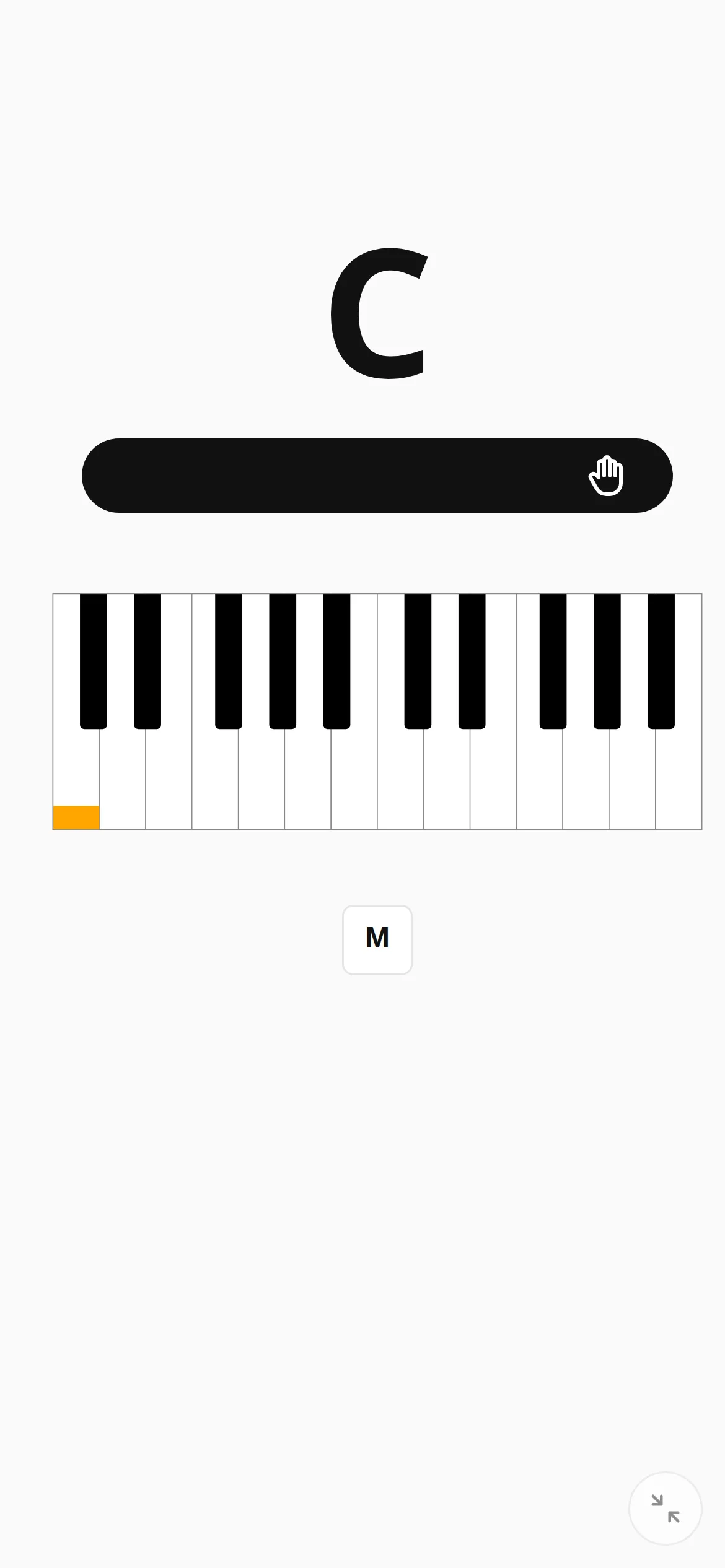
PianoKitty has a lot of settings, and a small child needs none of them. With baby mode switched on, the drill asks for single notes, the theme becomes playful, the buttons get bigger, the game is on, and a correct answer brings confetti and a cat.
A settings page a child can read
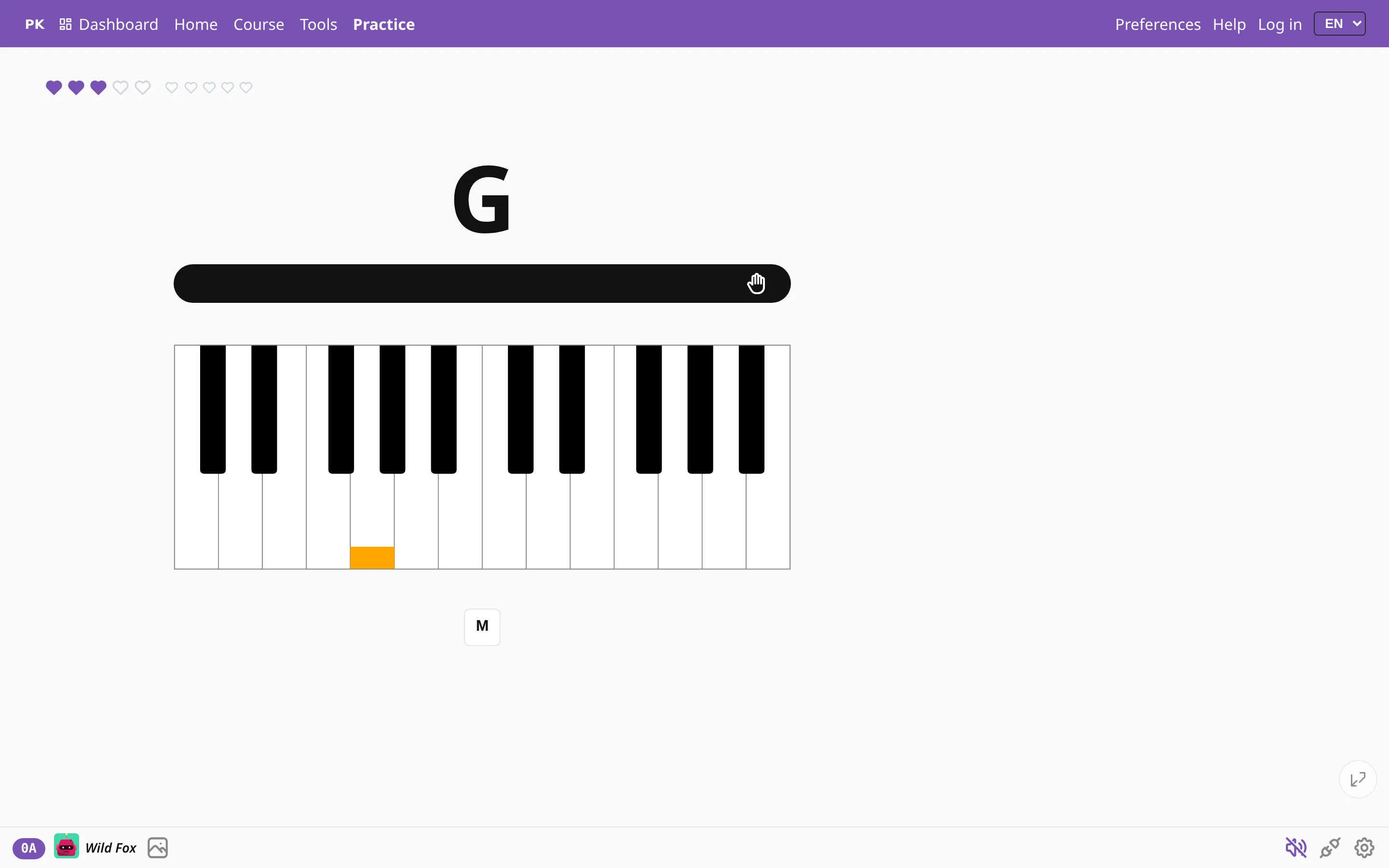
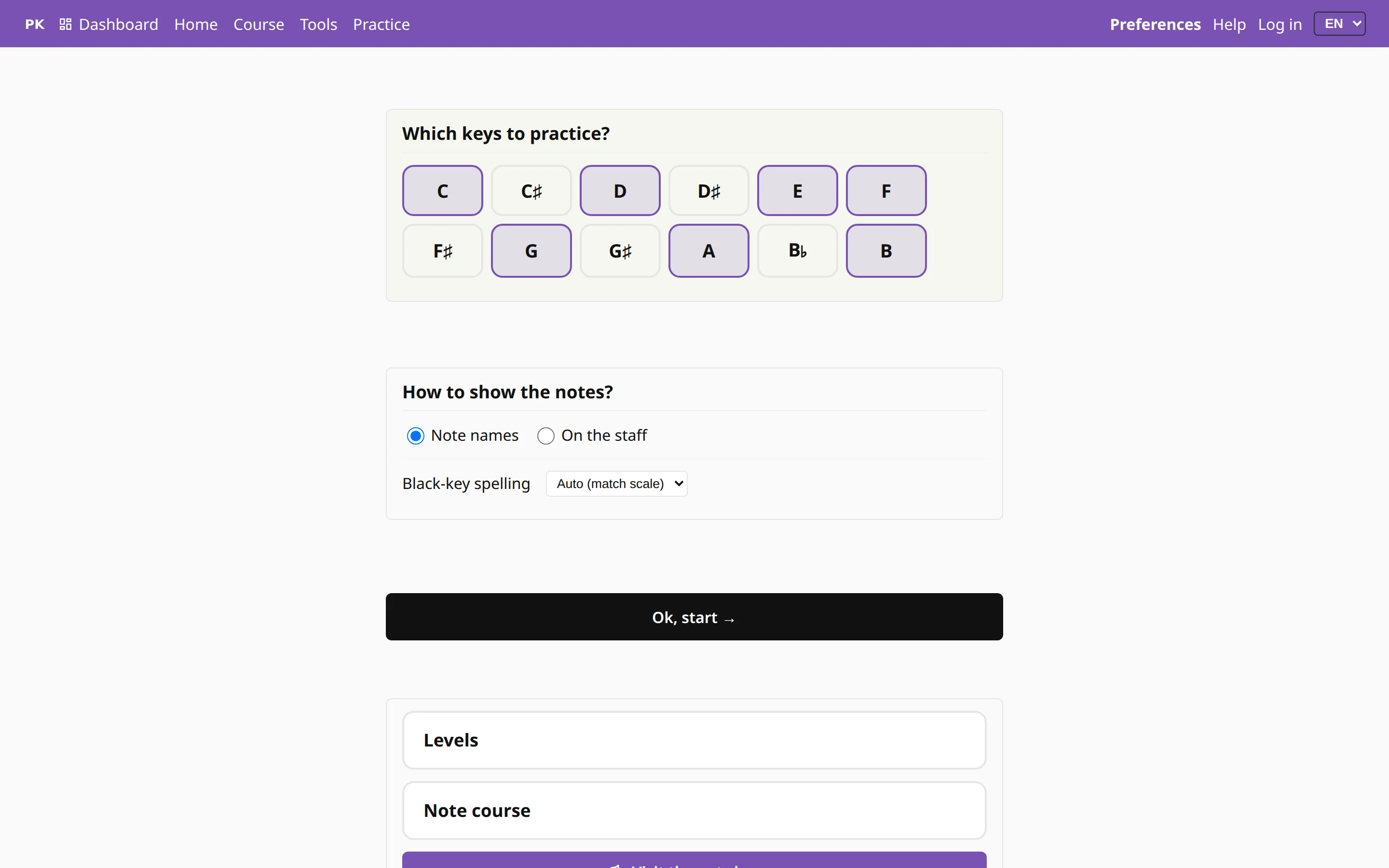
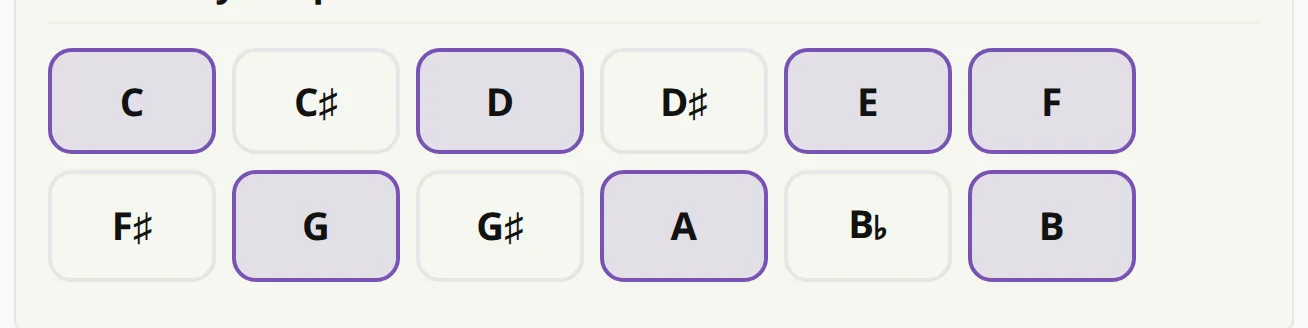
The preferences page shrinks to four things: which keys to practice, whether the note is shown by name or on the staff, and big links to play, to the levels and to the note course. Every advanced option stays hidden until baby mode is switched off, so a child cannot open the tempo curve or the voicing rules by accident.
More rewards
Baby mode also makes the app more fun. Cat photos are on from the start, fireworks go off, the robot avatars come out, and the game runs with hearts. A child who cannot read “dominant seventh” yet will still notice when a cat appears.

Baby mode is an ordinary preference, so a parent or teacher can switch it on for one device and leave their own account as it is.
On a tablet or a phone