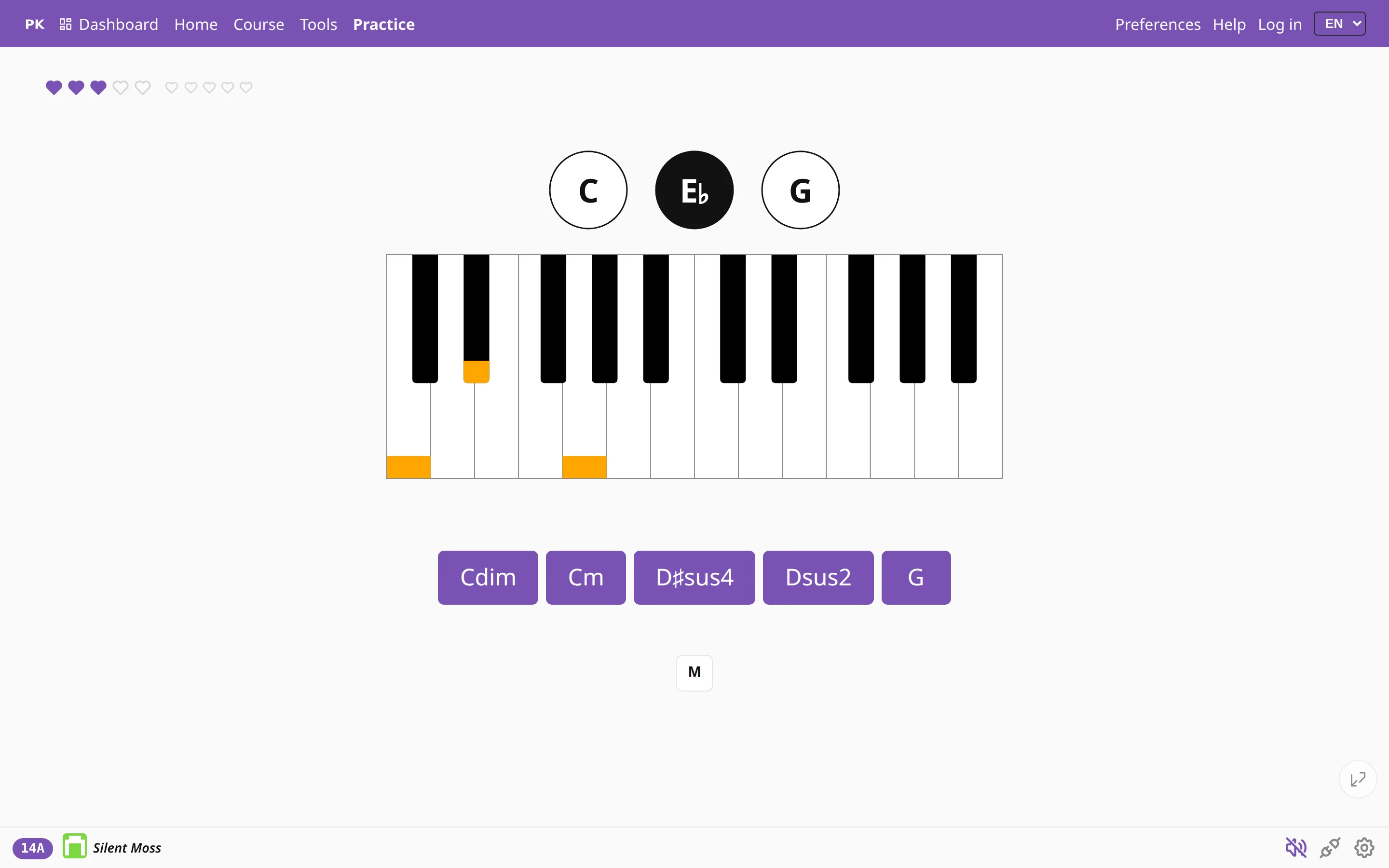
Plug your piano in
Connect a MIDI keyboard and PianoKitty hears every note you play. It asks for a chord, you play it on your own keys, and it records how you did.
The app listens to your piano
MIDI is how an instrument tells a computer which key went down, how hard, and when it came up. Digital pianos, stage pianos and keyboards have used it for decades, and the browser can read it directly, with no driver to install.
So the app can check your playing on a real instrument: it asks for a chord, you play it, and it knows whether the notes were right.
Two ways to connect
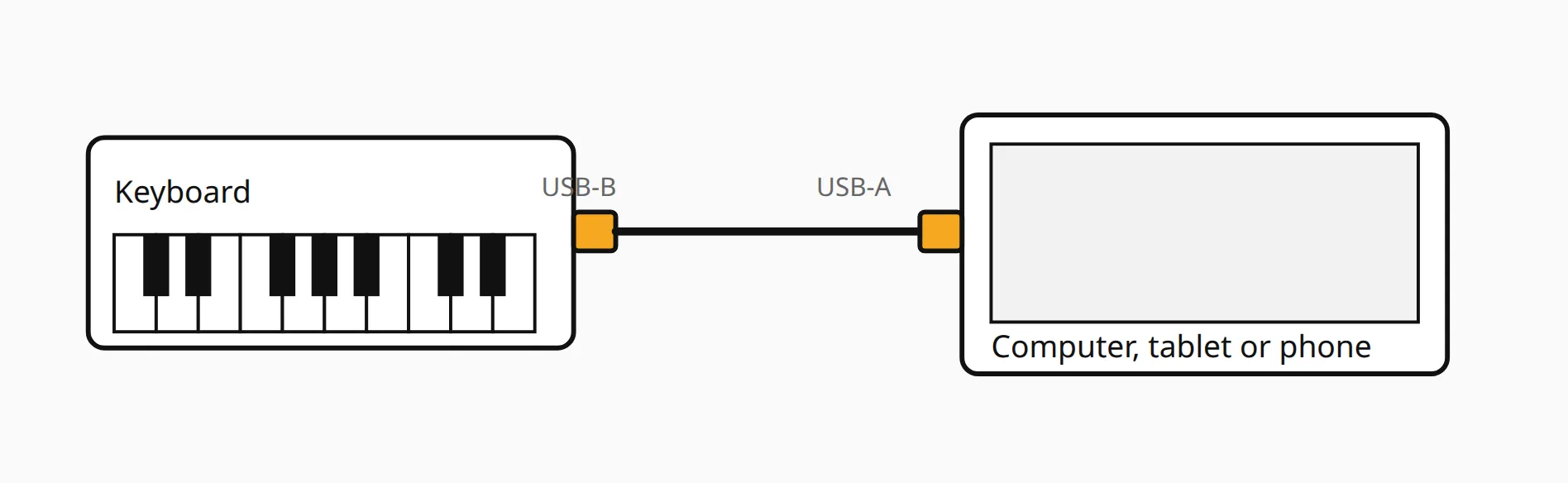
The simplest is a USB cable from the keyboard to the computer. Most instruments have a square USB-B socket on the back, marked USB to host, and that one cable is all you need.
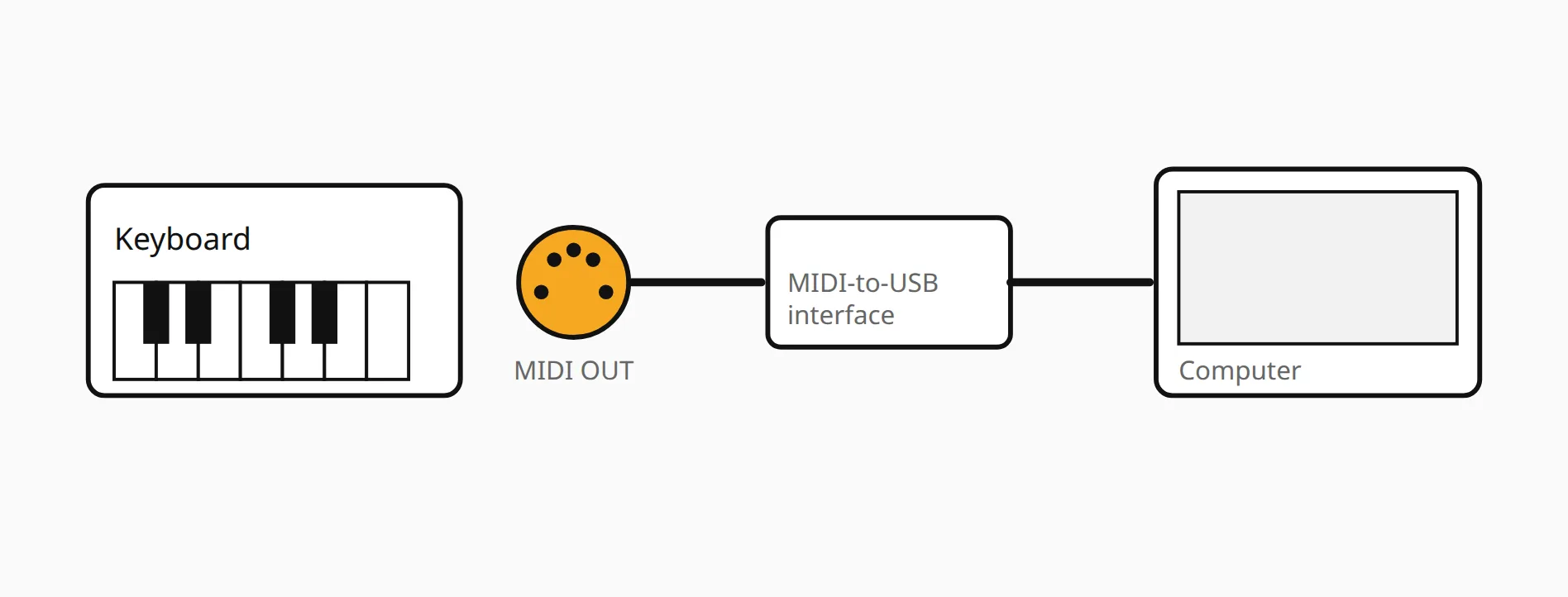
Older instruments have a round five-pin socket marked MIDI OUT. For that you need a MIDI-to-USB interface, an inexpensive adapter with a cable at each end: one end goes into MIDI OUT, the other into the computer.
Android phones and tablets work too, with a USB OTG adapter. Browsers on iPhone and iPad do not support MIDI at all, so there the naming mode described below is the way to practice.
If it does not connect
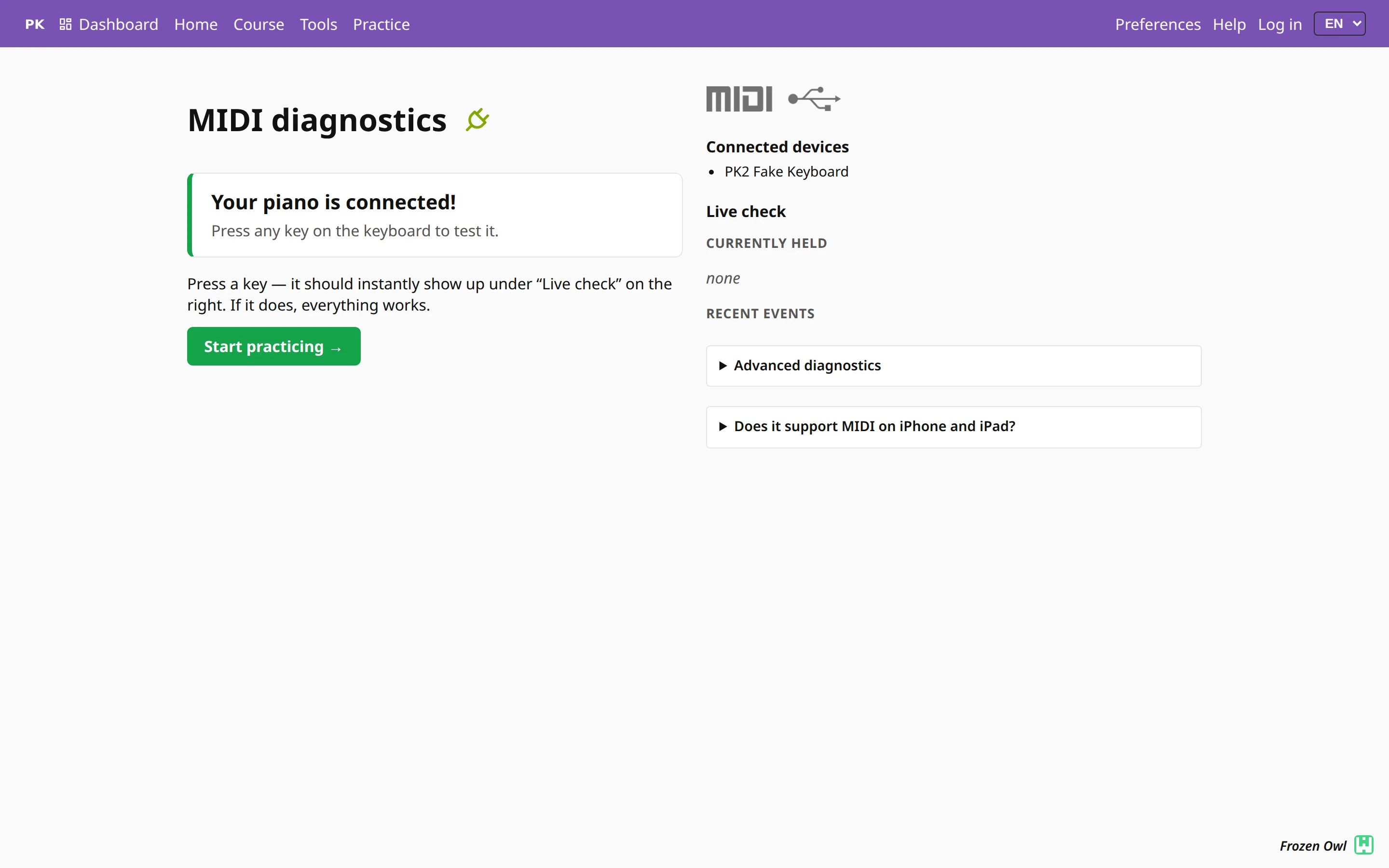
The MIDI diagnostics page shows whether the browser can see your keyboard. It lists the connected devices, tells you if the browser has blocked access and how to allow it, and has a button to report the problem if none of that helps.
It sets the task, you answer on the keys
You — or your teacher — decide what to drill: chord types, keys, inversions, scales, progressions. The app draws from that pool and shows one task at a time.
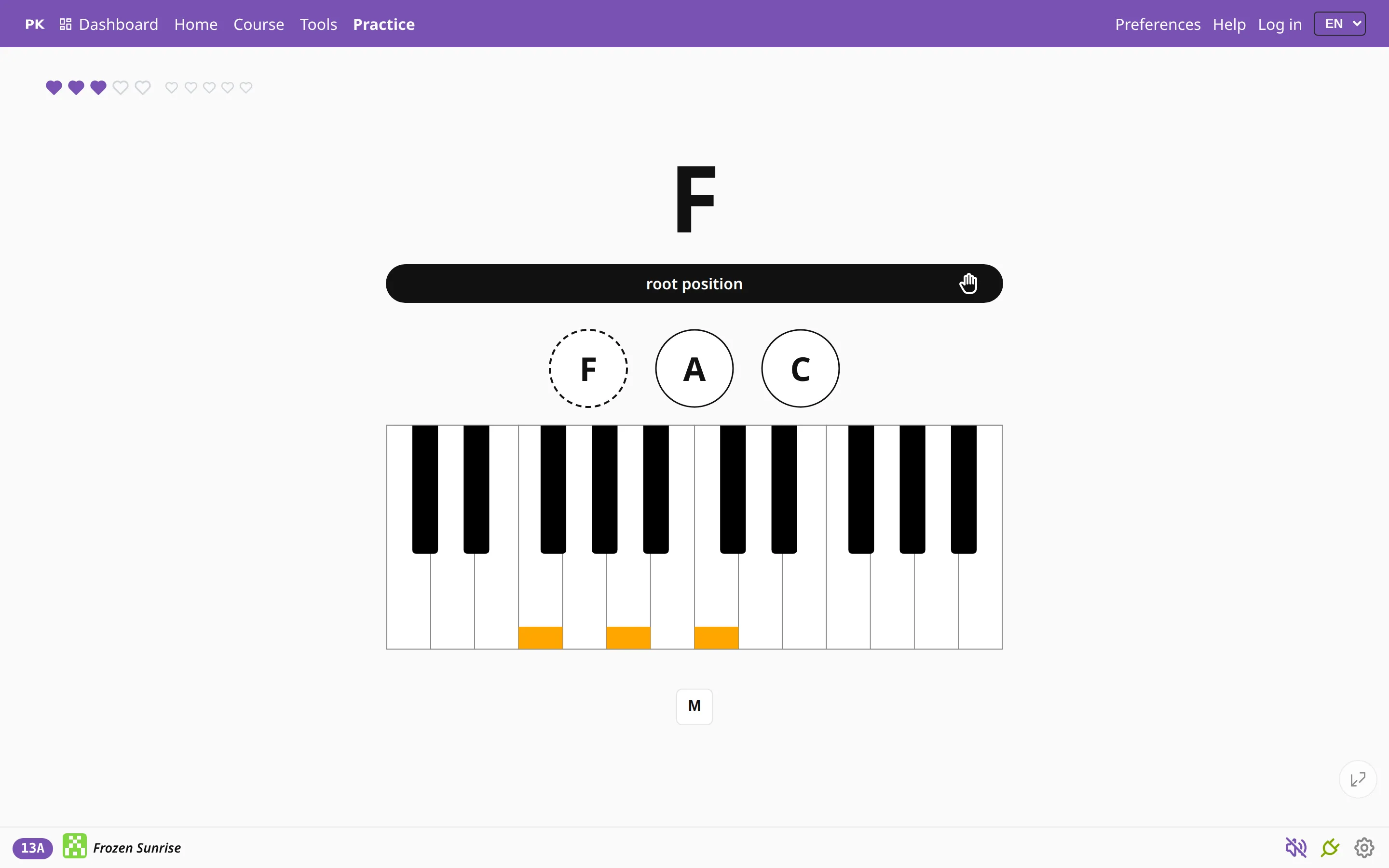
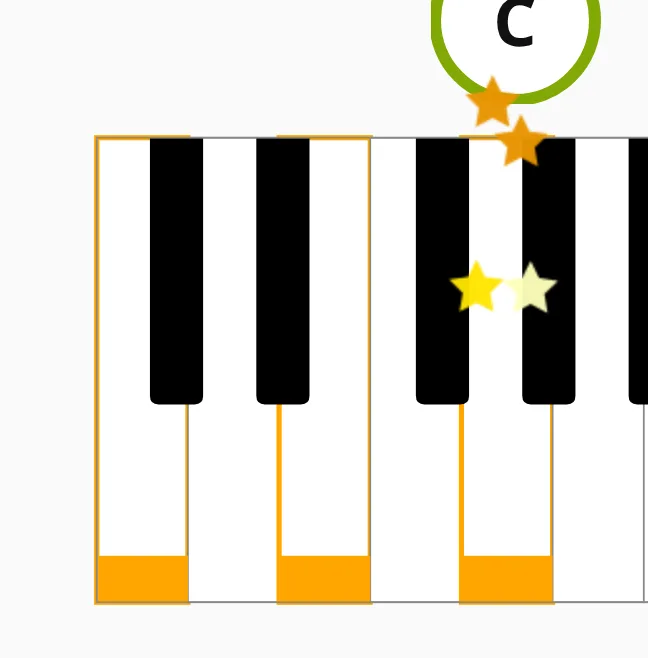
It then checks what you actually played: the notes, the bass note and how many notes there were. There is no button to press — once the chord is right, the app moves on to the next one.
Every answer becomes a statistic
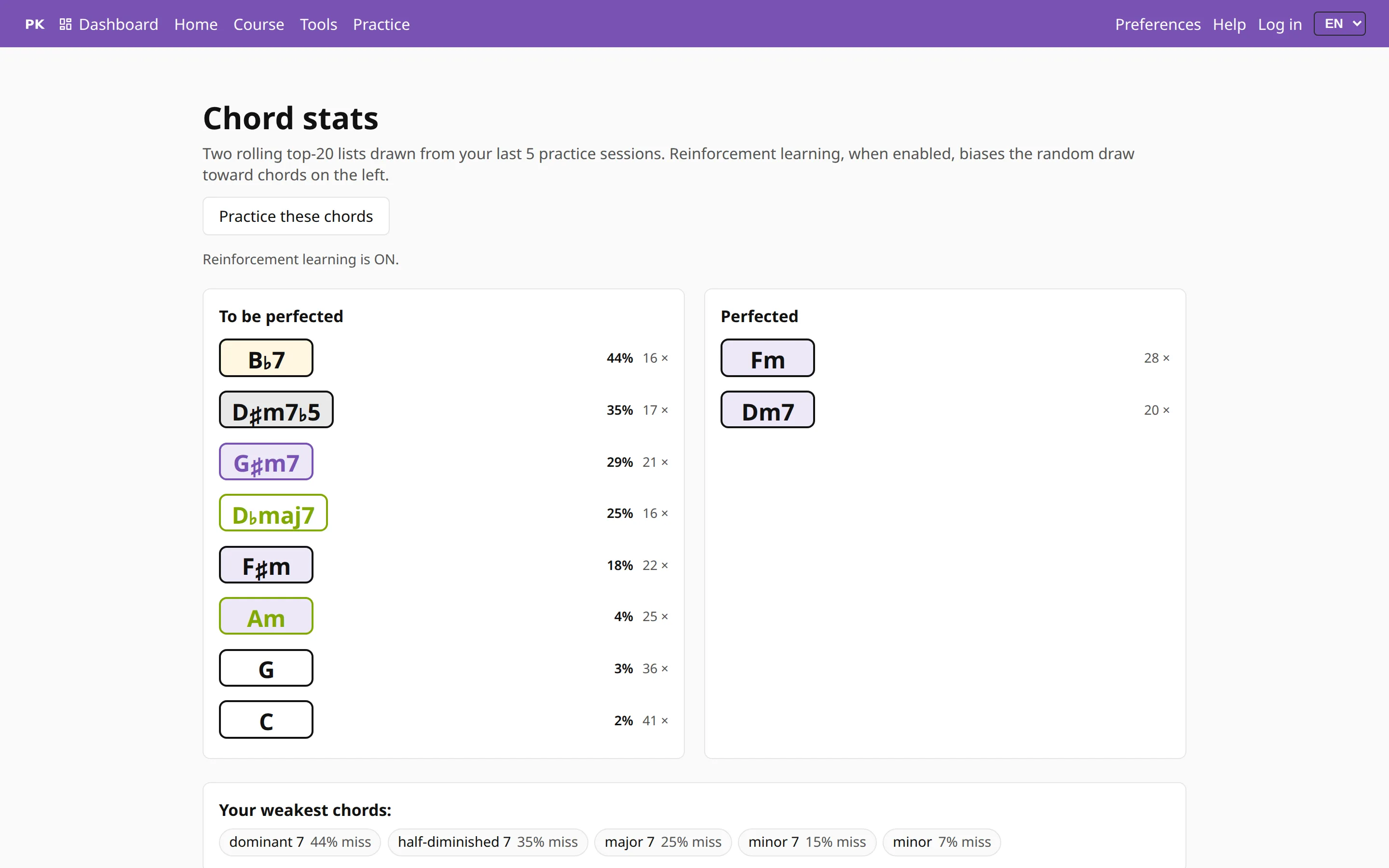
Because the app sees every note, it can show which chords you miss, how often, and which ones you have mastered. The drill then asks for your weak chords more often than the others.
Teachers and parents see the same figures for their students and children — what was practiced, how long, and what is still wobbly.
No keyboard? Still works
Without MIDI the question is reversed: the app shows the notes and you name the chord by tapping one of the answers. The material and the statistics are the same, and you need no instrument, which helps on a phone, on the bus, or on an iPad.