Practice without or away from your piano
Short sessions on a phone, with no piano, no MIDI keyboard and no sign-up: the naming quiz, ear training and the Listen and repeat game.
Quick sessions in spare minutes
The quizzes need no instrument, no MIDI setup and no account. You open a link and answer by tapping, with nothing to connect first. One question takes one tap, so a few minutes in a queue or on the bus gets you through a handful.
Every exercise has its own link, so the drill you like can sit in a bookmark.
On a phone
The drills are laid out for a narrow screen and answered by touch. Add PianoKitty to the home screen and it opens like an app, with its own icon and no address bar. The mobile page shows how on Android and iPhone.
You still need an internet connection: the icon opens the website, and the website does not work offline.
On Android, a MIDI keyboard connects through a USB OTG adapter. No browser on iPhone or iPad supports Web MIDI, so the graded piano drills cannot hear you there. The browser page lists the workarounds.
Name chords, notes and keys
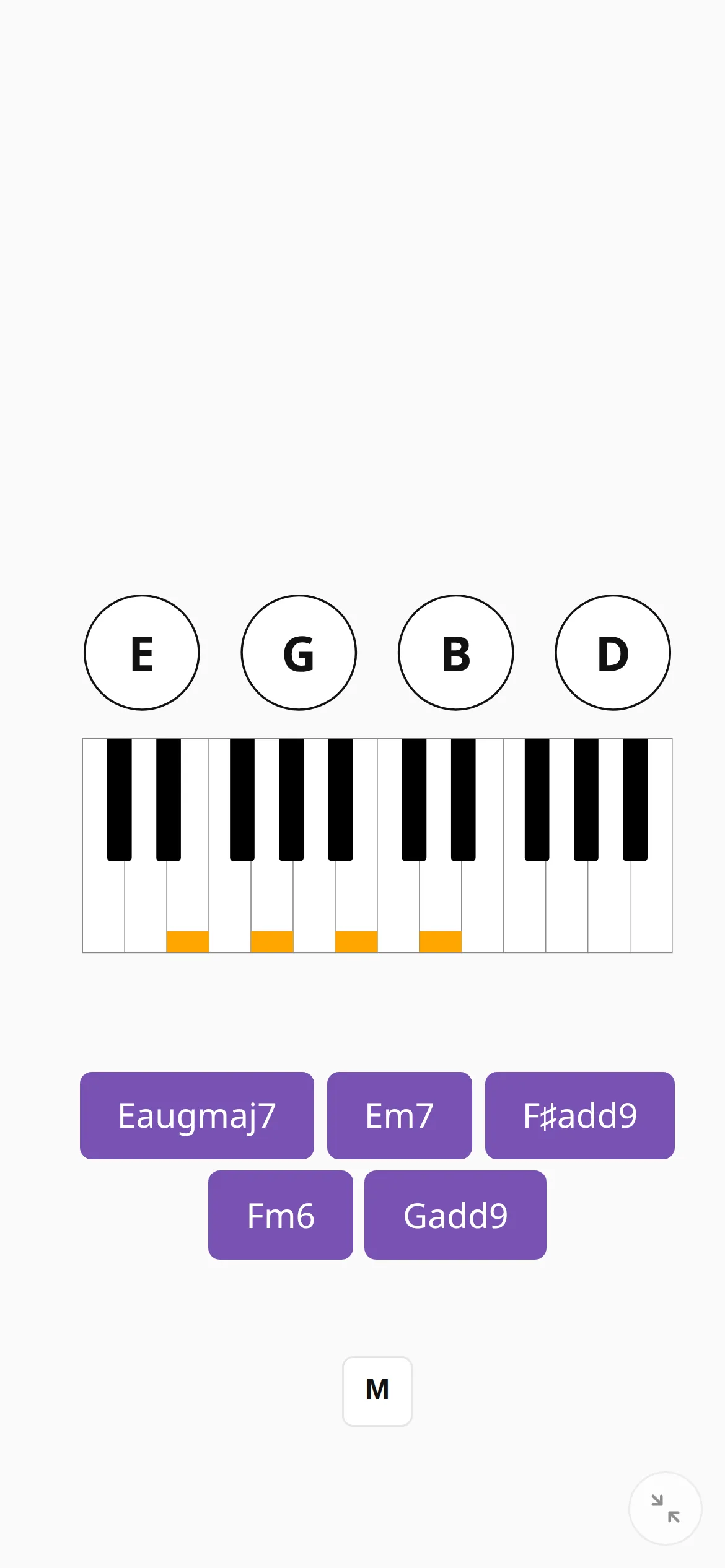
The naming quiz has six kinds of question: chord name, notes, key signature, scale degree, Roman numerals and function. It teaches theory without an instrument: which notes make a chord, what a key signature contains, where a chord sits in its key.
Show the question as notes on a staff and the same quiz trains note reading. Choose Naming under Activity in Preferences.
Train your ear
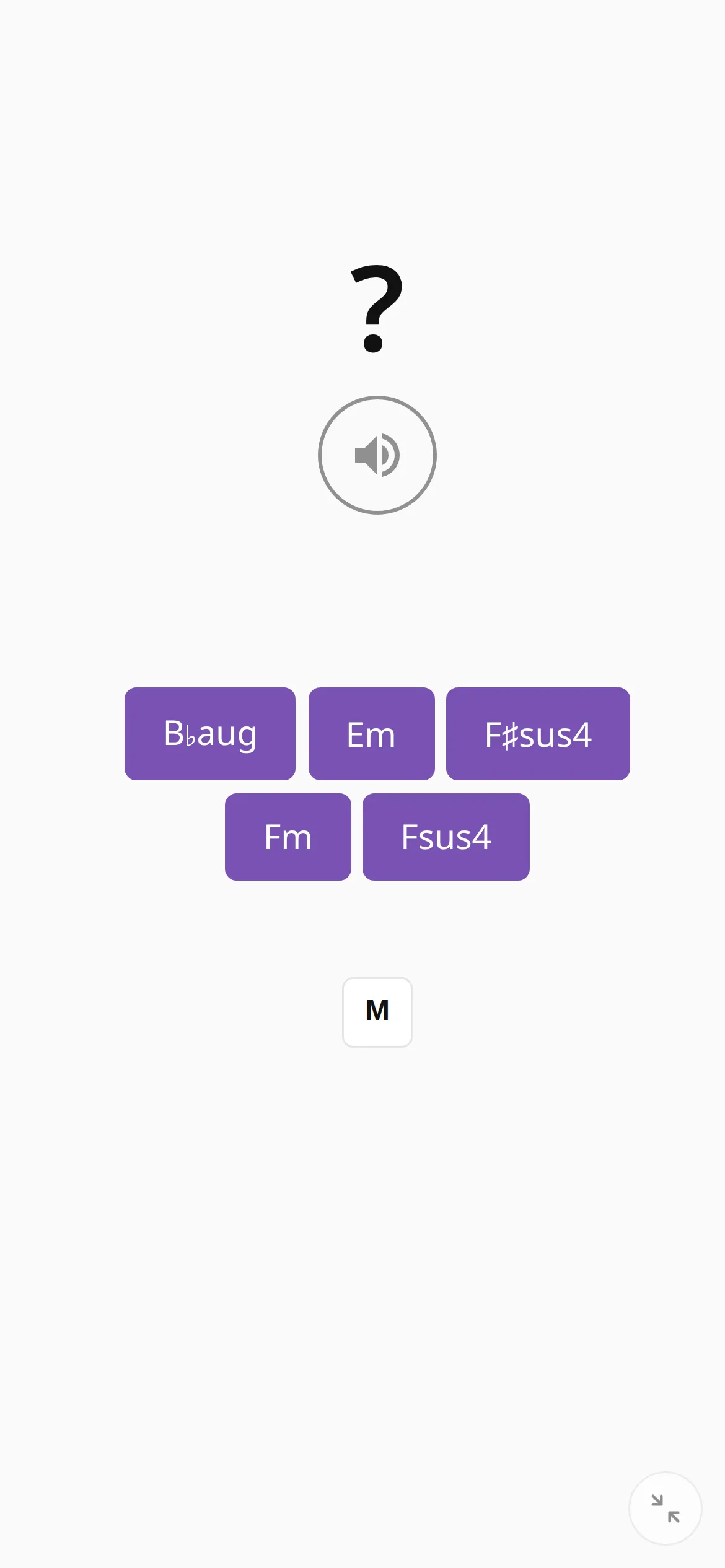
In ear training the app plays a chord and shows only a question mark, and you pick its name from the buttons. You can replay it as often as you like and nothing is timed. Headphones help on the bus.
With a MIDI keyboard connected, the setting Accept MIDI keyboard answer lets you play the chord back instead.
Listen and repeat a melody
Listen and repeat is a memory game. The app plays a melody, you play it back, and every correct round adds one note. Its on-screen keyboard works by tapping or clicking, so a phone is enough, and a MIDI keyboard is optional. More in the game’s feature page.
The setting Play by ear — hide the keys the app plays removes the visual cue, so you pick the melody out by ear. It scores double.
What needs a keyboard and what does not
Works with no piano and no MIDI keyboard:
- the naming quiz, all six kinds;
- ear training, answered with the buttons;
- Listen and repeat, on its on-screen keyboard;
- flash cards on the practice screen: press Space or tap the chord to reveal its notes, and again for the next chord. Nothing is graded (see random chords).
Needs a MIDI keyboard:
- grading of the piano drills. The keyboard on the practice screen only shows the answer, and you cannot play on it;
- the level assessment, which listens to the chords you play.