On a phone
The drill, the dashboard and the stats all work on a phone. You can also add an icon to the home screen.
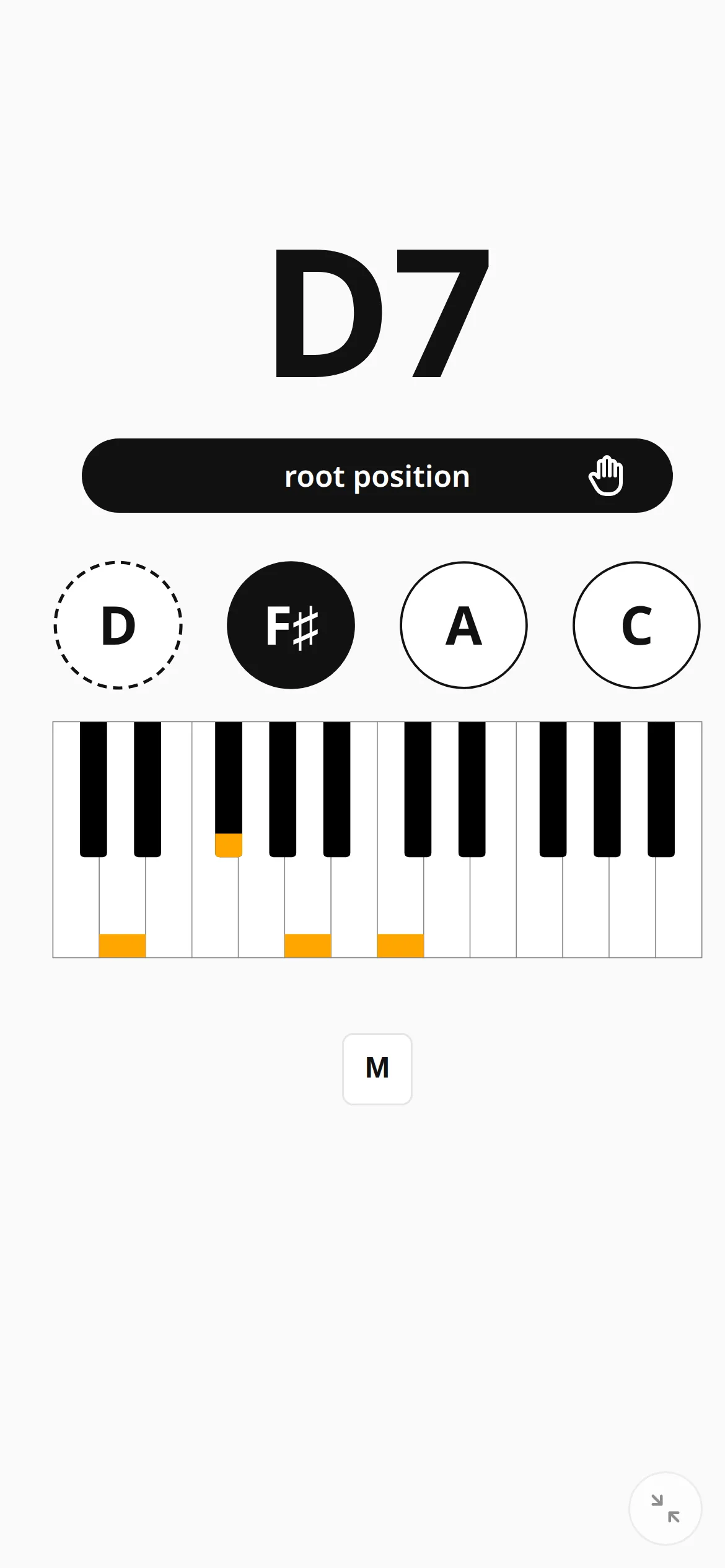
The practice screen on a phone
On a phone you get the same practice screen as on a computer, laid out for the narrow display: the chord spans the full width, the hints sit below it, and the menus stay hidden while you play.
Everything is large enough to read from a music stand, which is where a phone usually ends up.
A keyboard, even here
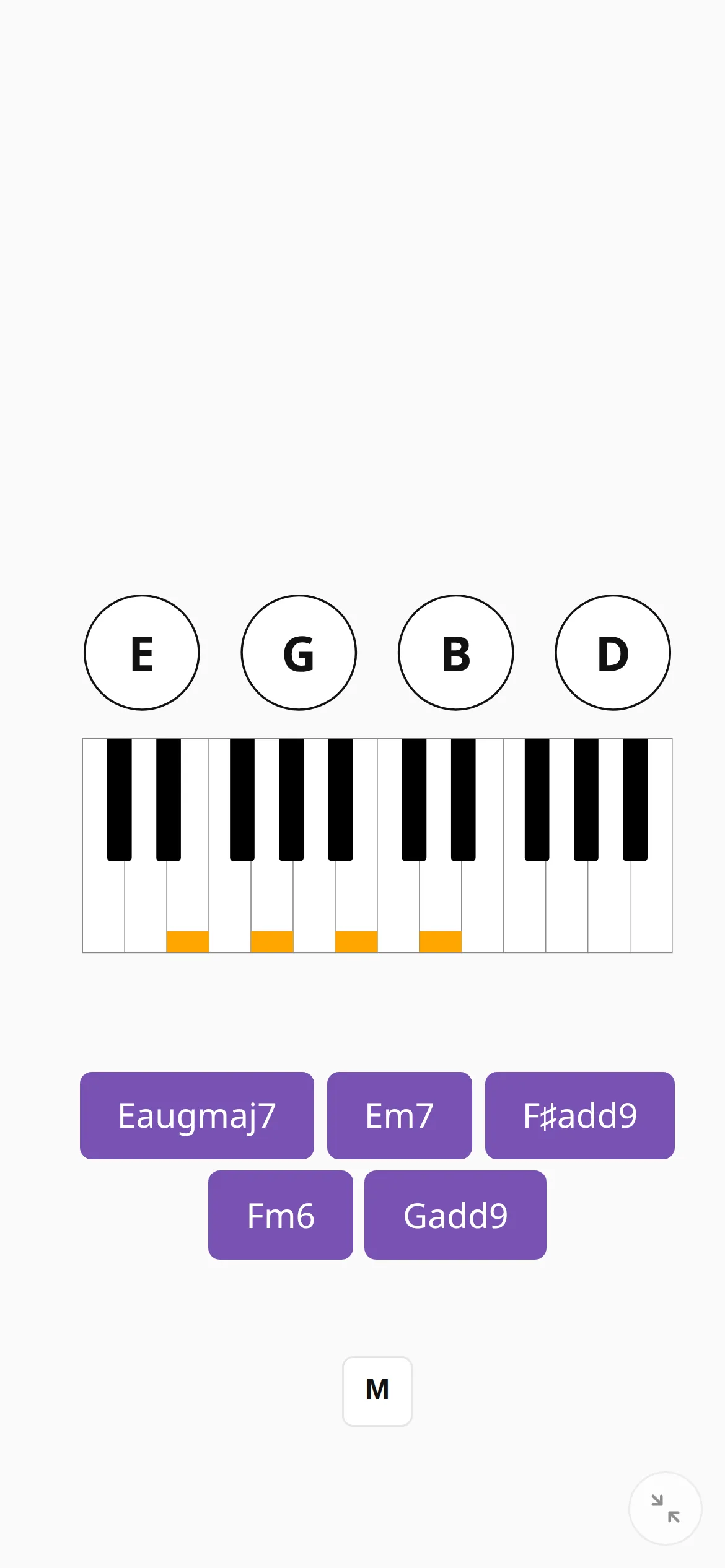
An Android phone or tablet checks your playing the same way a computer does: connect the piano with a USB OTG adapter and the app hears it. No browser on iPhone or iPad supports Web MIDI, because they all use Safari’s engine. The browser page lists the workarounds.
You can also practice without an instrument, since naming and ear training work well on a phone screen.
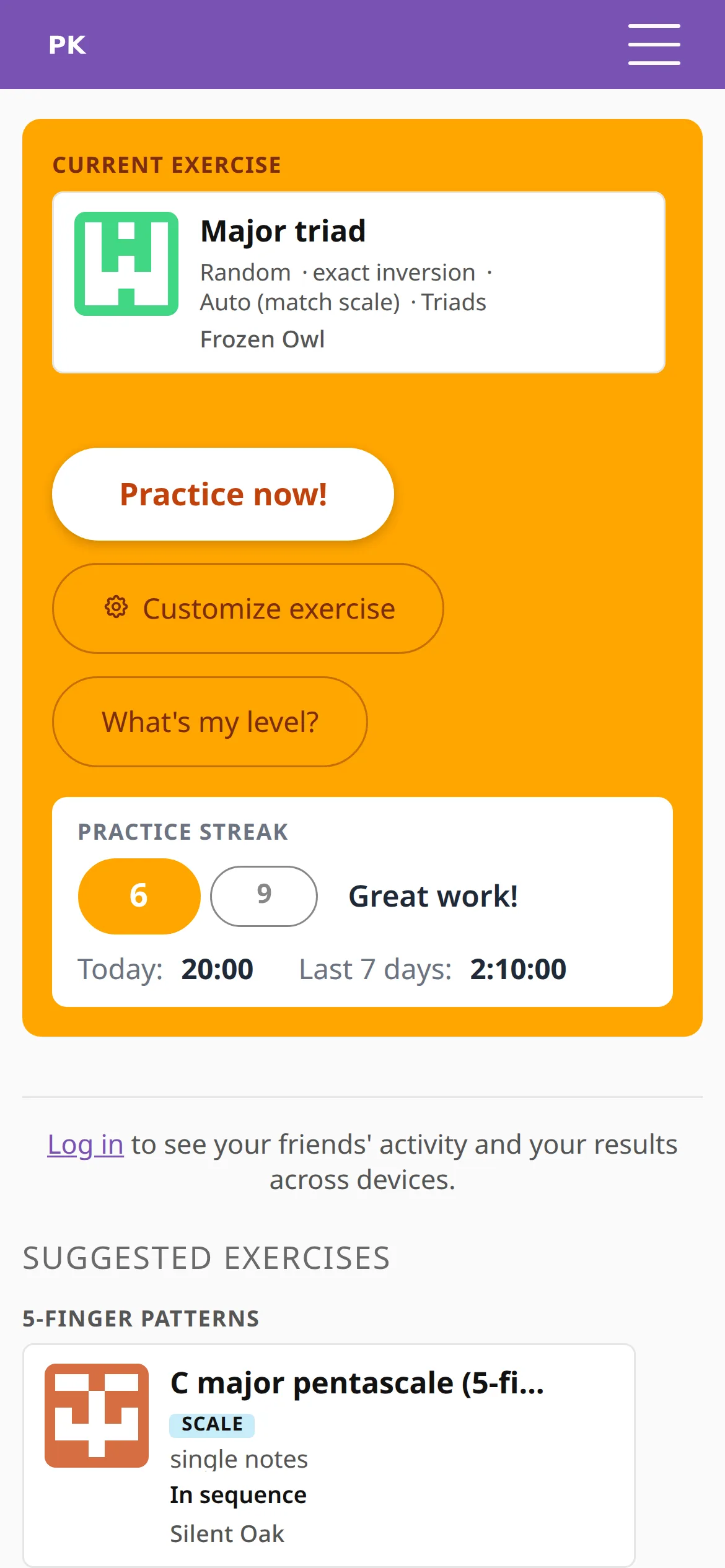
Everything else fits too
The dashboard, the stats, the lessons and the pet shop are the same pages as on a desktop, laid out for a thumb. Once you sign in, your streak, coins and exercise history are the same on every device.
Put it on the home screen
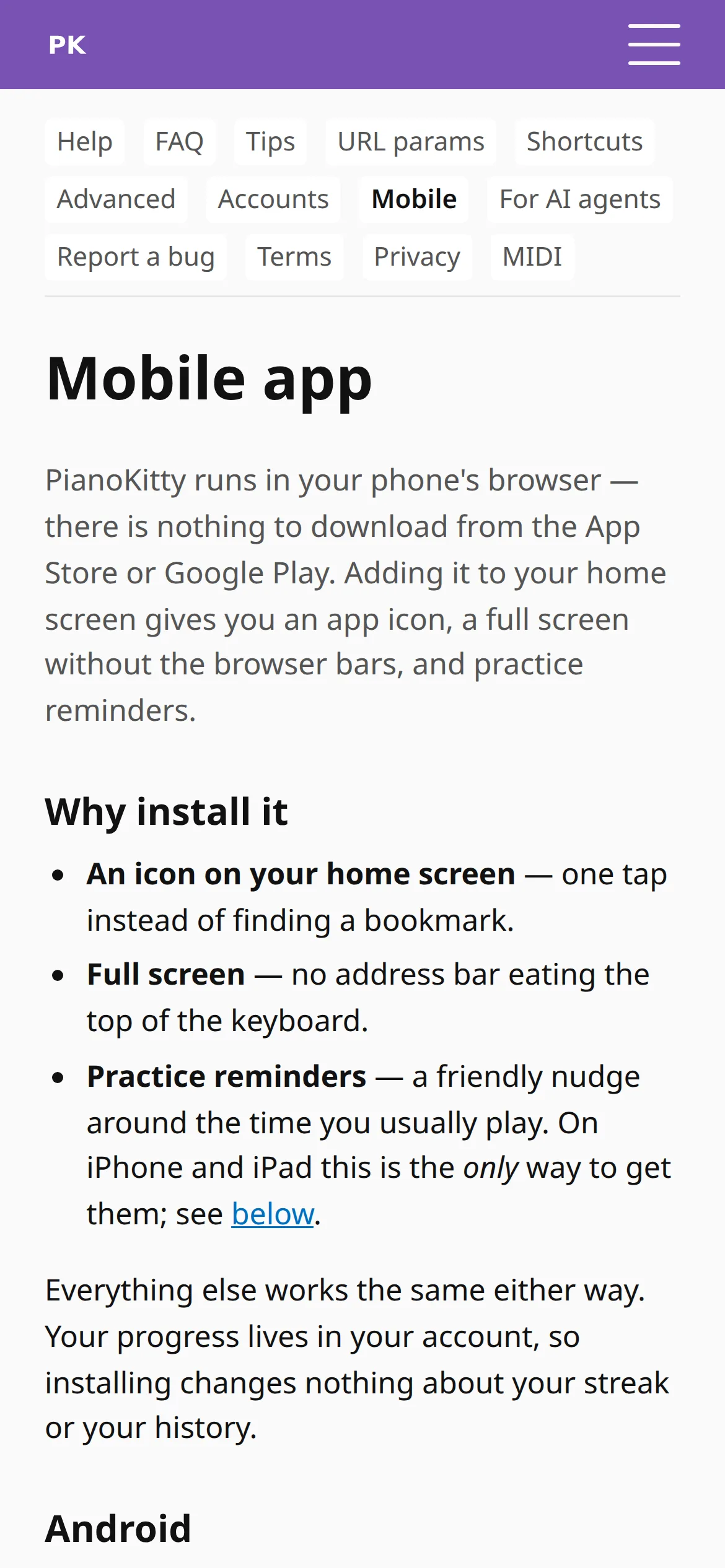
Add PianoKitty to the home screen and it opens like an app, with its own icon and no address bar, straight into practice. On an iPhone you also need this for practice reminders, because notifications there only work from the installed app.
You still need an internet connection. The icon opens the website, and the website does not work offline.
If the screen dims in the middle of an exercise, turn on Keep screen awake in Preferences.