Practice away from the piano
Name chords, read notes and train your ear on a phone, on the bus or anywhere else without an instrument.
When there is no piano nearby
For most of the day you are away from a keyboard. Much of learning chords happens in your head, though: knowing what a chord is called, which notes it contains and how it sounds. You can practice all of that on a phone.
Name the chord
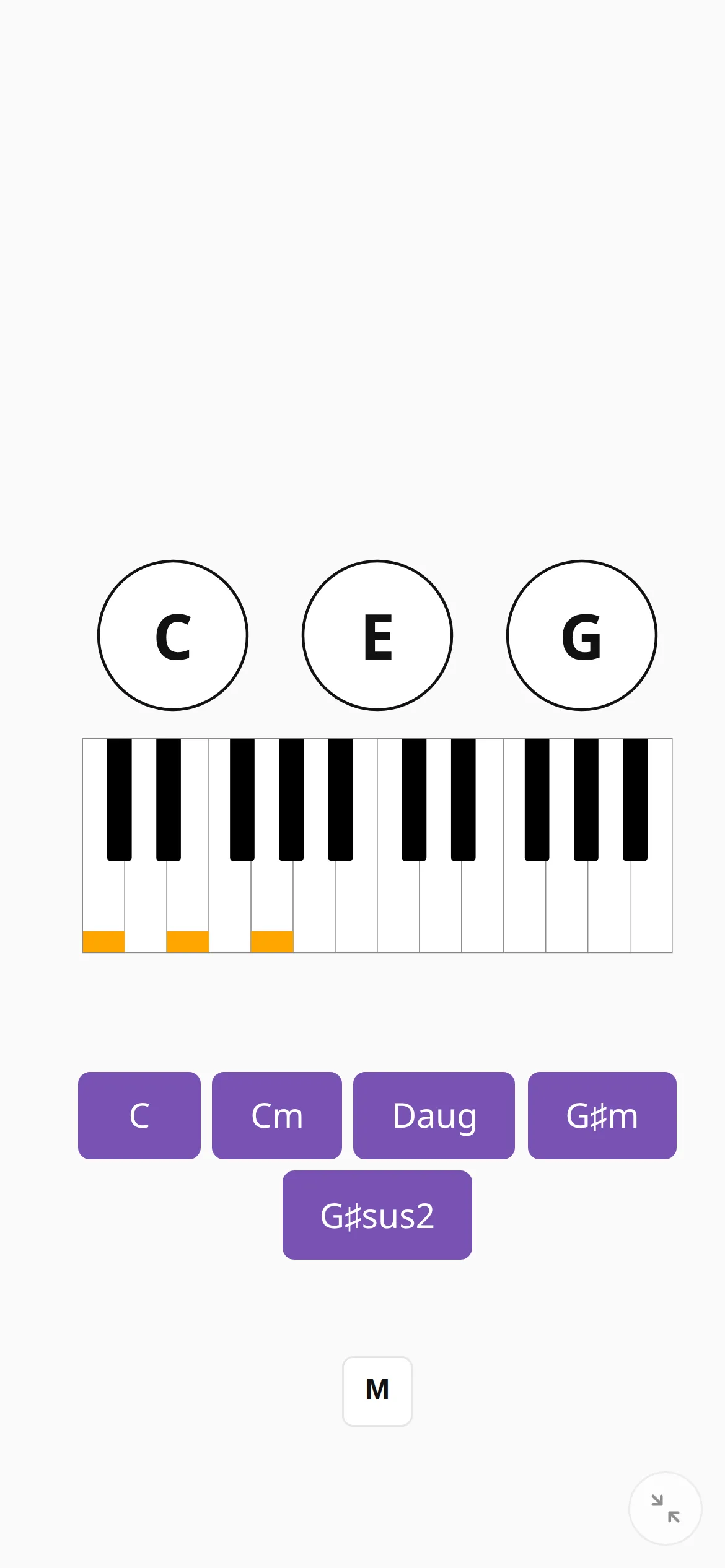
The app shows the notes and you pick the name from a row of buttons, either by tapping or by pressing 1–9 on a computer. This reverses the usual practice screen, where the app names a chord and you play it.
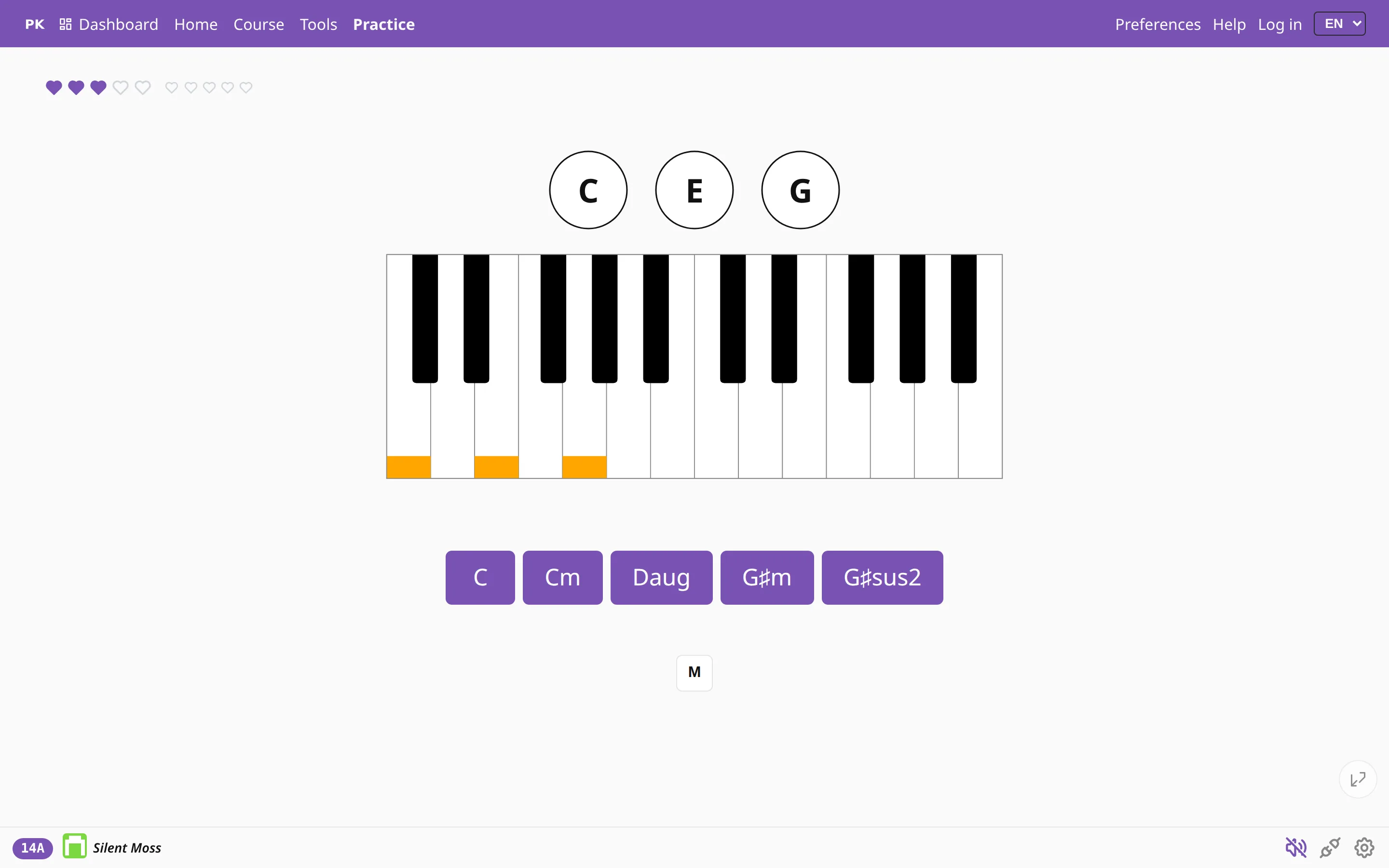
You choose how the question is shown: as notes on the piano keyboard, as note names in circles, or printed on a staff, which makes the drill sight-reading practice as well.
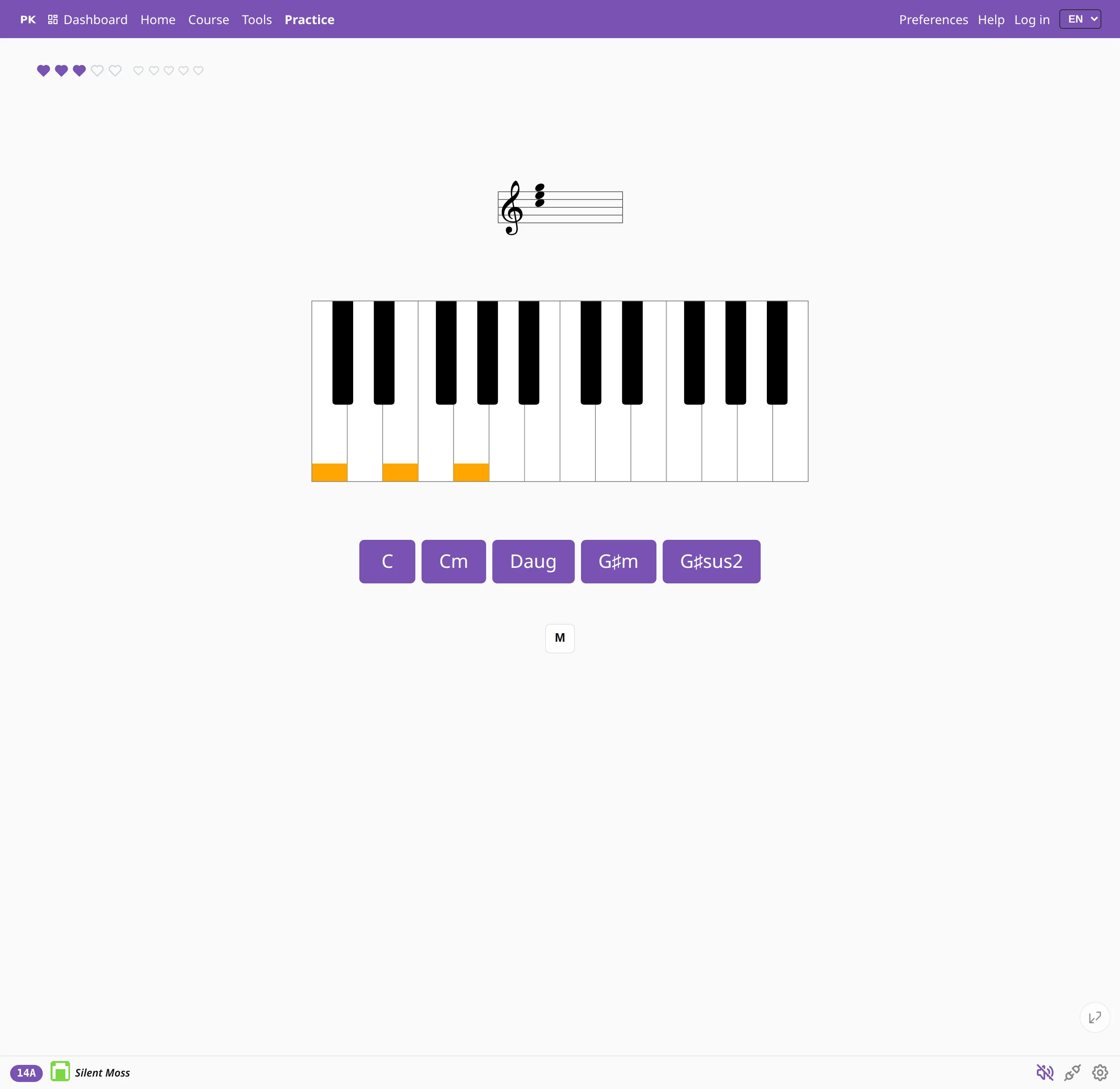
Naming mode uses the same chord pools, keys and statistics as practice at the piano, so a chord you drill on the bus counts toward the same numbers.
Train your ear
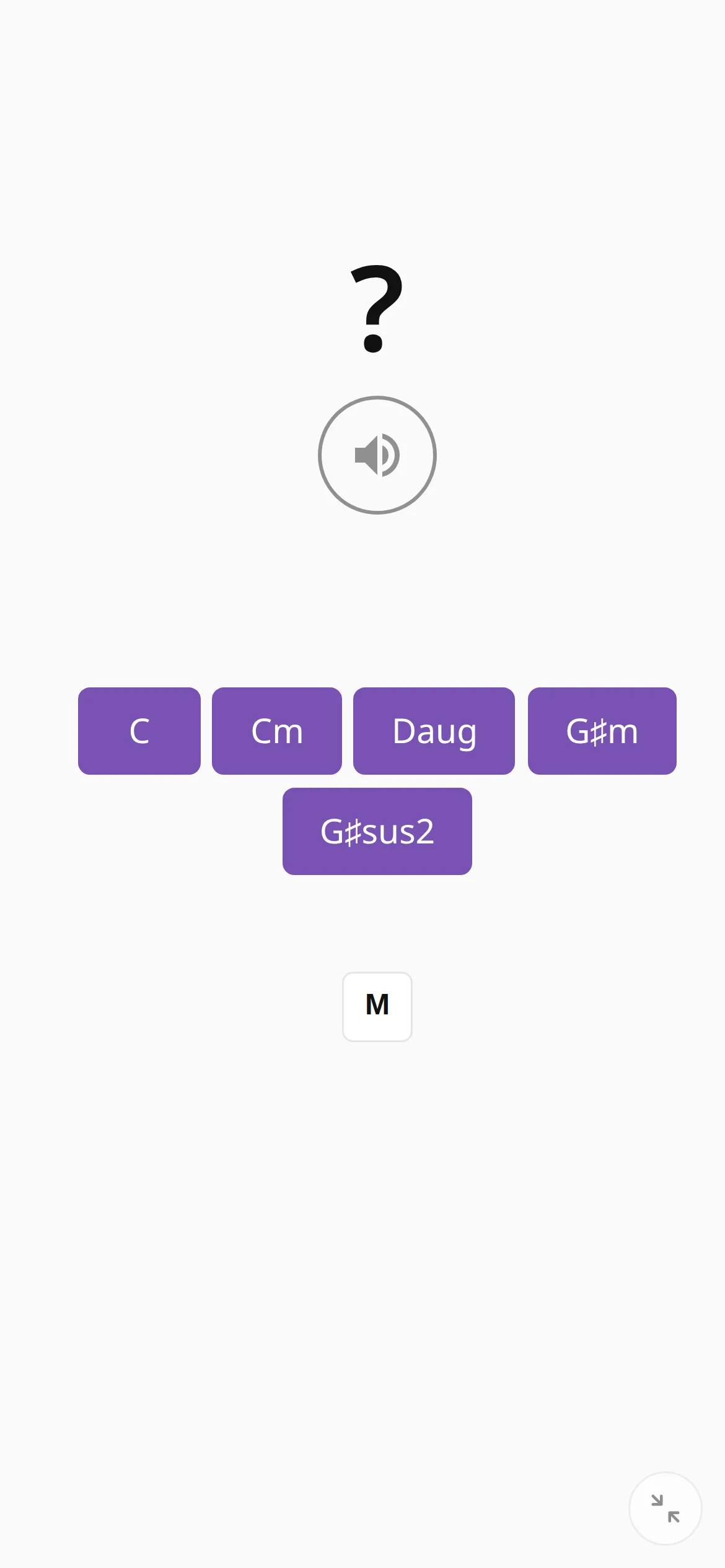
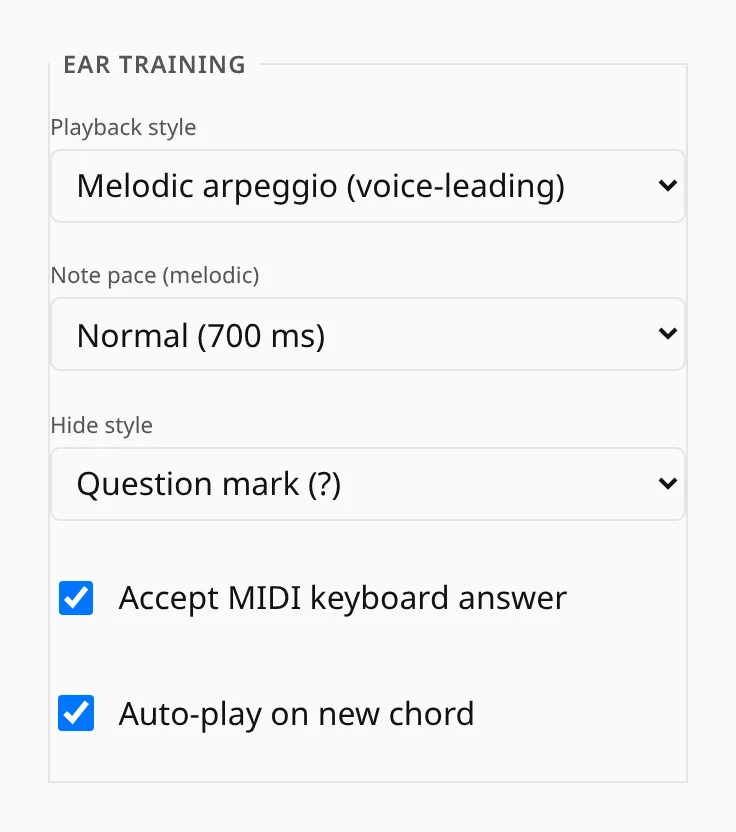
In ear training the app plays the chord without showing it, and you pick the name. The chord can sound all at once or as an arpeggio at one of three speeds, and you can replay it as often as you like.