Share an exercise or a list
Send an exercise, with its settings and practice options, to a student, a friend or your child, and add a note. You can also copy a short link.
Send it to someone
When you are signed in, the share icon in the bottom bar of the practice screen opens the share box. Start typing a name, pick the person, add a line about what they should do, and press Send.
The person receives the exercise itself: the chords, the keys, the inversions and how it is practiced, including the answer format and the keyboard help. When they open it, they get the same drill you set up.
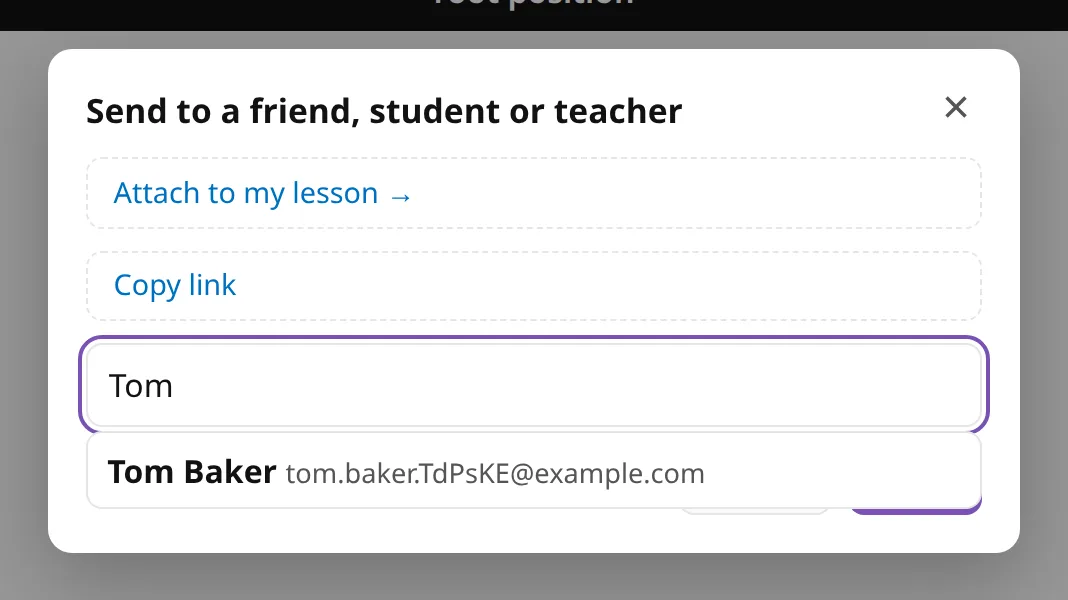
Notes are sent only between a teacher and a student, or a parent and a child. Friends receive the exercise without the note.
What the other person sees
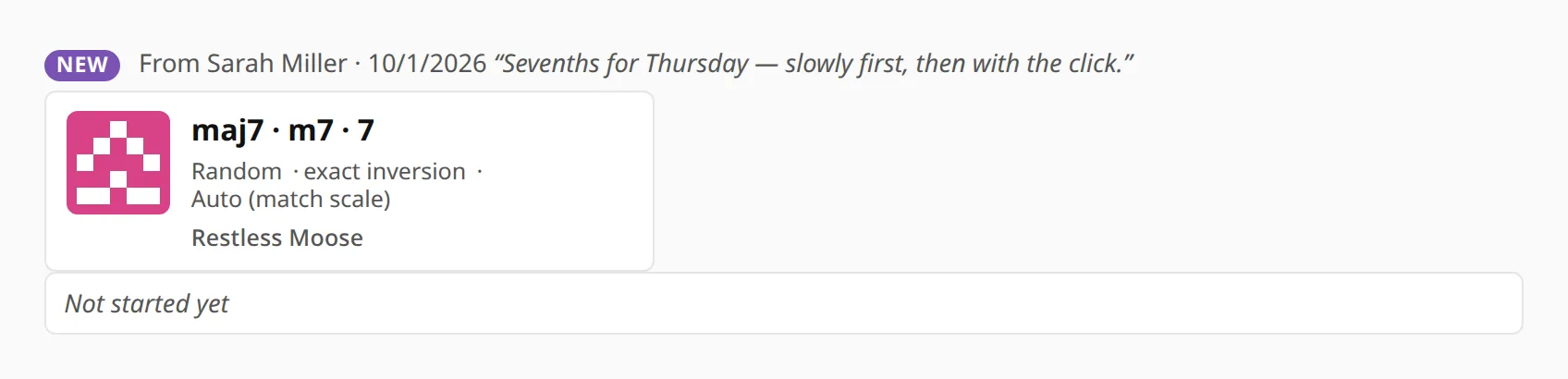
They see a message on their dashboard the next time they open it, and get an email in their own language. Everything sent to them is collected under Shared with me, newest first and marked new until opened, so homework does not get lost in an email inbox.

Only to people you know
You can send only to people you are connected with: friends, your teacher or students, and your parents or children. The share box cannot be used to message strangers, and PianoKitty does not email anyone just because someone typed in their address.
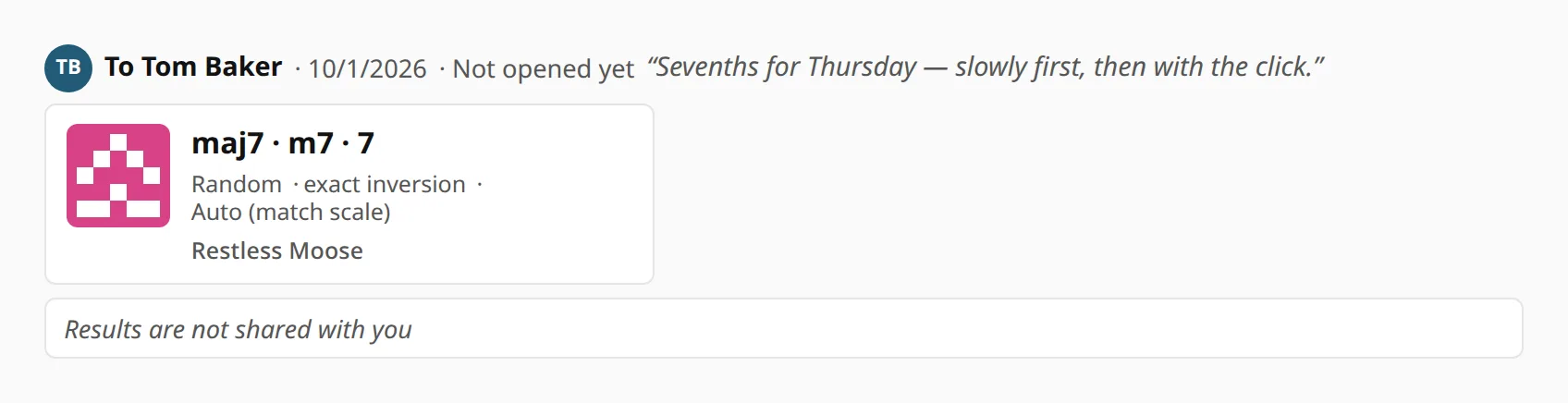
My shared links lists what you have sent, to whom, when, and whether it has been opened.
Or just copy a link
Copy link in the same box copies a short link to the exercise, for a group chat, a forum post or a lesson plan kept somewhere else. Anyone can open it, with or without an account. Hold Shift while clicking to get the long form, which has every setting written out in the address.
Opening a link does not change the recipient’s own settings, so their theme and keyboard split stay as they were.
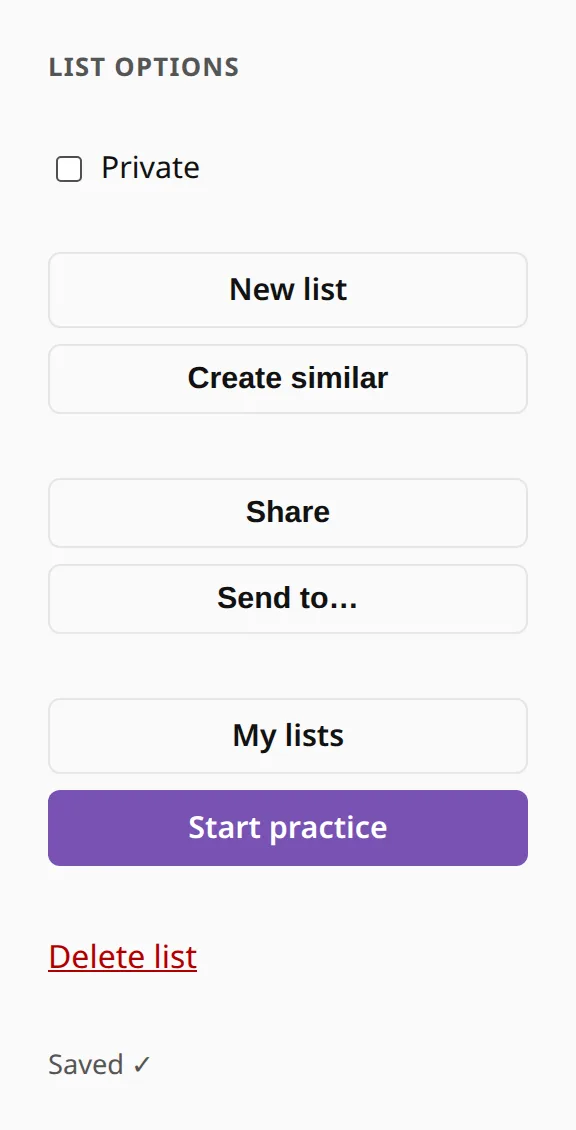
Sharing a whole list
You share a list from its editor. Untick Private, then use Send to… to send it to someone, or press Share to copy its address. A shared list opens for people who are signed in and connected to you, and for anyone you have sent it to. That suits a week’s homework for one student; the list does not become a public page.