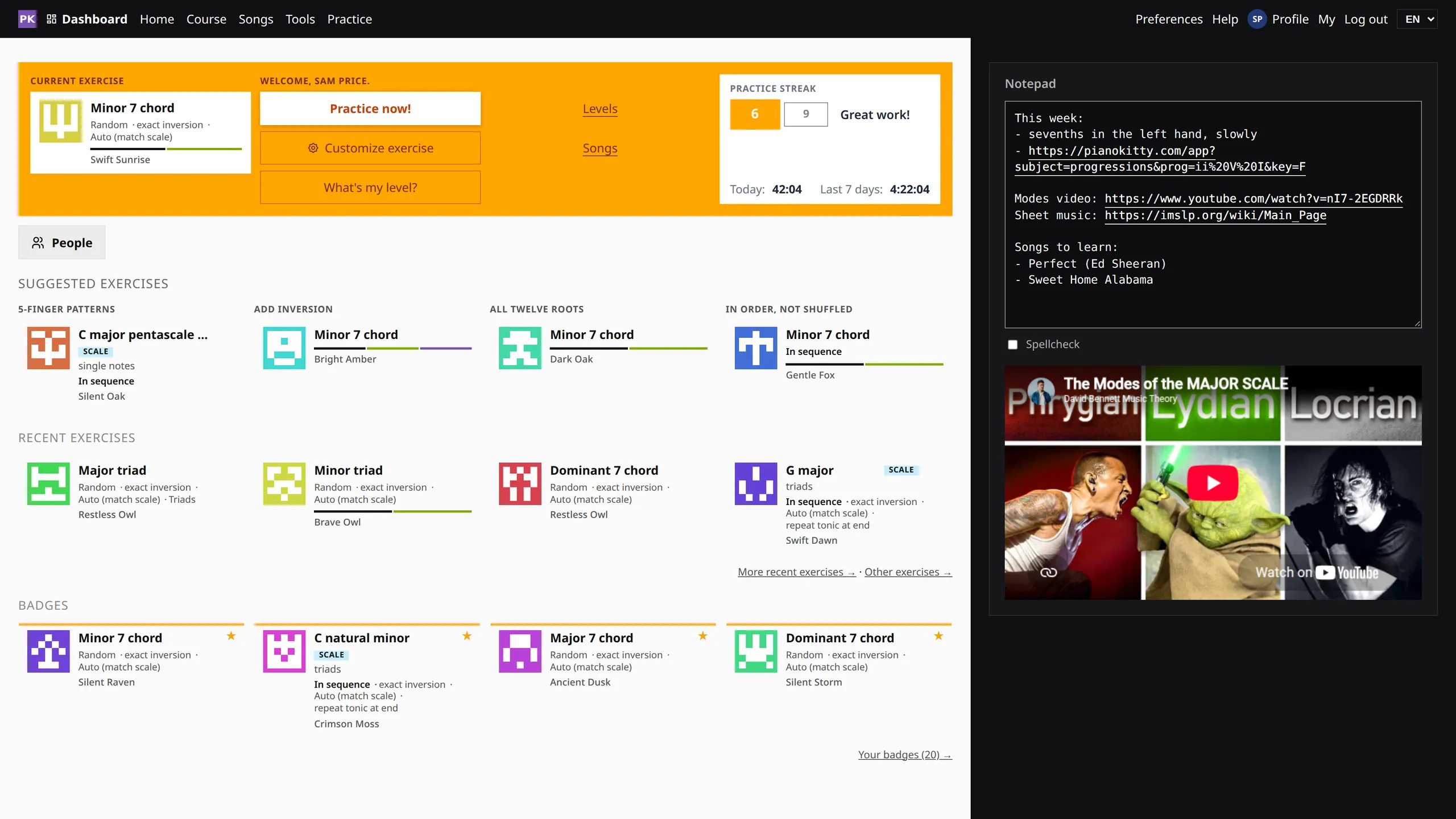
An endless supply of exercises
Every combination of settings makes an exercise, and each exercise gets a named card you can keep, share and come back to.
Your settings are the exercise
You do not choose exercises from a fixed list. Pick the chord types, the roots, the inversions, the hand, the tempo and the spelling of the black keys, and that combination is an exercise, as repeatable as the ready-made ones in the app.
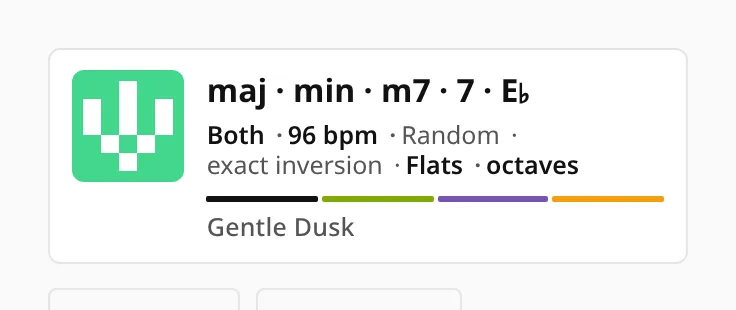
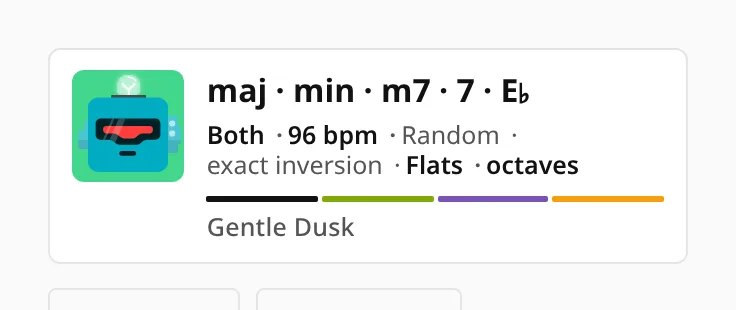
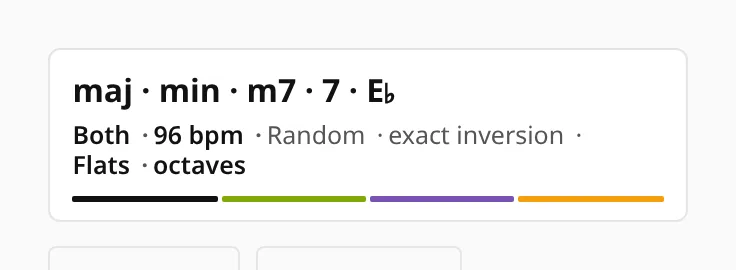
The app shows each combination as a card, so you can recognize a set of settings at a glance.
What a card tells you
- The headline says what is being drilled: the chord types, the scale or the progression.
- The subject pill shows whether this is chords, a scale, a progression or a song.
- The line underneath lists the hand, tempo, key, black-key spelling and octaves, the settings that change how the exercise feels to play.
- The chips show the pool itself and the inversions it draws from, in the same colors inversions have everywhere else in the app.
- The score is your best recent result on this exact exercise, with a star once you have perfected it.
- The name is two words the app assigns, like "Gentle Dusk", so two people comparing settings can say the name instead of reading out eleven options.
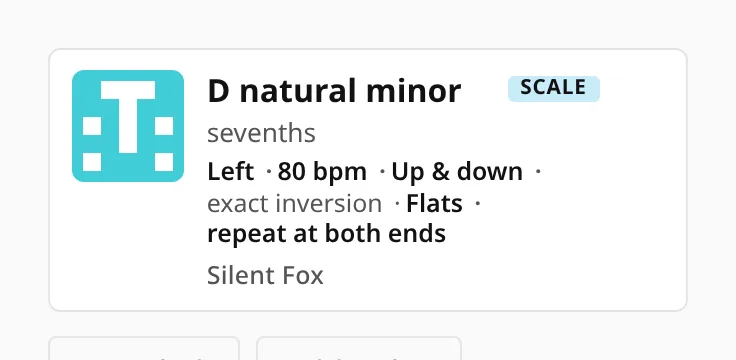
The name and the picture are computed from the settings, so the same exercise always looks the same and any change gives a visibly different card.
Three looks for the card
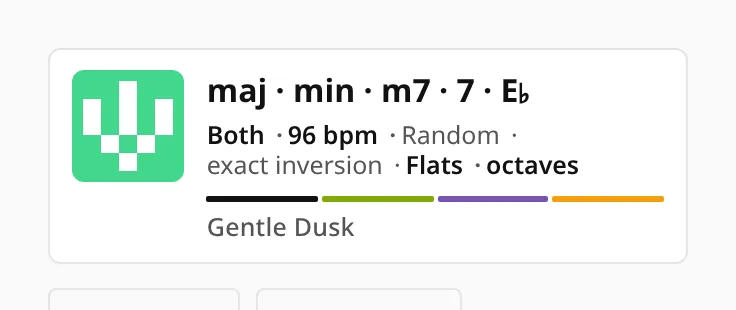
The small picture on a card can be an abstract pattern, a robot, or nothing at all, and the name can be hidden too if you only want to see the settings. The exercise itself is the same in all three.

What to practice next
When you finish an exercise, the dashboard suggests what to do next as a row of cards: the next step along the path, a step up, a different challenge, the same exercise slower, or the same chord on a new root.
If you follow the suggestions, they add up to a learning path. If you would rather not, your recent exercises are on the same screen, ready to pick up again.