Friends and the activity feed
See what your friends practiced this week, and let them see your week too. Only your friends, teachers and students appear; there is no public leaderboard.
Your week next to theirs
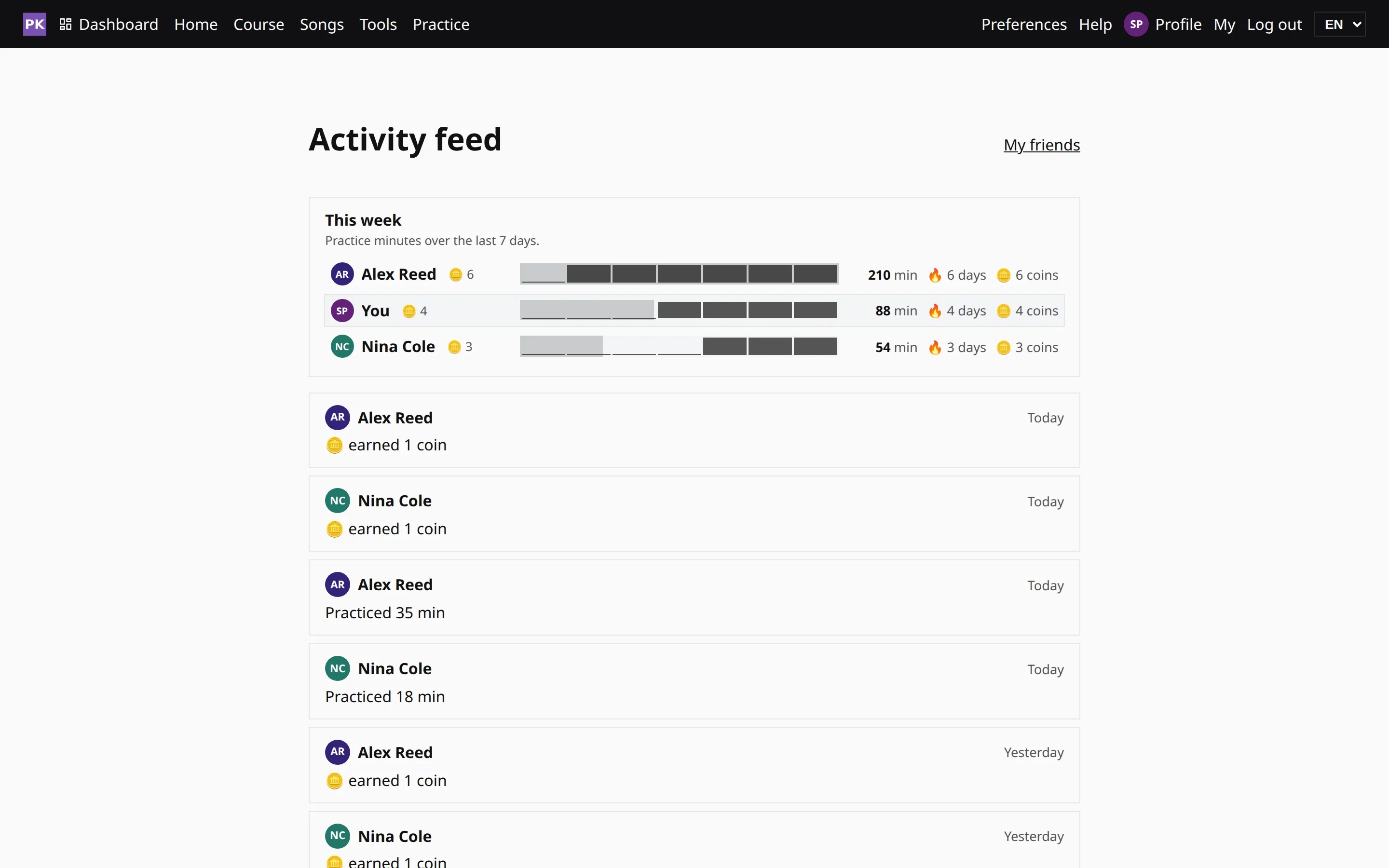
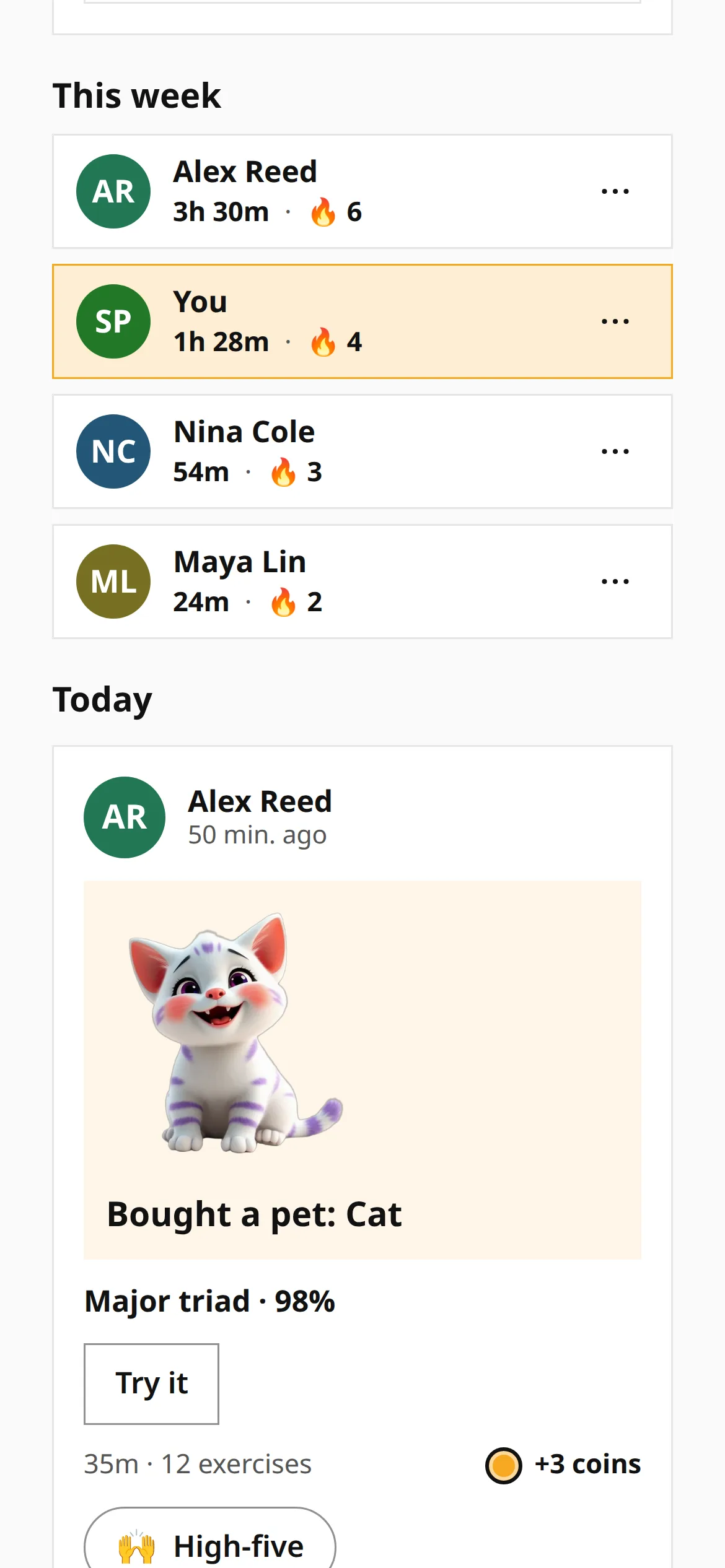
The feed shows what your friends practiced, one card per person per day: a pet they bought, an exercise they finished, or the minutes they played. Give a card a high-five, or press Try it to open the exercise they finished. When a friend gives you a high-five, your own card shows who, and your Dashboard gets one card that adds them up.
Above the cards, Your week shows your streak, the days you met your goal, your minutes and your coins. Switch to All time for the totals. The friends list under it puts you in the ranking, so you can see how your week compares.
Friends, teachers and family in one place
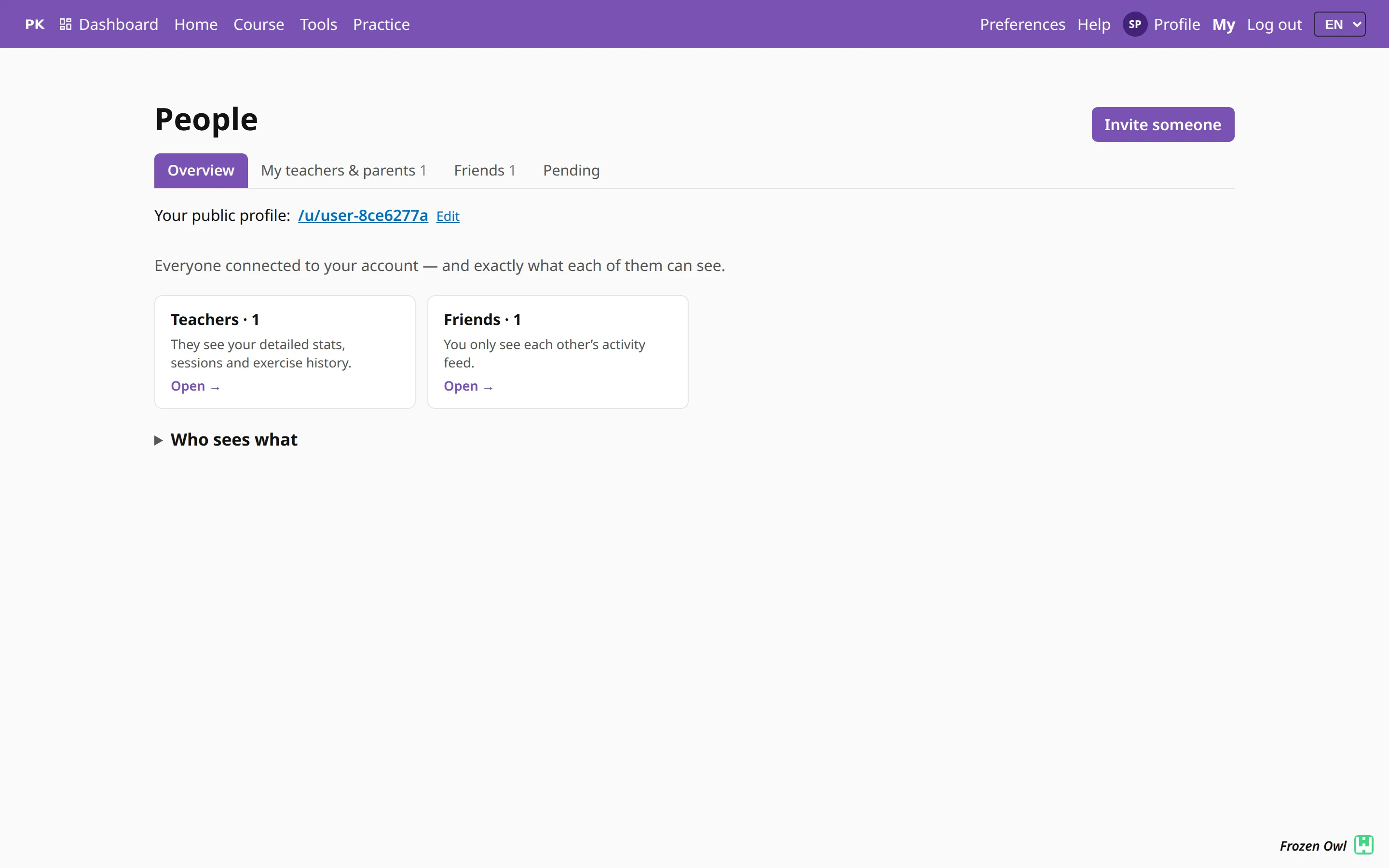
Your friends, the teachers you learn from and your parents are cards on People. Open a card to see since when you are connected, view their profile or remove them. Invitations you received, and the ones you sent that wait for an answer, are on the Invites tab; every connection needs both people to agree. The students you teach are on My teaching, your children on My family.
A teacher and a student are also friends: when a student accepts a teacher, each appears on the other’s friends list. Removing someone as a friend does not end the teaching connection.
Who sees what
Friends, teachers and parents see different things. Each relationship comes with its own set of permissions — detailed stats, the weekly summary, the activity feed, exercise history, milestone notifications, goals and lessons — and the table in Accounts & sharing shows which relationship gets which. The activity feed is for friends, teachers and students: parents follow children on their own pages.
Your friends see the exercises you finish. Turn that off in Preferences, under Activity feed.
Nothing about your practice is public by default. There is no global leaderboard, and nobody you are not connected with can look you up and see your week.
