Exercises as links — and a chatbot can write them
Every exercise setting fits in a link. Build one by hand, start from a ready-made set, or describe the drill to an AI assistant and let it write the link.
One link, one exercise
Everything you can set up for an exercise can also go into the address of the practice screen: the subject, the key, the chord types, the inversions, the tempo, the progression. Open the link and the exercise starts with those settings, on any device, for anyone.
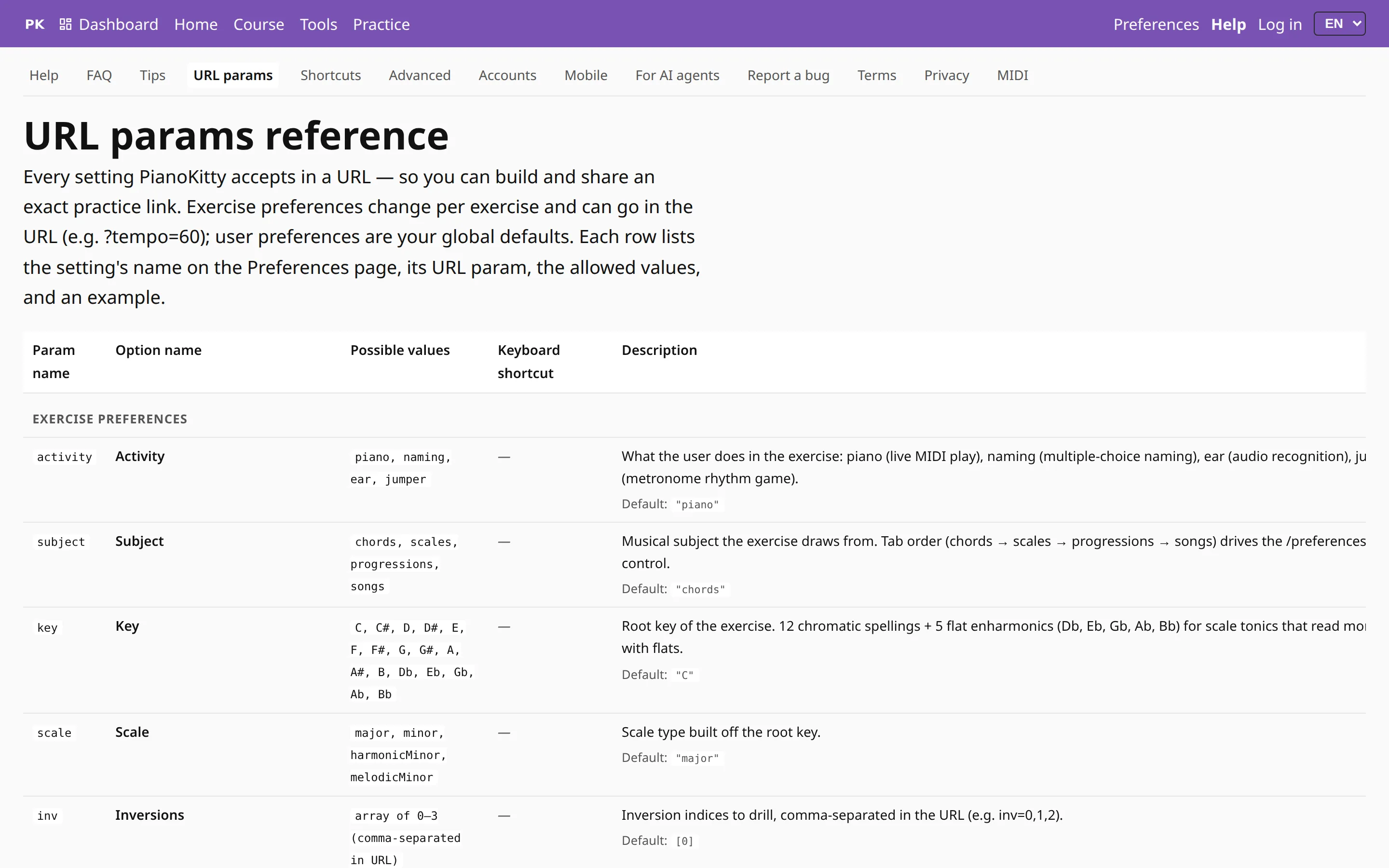
The URL params reference lists every parameter with its name in Preferences, the values it accepts and its default. Anything you leave out keeps its default, so a link can be as short as ?tempo=60. Display settings such as notation can go in a link too; they apply to that visit only and never change the visitor’s own preferences.
Ready-made sets
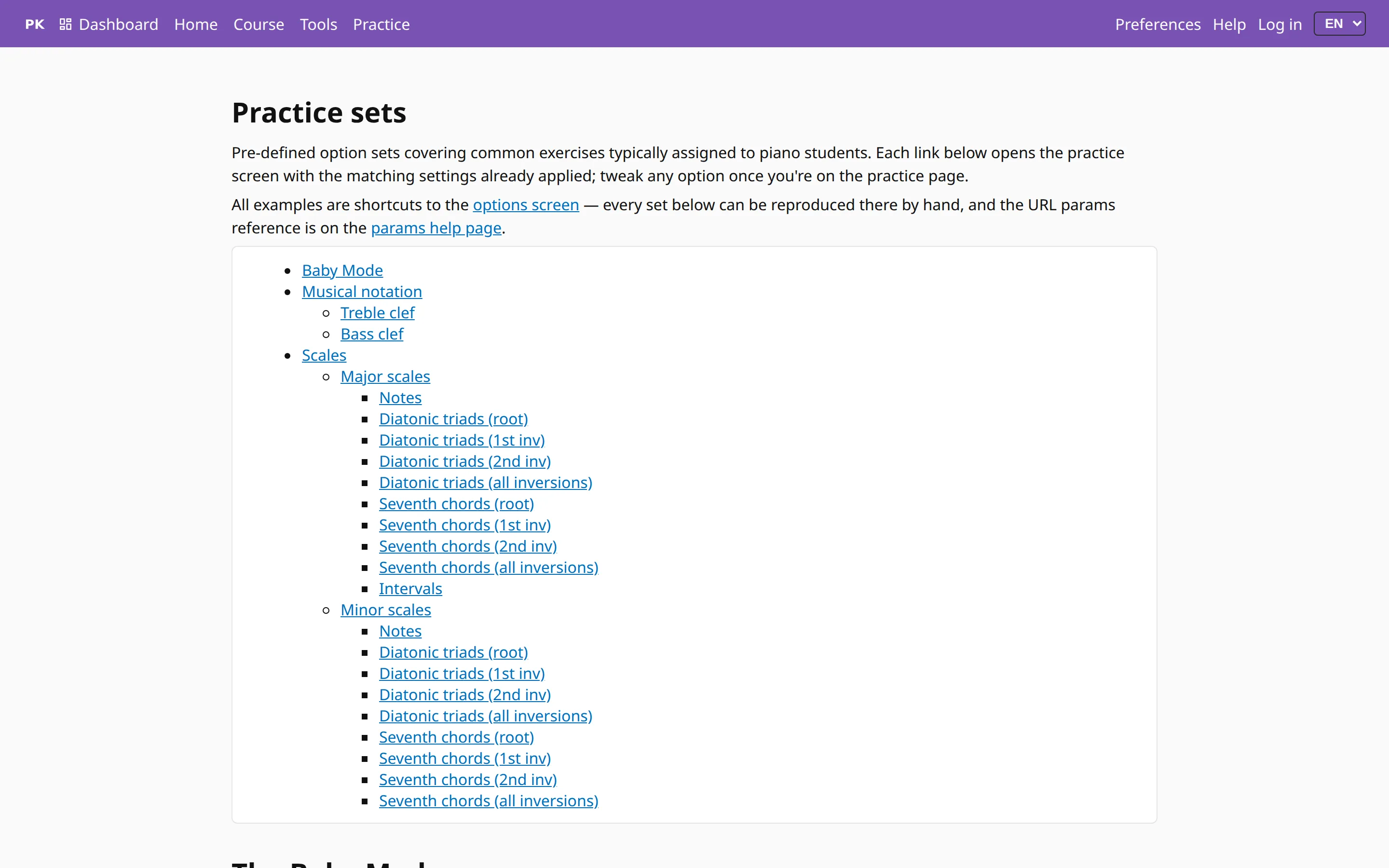
If you would rather not build links yourself, the practice sets page has them ready for the exercises piano teachers assign most often: notes on the treble and bass clef, the major and minor scales, diatonic triads and seventh chords in each inversion, intervals, and Baby Mode. Each link opens the practice screen with the settings already applied, and you can change any of them from there.
Ask a chatbot to design the exercise
Because an exercise is just a link, an AI assistant such as ChatGPT, Claude or Gemini can design one for you. Describe what you want in your own words, the way you would tell a student: “minor triads in first inversion, black-key roots only”, or “ii–V–I in every key, slowly”. The assistant answers with a link, and you open it.
For that, it needs to know the parameters. The page for AI assistants links to the reference written for them: the full parameter list as plain text to paste into a chat, the same list as JSON for tools, and a set of about forty worked examples that turn a teacher’s request into a link. There is also an llms.txt file at the root of the site that points assistants to all of it.

If the assistant can browse the web, ask it to read the site’s llms.txt first. If it cannot, open the Markdown reference, copy it, and paste it into the chat before your request.
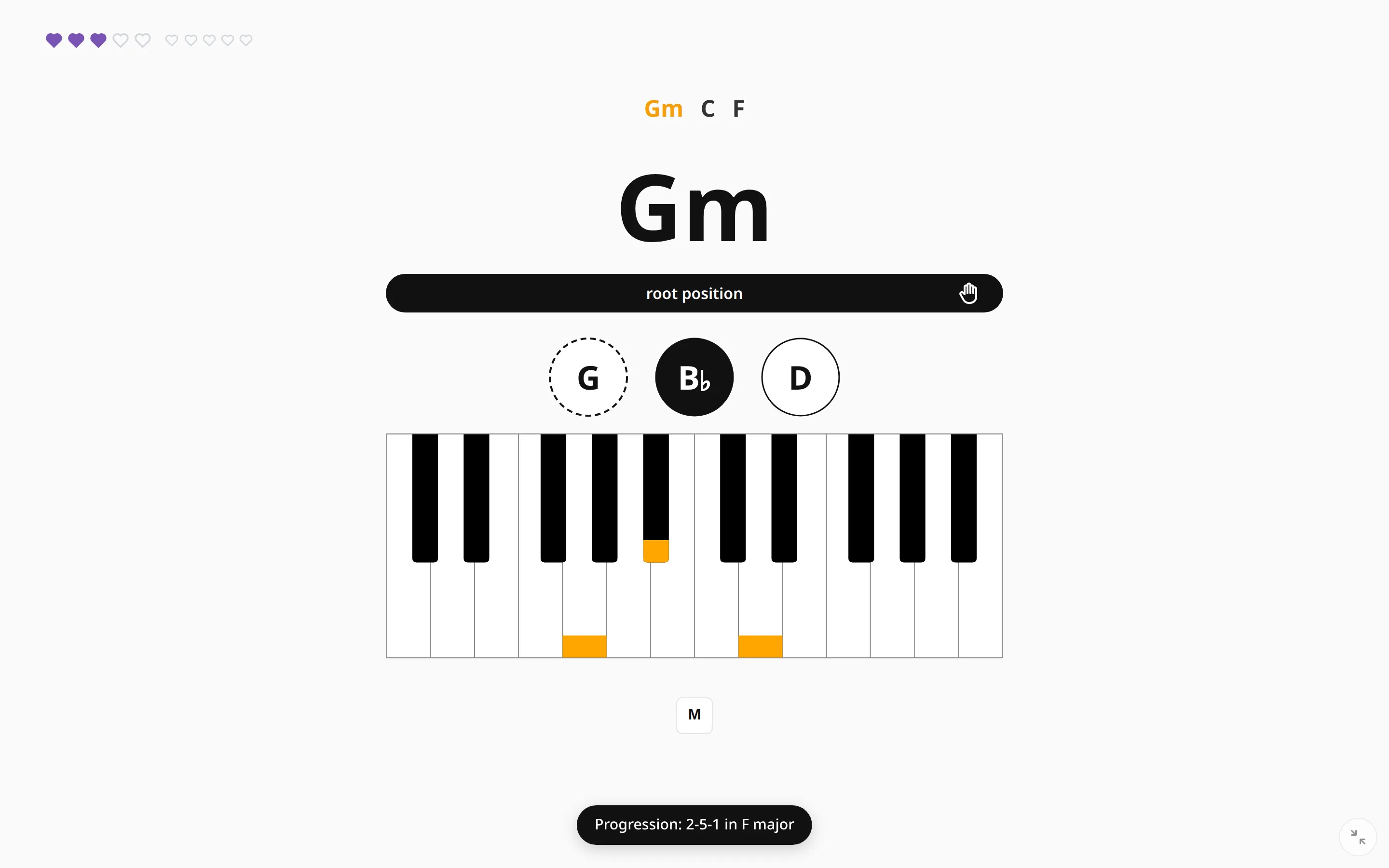
Here is what such a link looks like once opened: ii–V–I in F, the chords in order. A teacher can put links like this in a list or a lesson plan, or send them to a student.