Chord names, numerals or functions
In scales and progressions, choose how the app asks for each chord: by its name, as a Roman or Arabic numeral, or by its function in the key.
One chord, five ways to ask for it
In a scale or a progression, every chord has a place in the key, so the app can ask for it by that place instead of by its letters. The Question label style setting decides which. For the second chord of C major:
- Chord name: Dm (the default)
- Roman numeral: ii
- Roman + quality: ii, where capitals mean major, lower case minor, ° diminished and + augmented
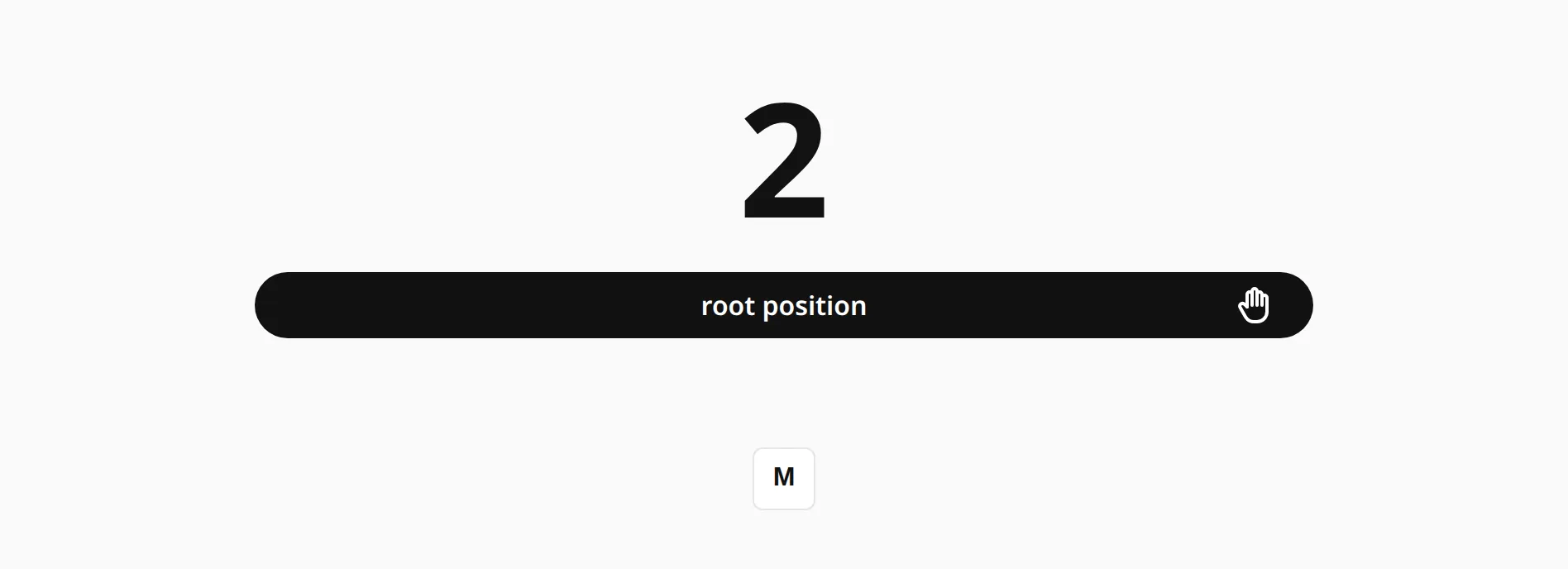
- Arabic numeral: 2
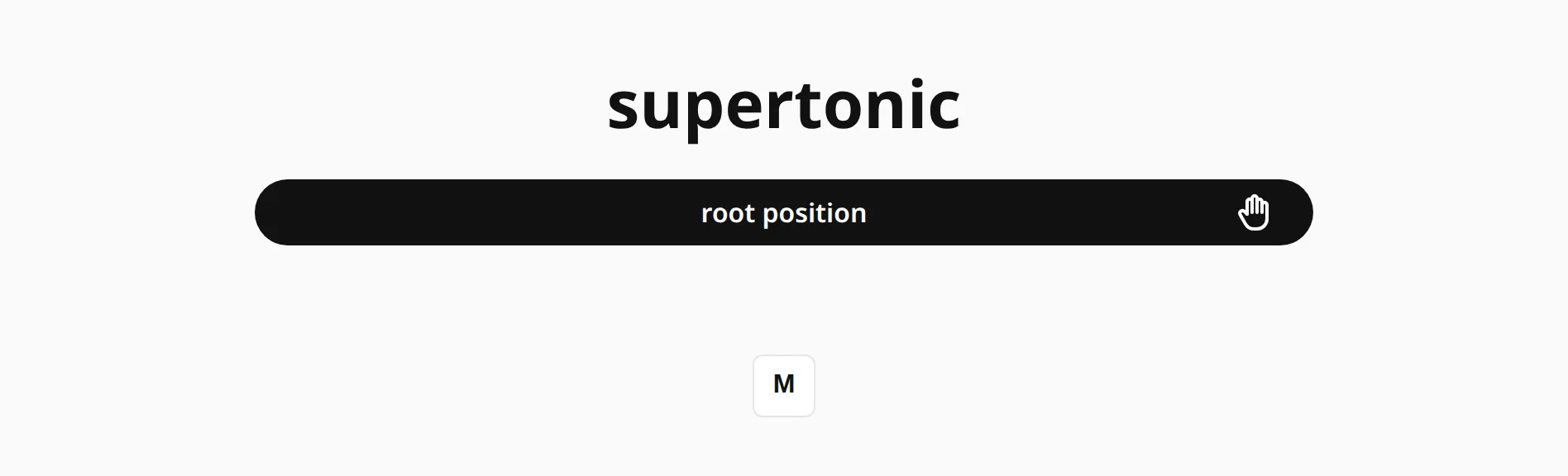
- Function: supertonic
What you play does not change. Only the question does.
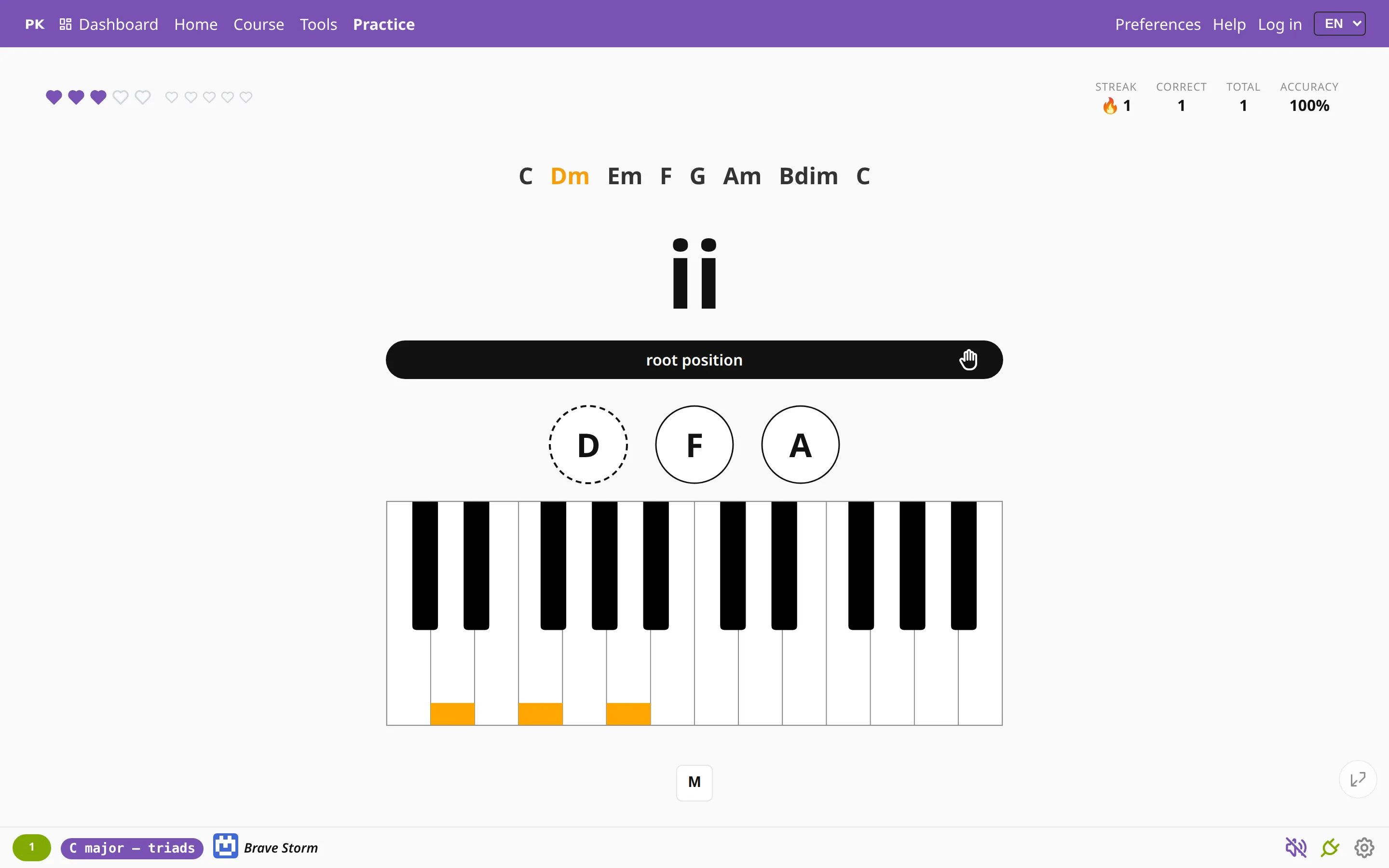
The chord chart above the question and the hints below it still name the notes. To really read the numerals, turn them off.
Why think in numbers
A numeral names the chord’s role in the key, not its letters, so ii–V–I is the same three steps in every key. Once you can play it from the numerals, a new key is only a new starting note. That is also how many musicians write chord charts: the Nashville number system uses plain Arabic numerals, and harmony lessons use the function names.
Where to set it
The setting is on the Scales and Progressions tabs of Preferences. Chords and songs always ask by chord name. Roman + quality needs a scale in triads or seventh chords; for progressions, single notes, intervals and non-diatonic scales it shows plain Roman numerals.
It can also go in a link: qls=roman, romanQuality, arabic or function.
