Plan your practice with an AI assistant
Tell ChatGPT, Claude or Gemini your level and goals, and get a practice plan with links that open each exercise. Or connect your assistant to PianoKitty.
Describe yourself, get a plan
Open the prompt page and write a few lines: your level, how long you practice, what you want to learn. A sample gives you a start. PianoKitty turns your lines into a prompt.
Copy it into ChatGPT, Claude or Gemini. The answer comes back as exercise links and, if you ask, a practice list.
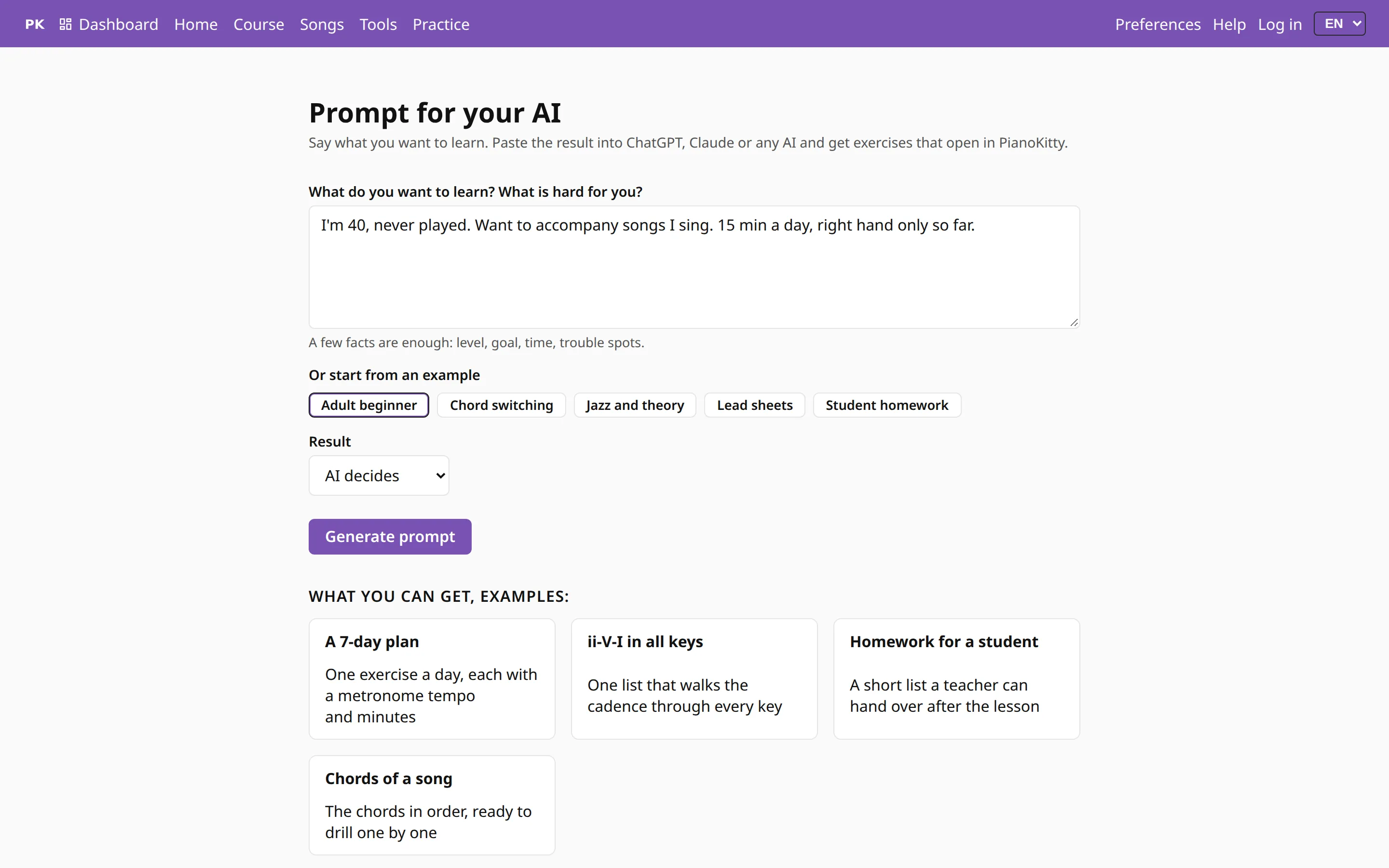
The prompt tells the assistant how PianoKitty links work, so the links it writes open as real exercises. The assistant sees only the text you paste.
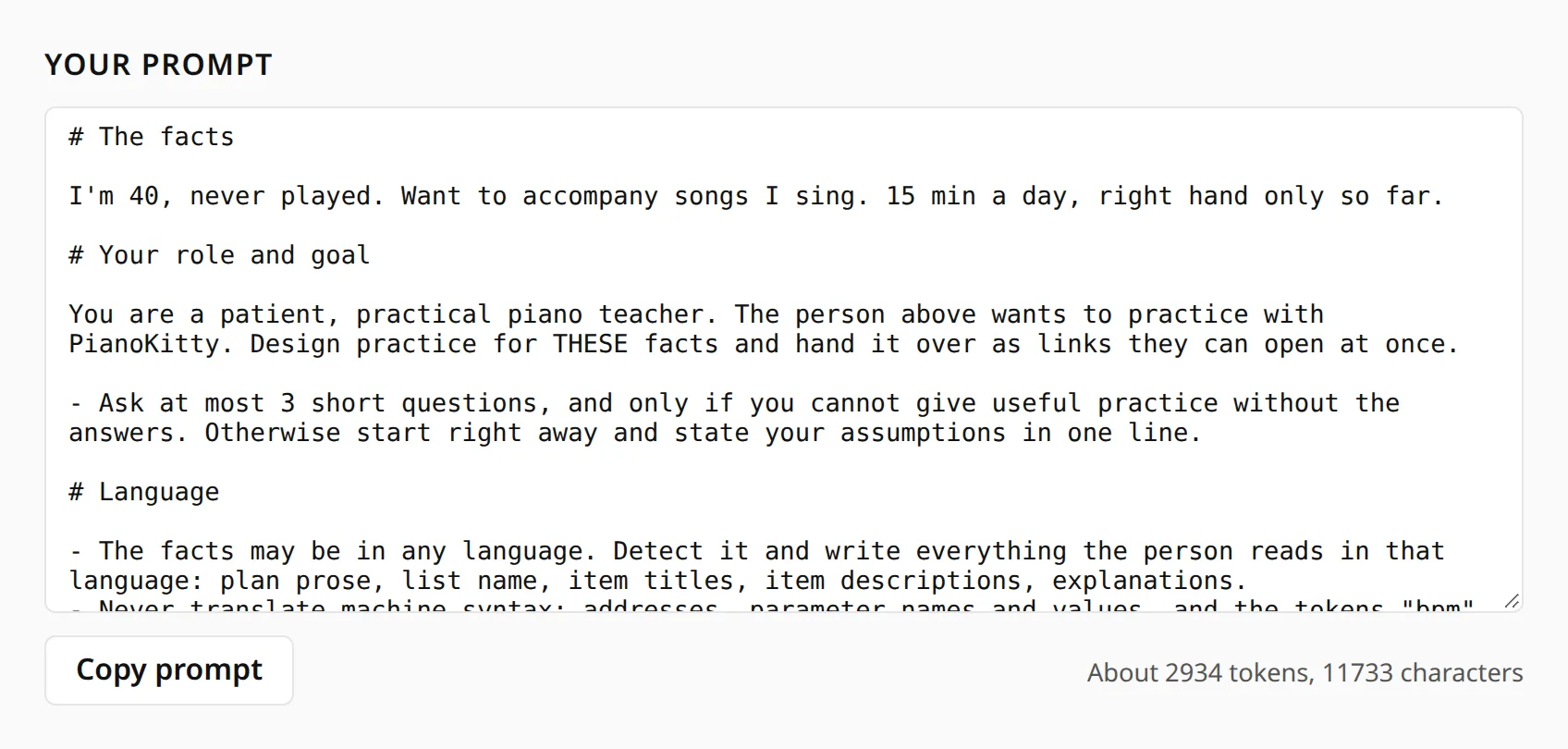
Connect your assistant
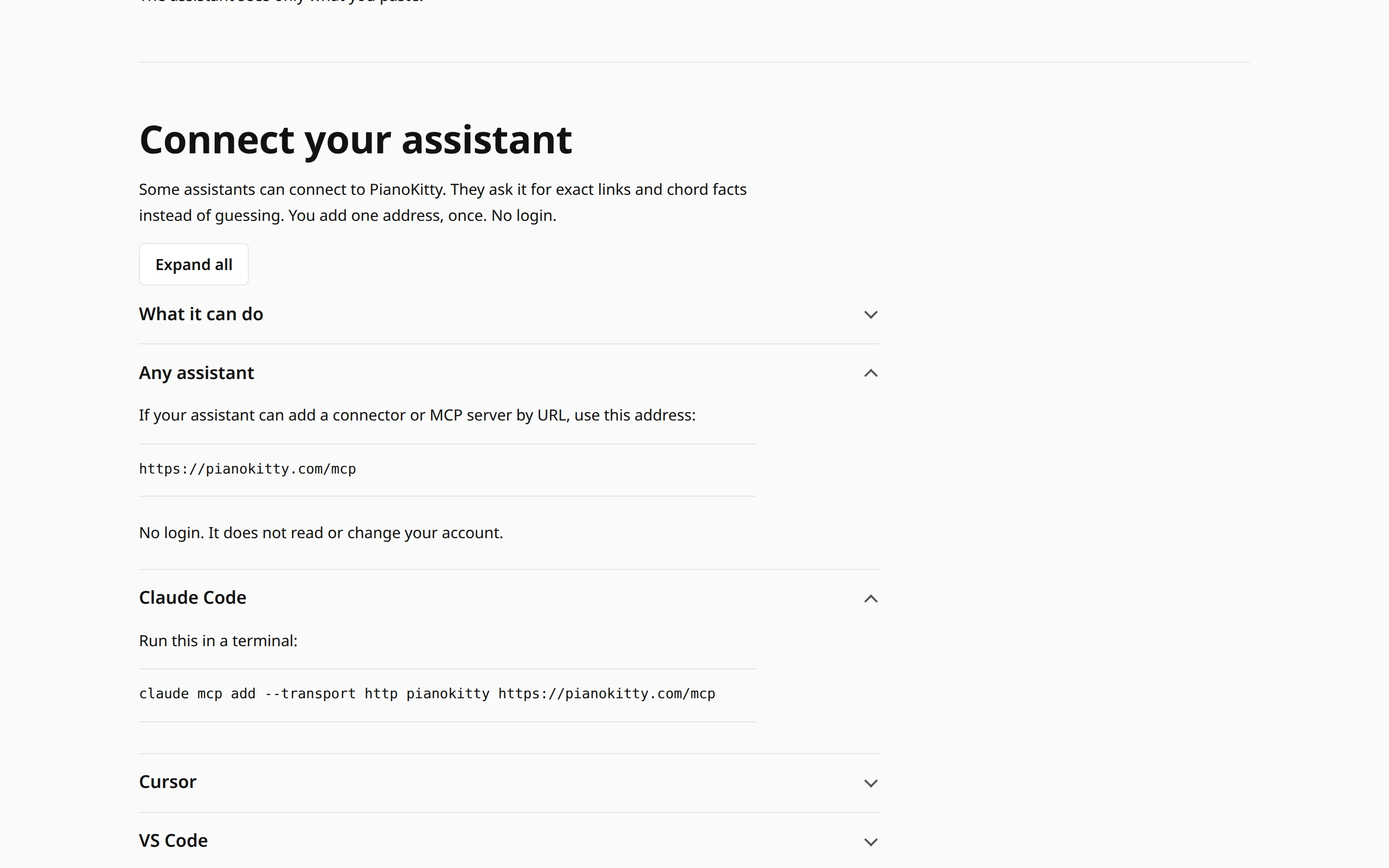
Some assistants can connect to PianoKitty. They then ask it for exact links, chord notes, scales and songs instead of guessing. You add one address, once, with no login. It does not read or change your account.
The AI assistant help page has the address and the setup steps for Claude Code, Cursor and VS Code.
Not sure your assistant can connect? Use the prompt page. It works in any chat.
Open a link
Questions
Do I need an account?
Not to open the links an assistant gives you. A practice list needs an account: the assistant gives you a link, you log in and press the button to save the list.
Which assistants work?
Any chat assistant can use the prompt, including ChatGPT, Claude and Gemini. To connect directly, the assistant must let you add a connector or MCP server by URL. The help page has setup steps for Claude Code, Cursor and VS Code.
Is it free?
Yes. The prompt and the connection are free, and neither needs an account. Your assistant may have its own price.
What does the assistant see?
With the prompt, only the text you paste. With the connection, only what it asks PianoKitty for, such as a chord or a song search. It has no login, so it cannot see or change your account, your lists or your practice history.