Send to PianoKitty
A bookmark that sends what you are reading to PianoKitty: a page to your notepad, or a song’s chords from Chordify or Ultimate Guitar to the chord editor.
Save any web page with one click
Say you find a good video about the modes late at night and want it at hand for tomorrow’s practice. Click the bookmarklet on that page, and its title and address are added at the top of your notepad on the dashboard. PianoKitty opens in a new tab with the note already in place.
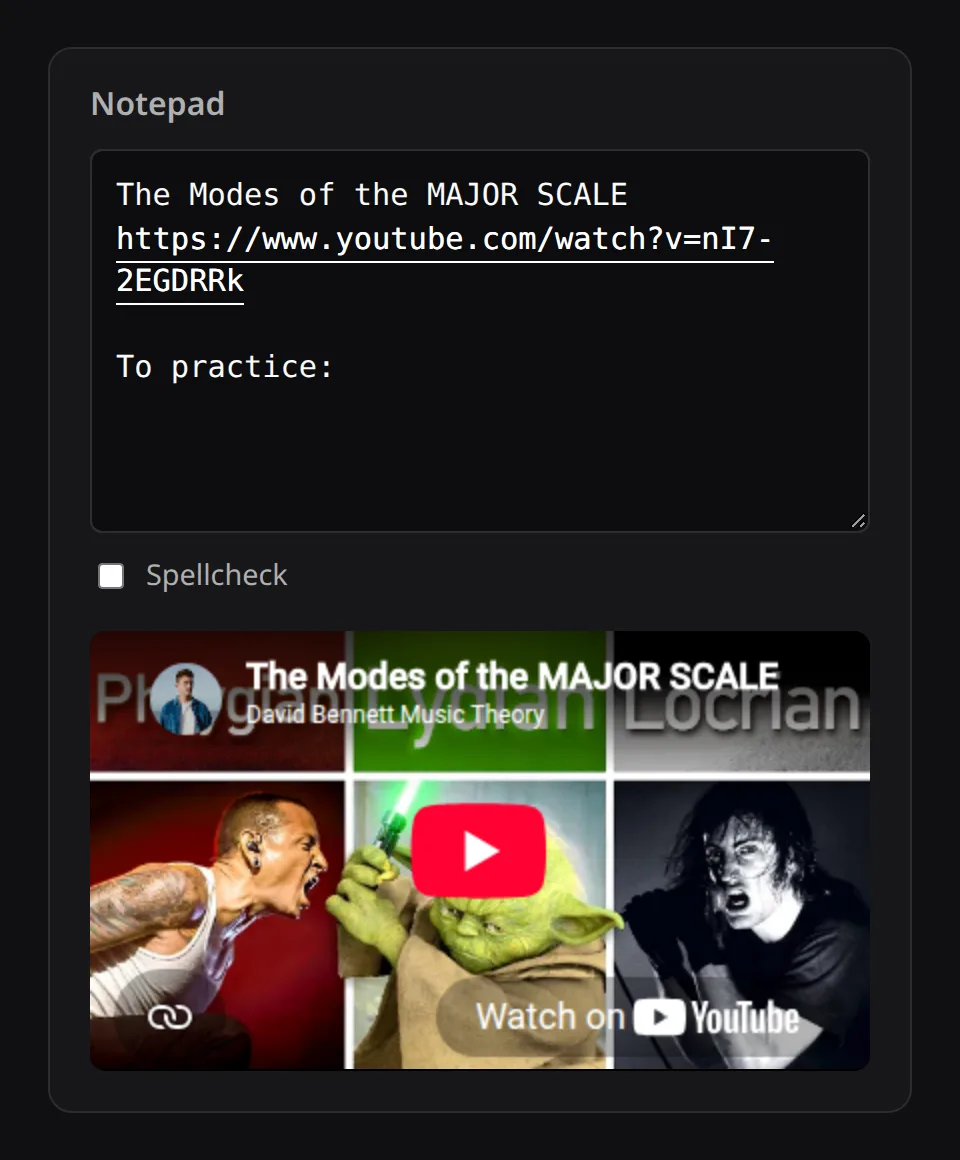
Setting it up
Open Bookmarklets (you need to be signed in) and drag Note in PianoKitty onto your browser’s bookmarks bar. You do not need to install an extension or grant any permissions.
Each saved page goes to the top of the notepad, so the most recent one is the first you see.
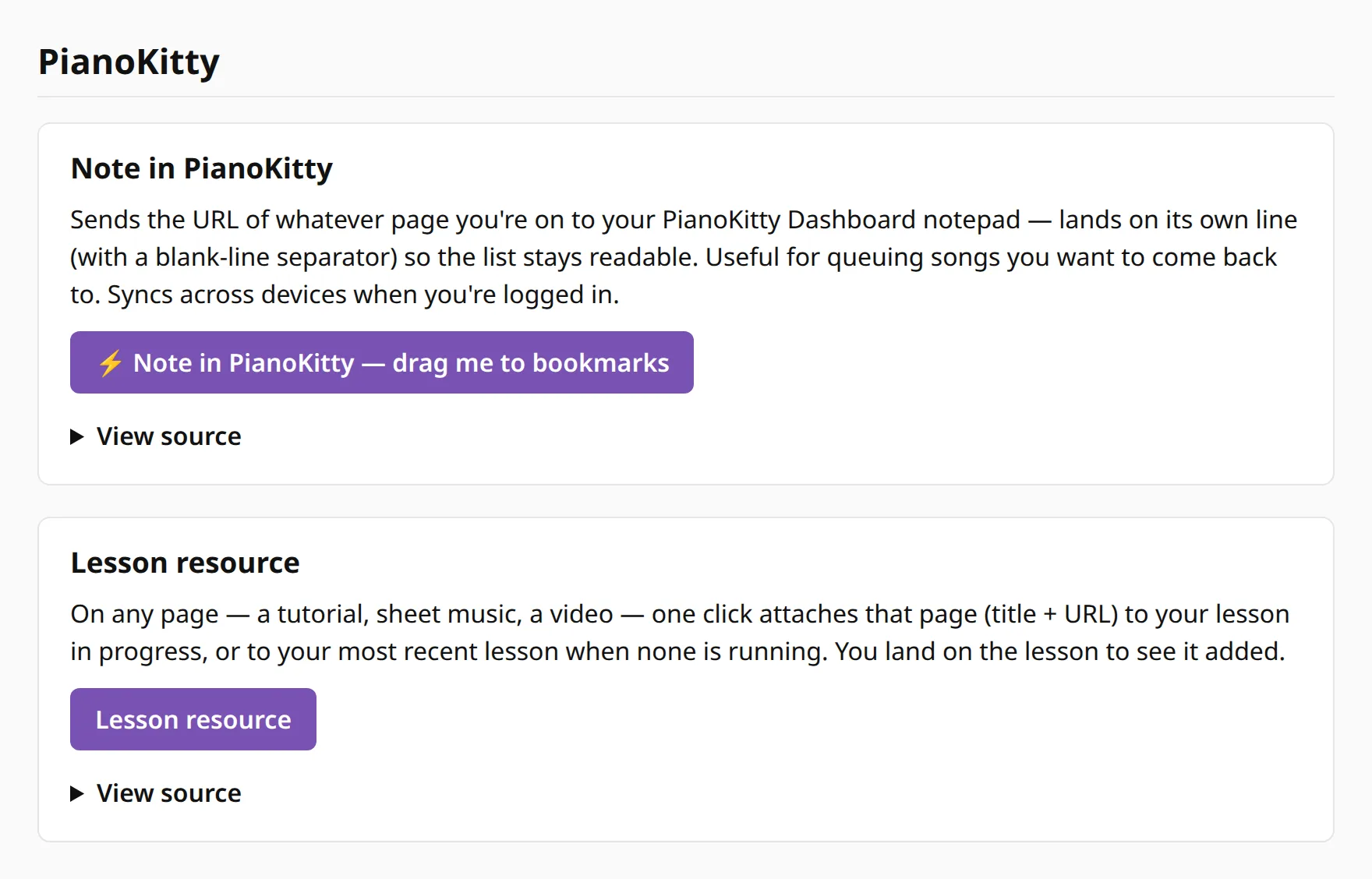
A second bookmarklet, Lesson resource, attaches the page to the lesson you have in progress, or to your most recent one if none is running, and opens that lesson. See The lesson log.
Chords from a song page
Four more bookmarklets on the same page take the chords of a song and open them in the chord editor, in a new tab, with the song title filled in. Run them on the song’s own page.
- Ultimate Guitar → PianoKitty works on a chords page, one whose address contains “-chords-”. It sends the chords in order, with each section (verse, chorus and so on) on its own line under a marker.
- Export chords → PK2 on a Chordify song page sends the chords in order. A chord held over several beats is listed once.
- Export unique chords → PK2 sends each chord the song uses once, in the order it first appears. That gives you a set of chords to drill, not a progression.
- Export Roman numerals → PK2 sends the same chords as Roman numerals in the song’s key, and the editor recognizes them as a progression.
Scale steps stays on the Chordify page: it replaces the chord names there with Roman numerals in the song’s key and sends nothing.