Fairy tale look
Butterflies that carry notes, a meadow for Jumper and fairy level boards: a look for practice with young children.
Butterflies
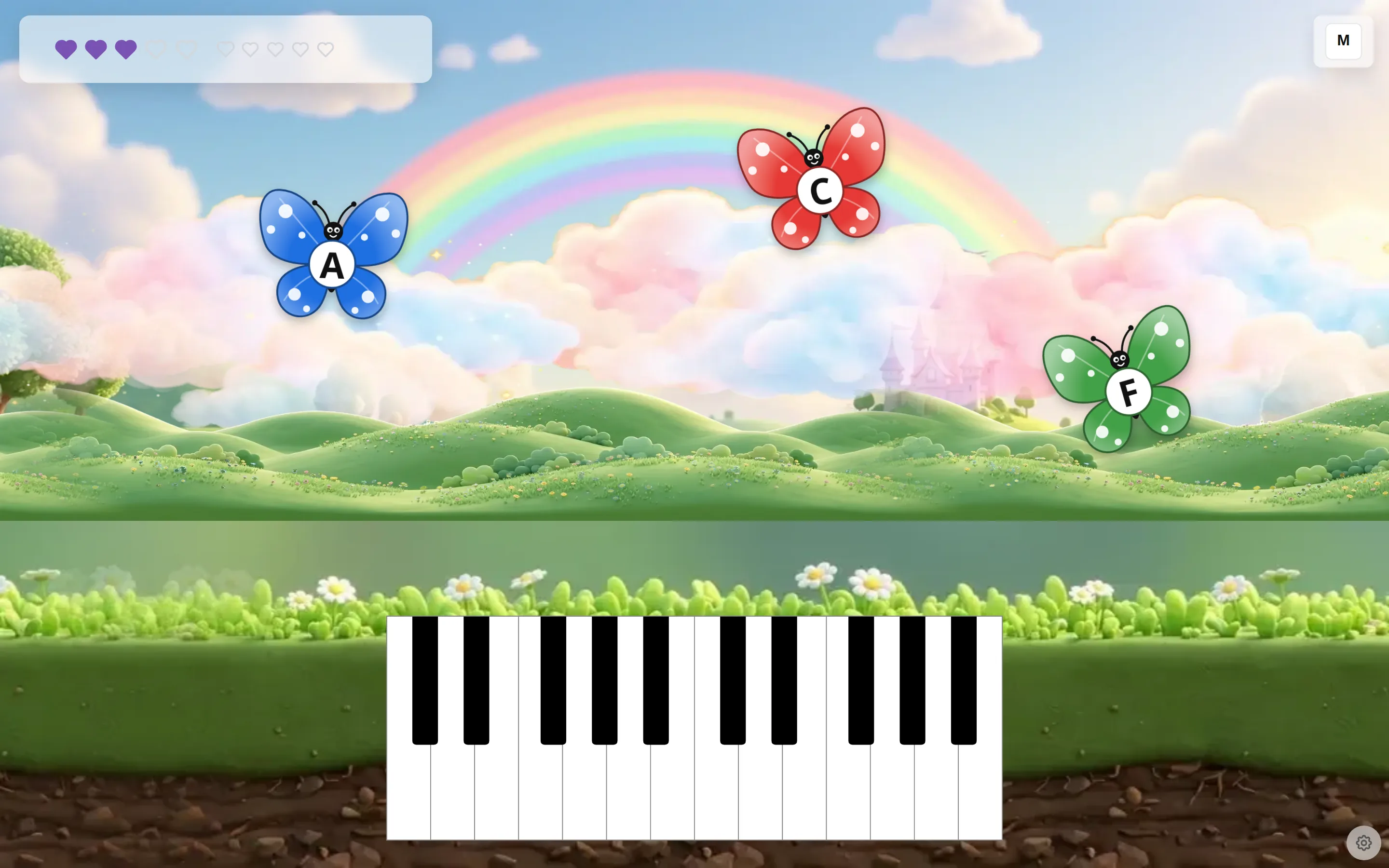
A butterfly carries a note, an interval or a chord. The child plays it on a MIDI keyboard or on the on-screen keyboard, which also works by touch. When the right keys are down, the butterfly is caught.
Jumper in a meadow
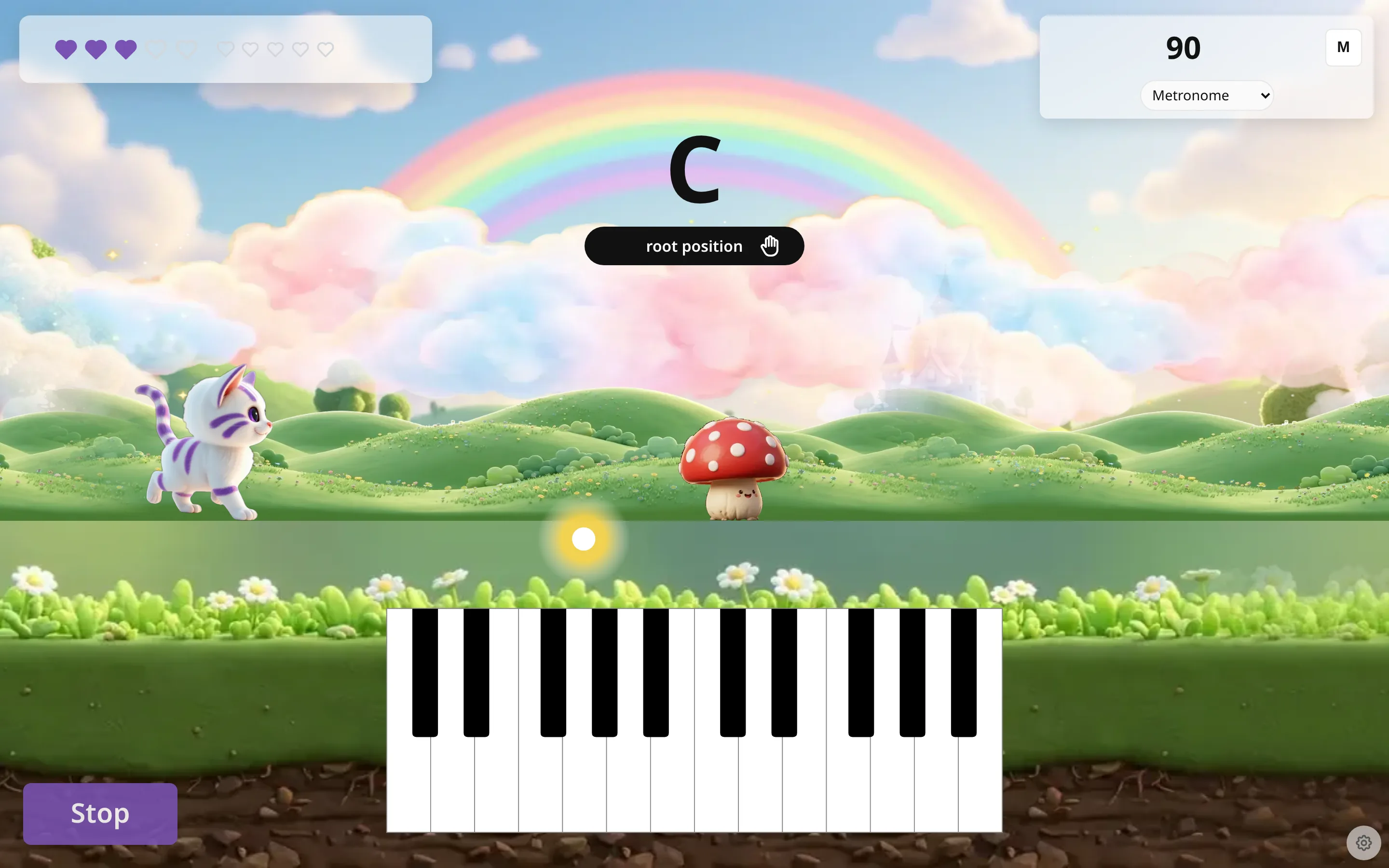
The Jumper game gets the same look and runs in a meadow.
The level board
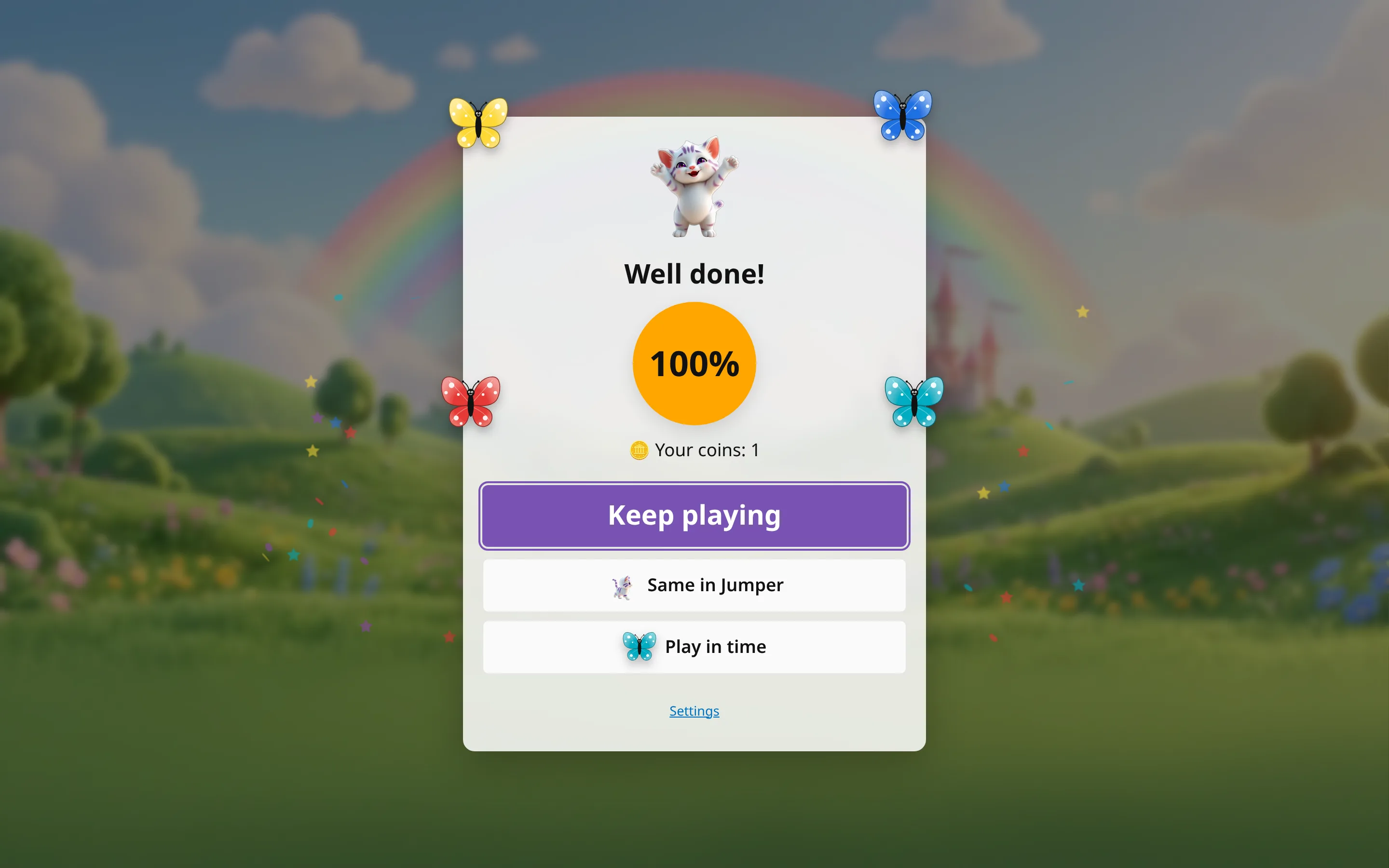
At the end of a level a fairy board shows the result and the coin earned. One big button, Keep playing, goes on: to the next level at 99% or more, otherwise to the same level again. A small Settings link and a few suggestions sit below it.
Turn it on
Open Preferences, section Theme, and switch on Fairy tale look. Baby mode turns it on too.
Two more settings sit next to the switch. Number of characters is how many butterflies fly at once, from 1 to 4. The default is 2, and a phone shows at most 3. Vanishing animals plays in time: with the metronome on, a butterfly that stays a whole bar flies away and costs one heart. It is off by default.

To try it without changing a setting, open the short link /butterfly or /jumper on this site. In /butterfly?kn=4, the number after kn= sets how many butterflies fly.
What it covers
Single notes, intervals and chords. Scales, progressions, songs and melodies keep the normal page, because their order matters.
The small gear in the bottom-right corner opens Preferences, where you turn the look off. The details are on the Fairy tale look for kids help page.