Record what you play
Play a few chords on your MIDI keyboard and the app recognizes them and turns them into an exercise.
Press R, then play
The app already listens to your keyboard to check your answers. When you record, it writes down what you play instead of comparing it with a question.
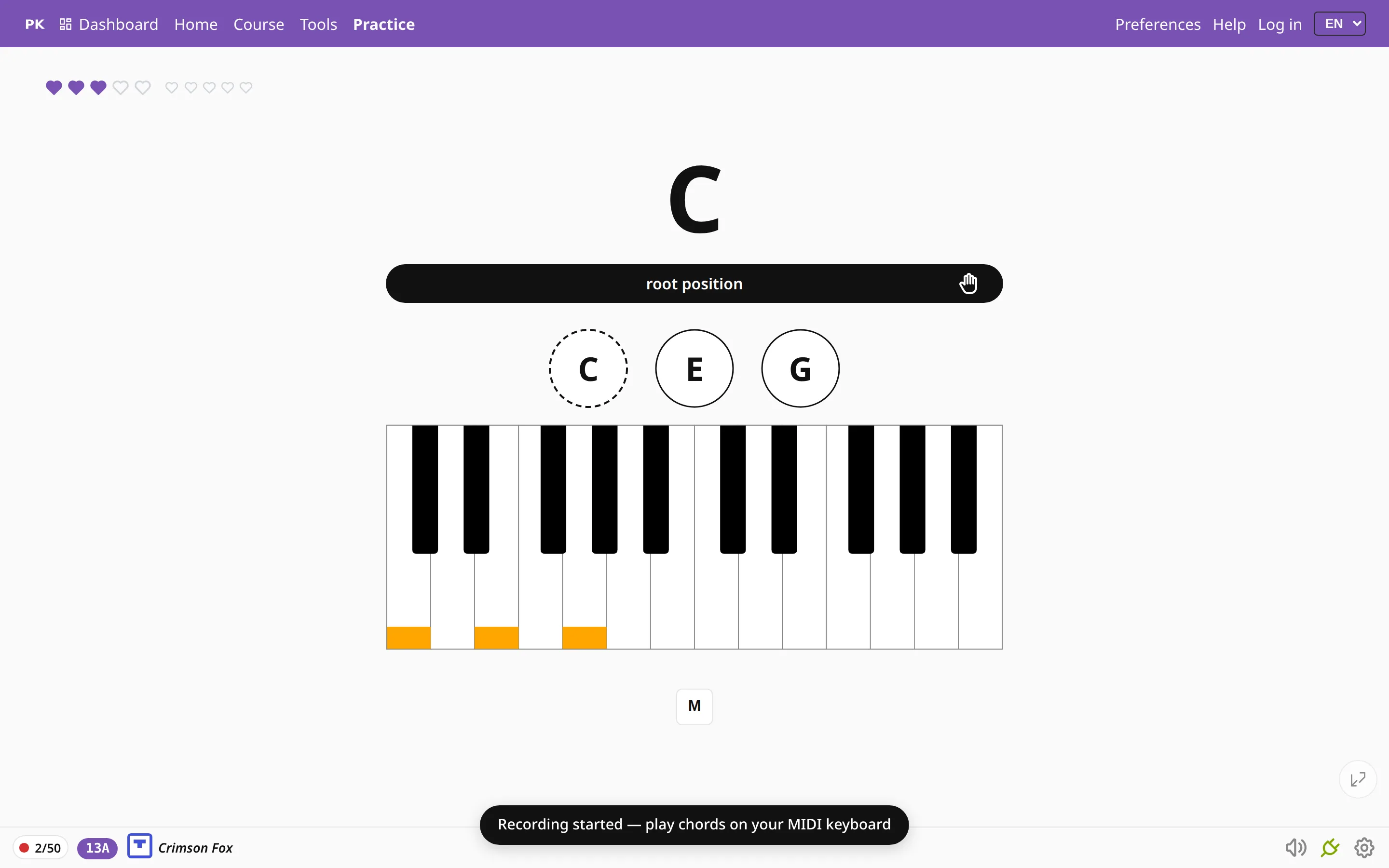
Press R and play. The app recognizes each chord when you let go of the keys: it works out the root from the bass note and the chord type from the spacing, so inversions are recognized too. The counter in the corner goes up by one for each chord.
Stop recording to get an exercise
Press R again to stop. What you played becomes a Songs exercise with the chords in the order you played them. You can drill it, loop it, transpose it or share it as a link, and you never had to type a chord name or pick one from a menu.
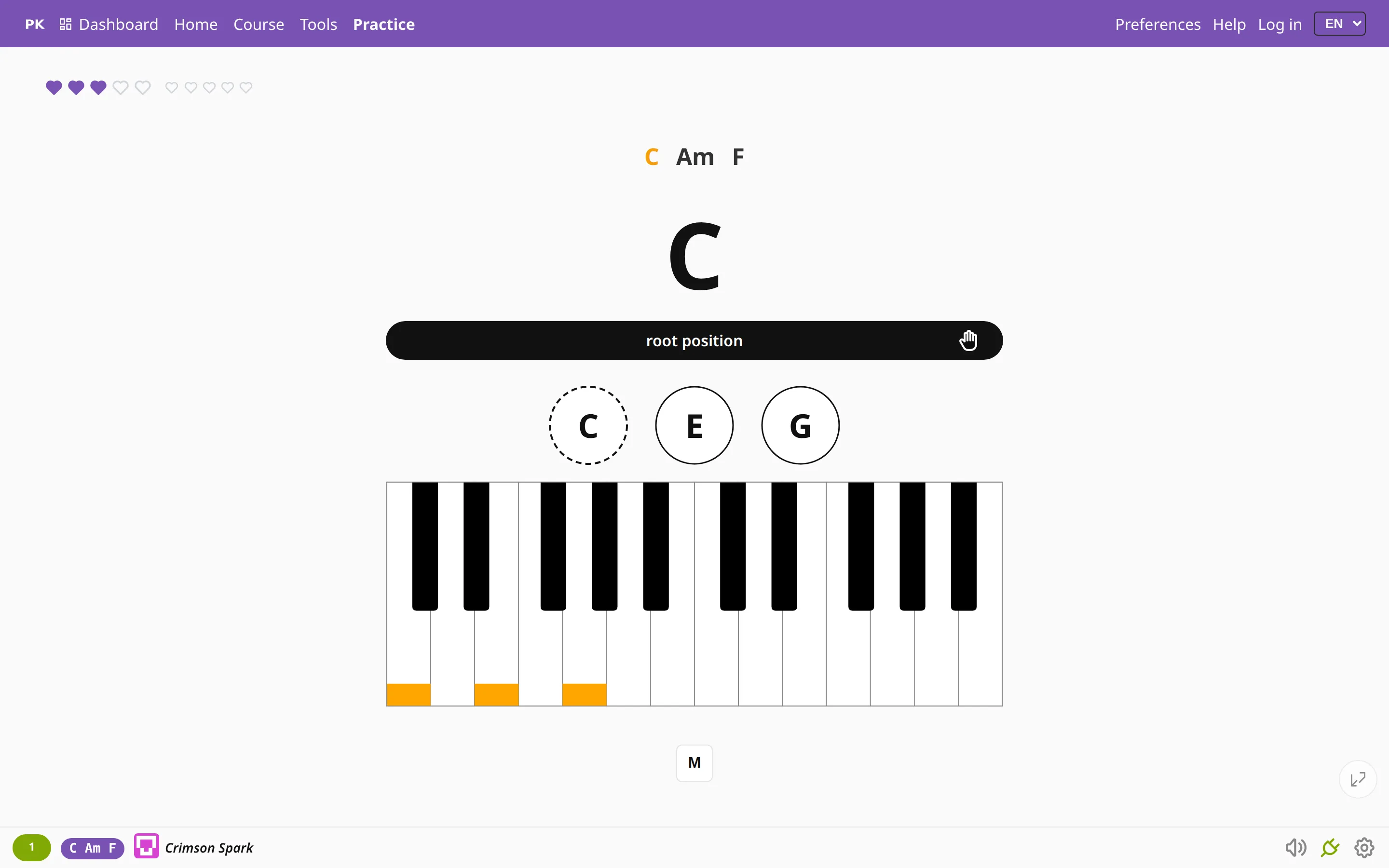
If a song is stuck in your head, play it once from memory, stop the recording and practice the chart the app wrote for you.
How it tells one chord from another
When you let go of a chord, the app lines the notes up from the lowest, measures the gaps between them and looks the shape up in the same table of chords it drills you on: triads, sevenths, ninths, suspended chords and intervals. Then it works back from the bass note to the root, so E–G–C is recorded as C major with E in the bass.
- Doubled notes count once, so a C in both hands or an octave in the left hand makes no difference.
- A shape that is not in the table is skipped rather than guessed. Nothing is written down, and you can go on to the next chord.
- The same chord twice in a row is written once, so you can hold it or strike it again without filling the recording with copies. To drill each chord several times, turn on repeat each chord in the result.
- Chord names follow your Preferences: inversions appear as C/E or C.1, whichever you chose.
Chords or a melody?
You can record in two ways:
- R records chords. Two or more keys pressed together make one entry, and a single key on its own is ignored. Each entry in the result is graded as a whole chord.
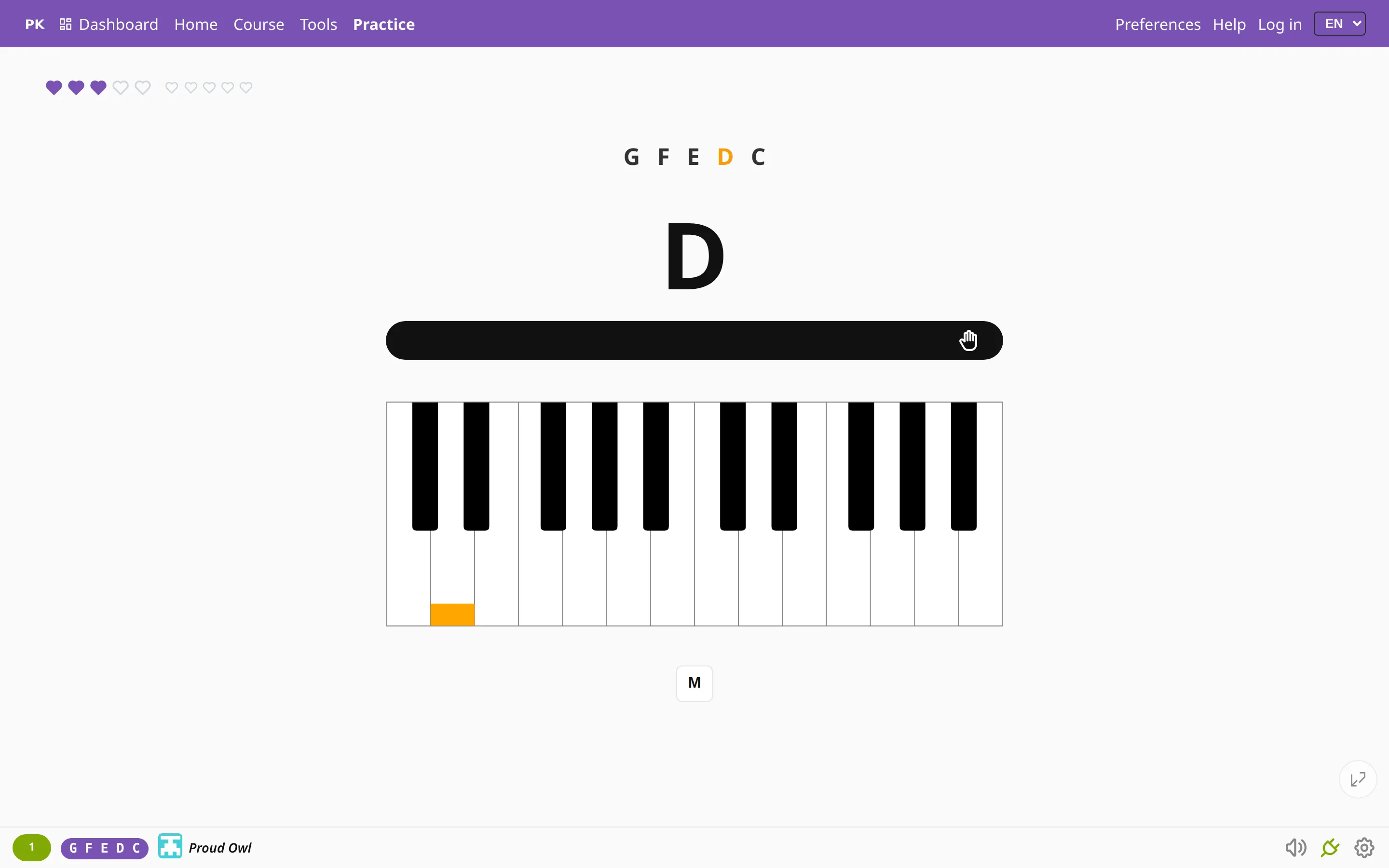
- Shift+R records a melody. Every key is one entry and the result is graded note by note, so a tune played one key at a time becomes a melody drill instead of a string of two-note intervals.
Use the first for a song’s accompaniment and the second for its tune in the right hand.
| R | Start or stop chord recording |
| ShiftR | Record single notes (a melody) |
What it needs
Recording needs a MIDI keyboard. It listens to the keys you press on the instrument, so the naming mode cannot be used to record. If no instrument is connected, R tells you so. Connecting a keyboard takes one cable.
The app reads a chord from the shape of its notes and ignores the key signature. C major is C major wherever you play it, and a chord with its third in the bass is recorded as an inversion.