Broken chords and arpeggios
Roll a chord or arpeggiate it and take as long as you need. PianoKitty checks which keys you are holding and does not time you.
Play a chord one note at a time
You do not have to press all three keys together. Play the root, then the third, then the fifth: as long as the keys stay down, the app treats them as one chord. There is no timer.
This helps beginners, whose fingers often find the keys one at a time. Rolling a chord is also a perfectly normal way to play it on the piano.
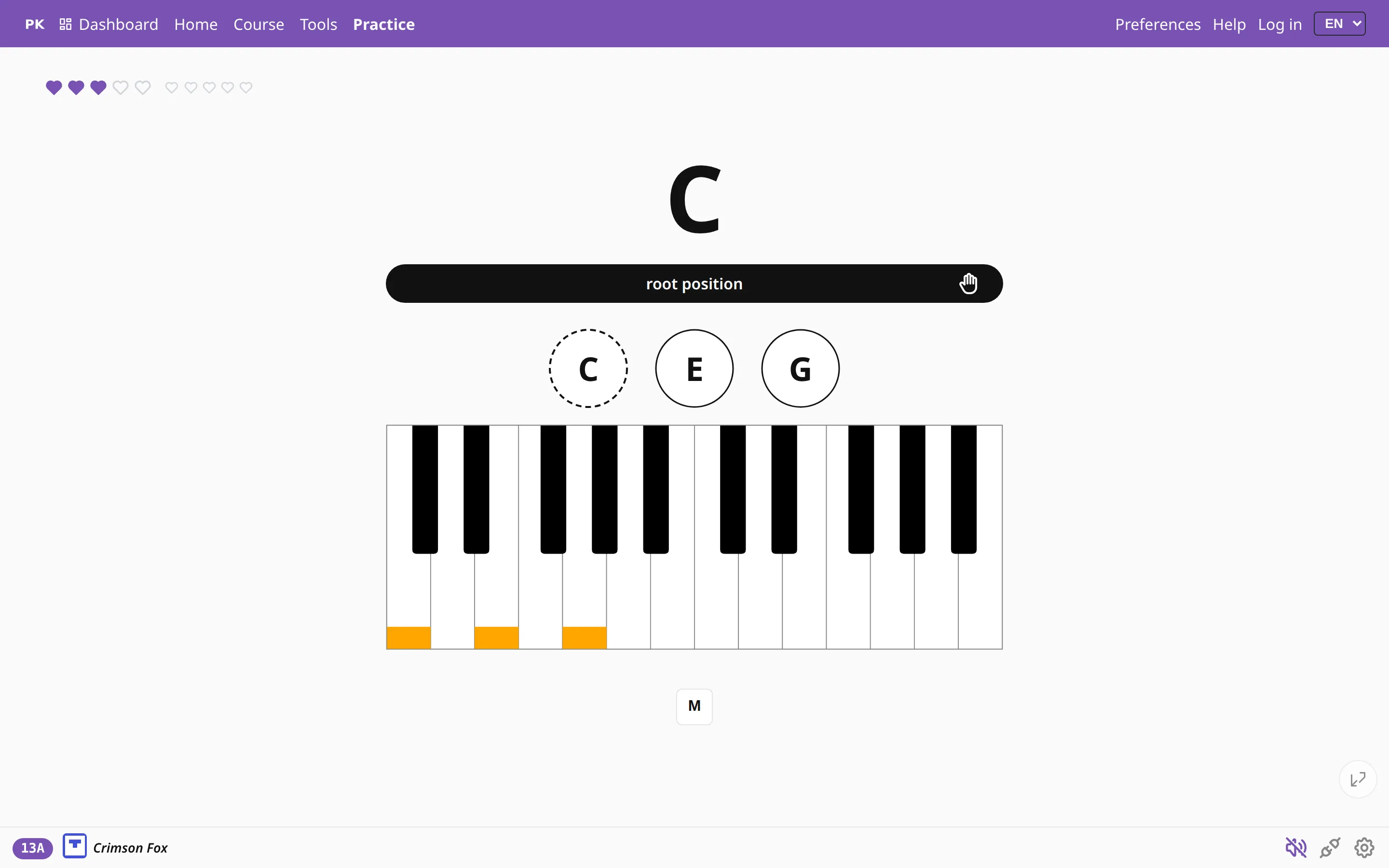
It waits for the whole chord
The app counts the keys you are holding. Until there are enough for the whole chord, it does not mark anything as wrong. When the count matches the chord, it checks the notes you are holding.
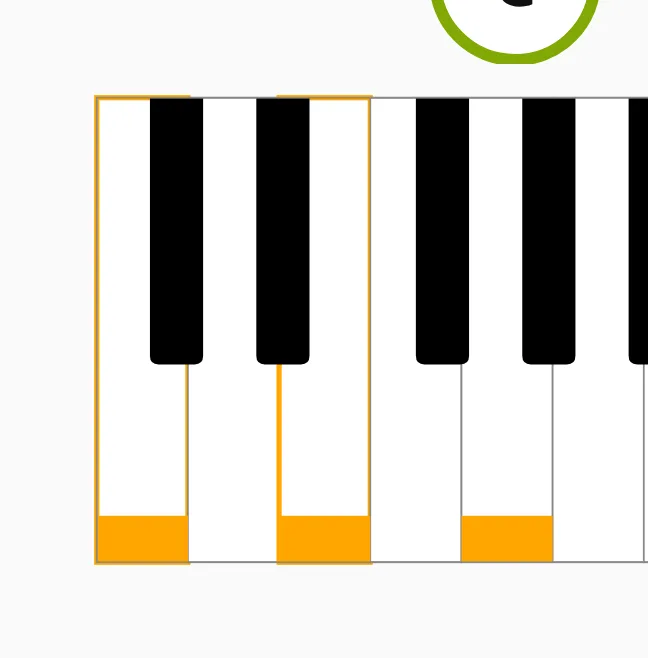
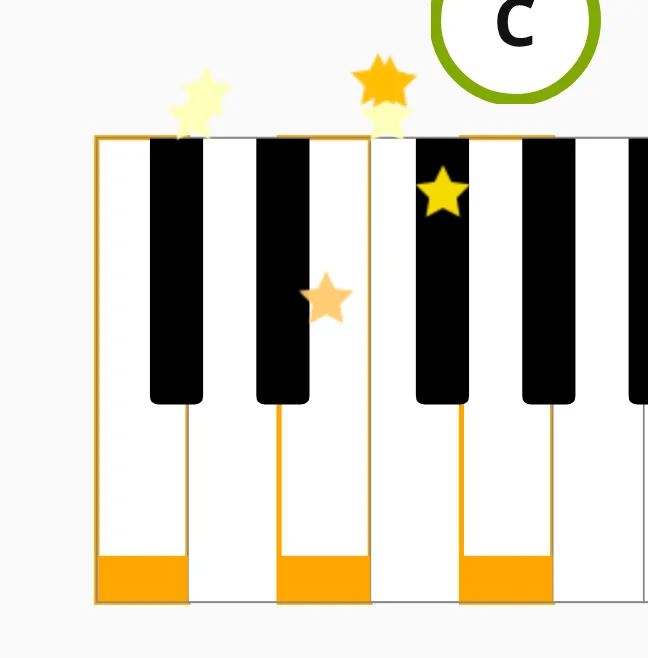
Keys still held from the previous chord do not count against you. The app tracks which keys you pressed since the last answer, so you can play legato and do not have to lift your whole hand before the next chord.
Read a chord as one shape
Beginners read sheet music one note at a time: find the note, name it, play it, go on to the next. Fluent readers take in a whole group of notes, such as a chord or a broken chord, and play it in one move. Chord drills practice exactly that.
If you switch the question to the staff, the same chord can be printed two ways: stacked, or spread out as a run. The notes and the keys are the same, but your eye has to learn to recognize both.
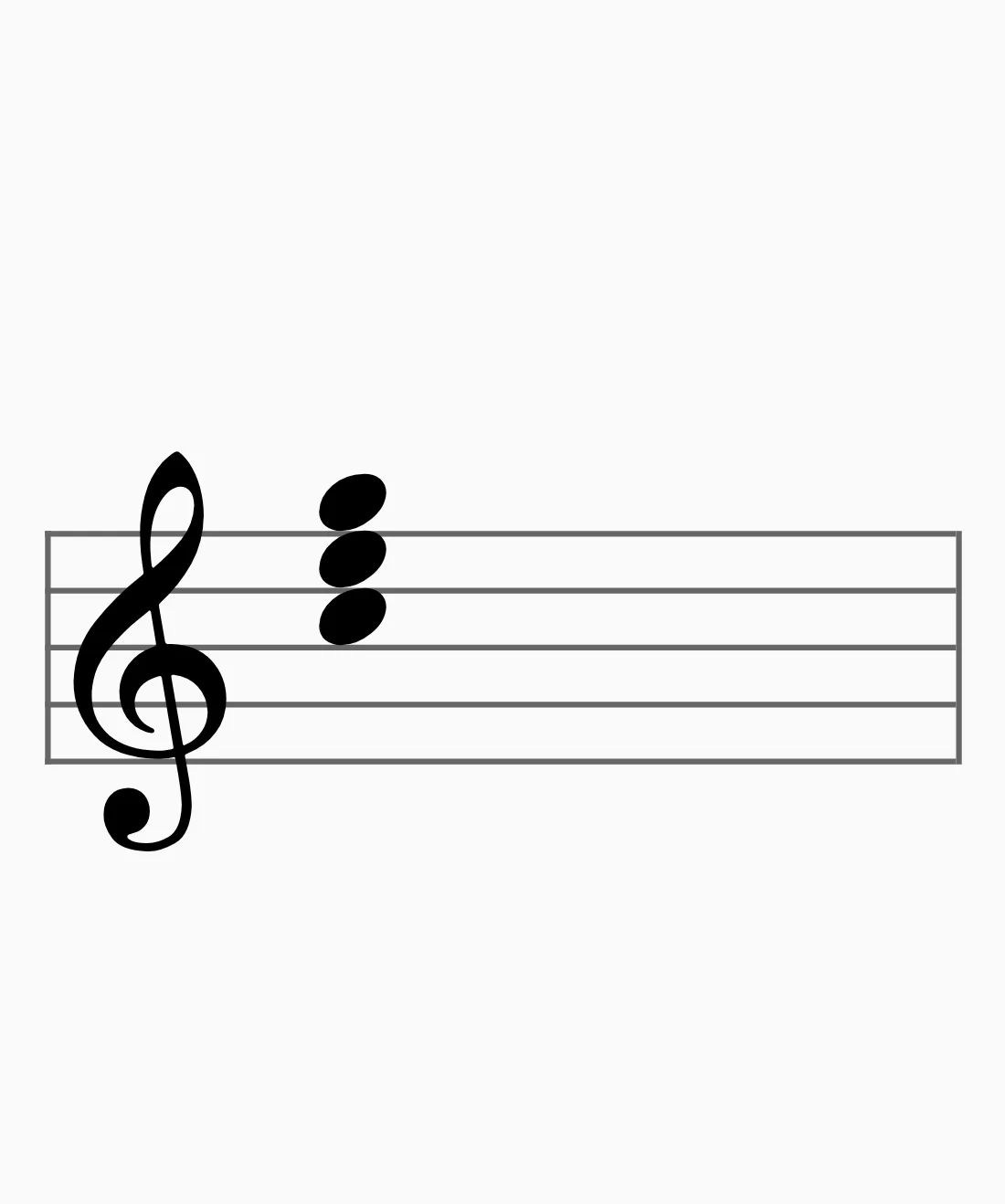
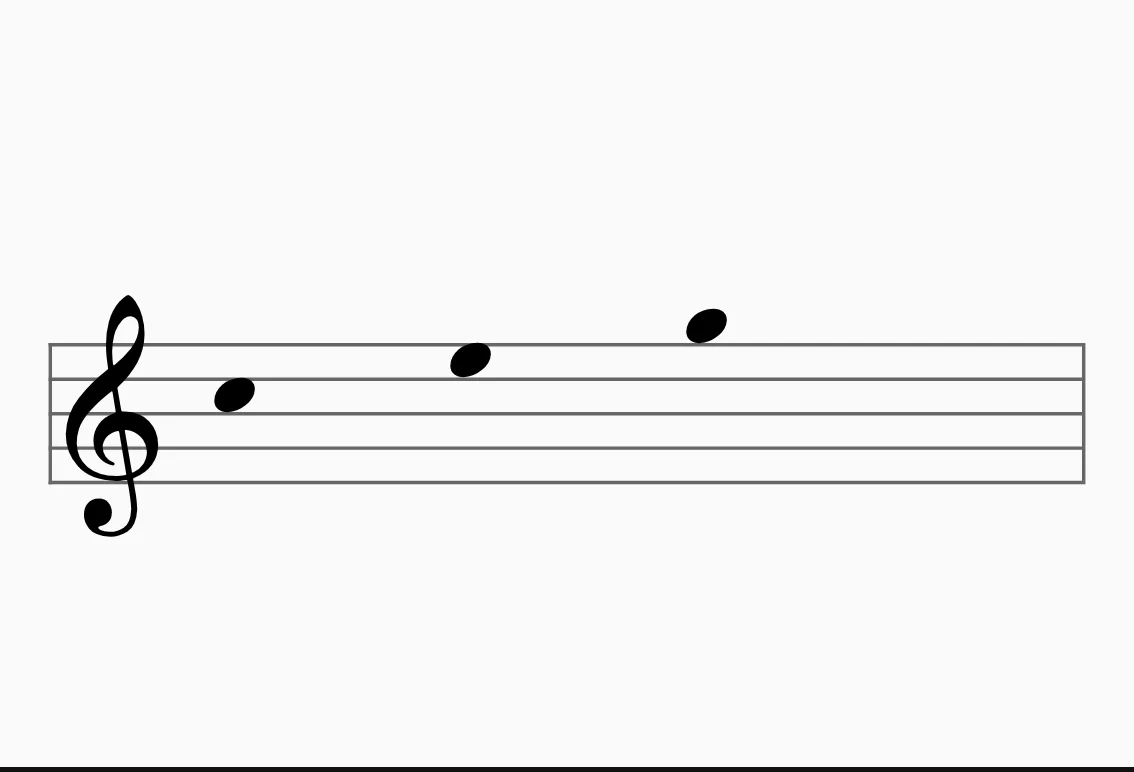
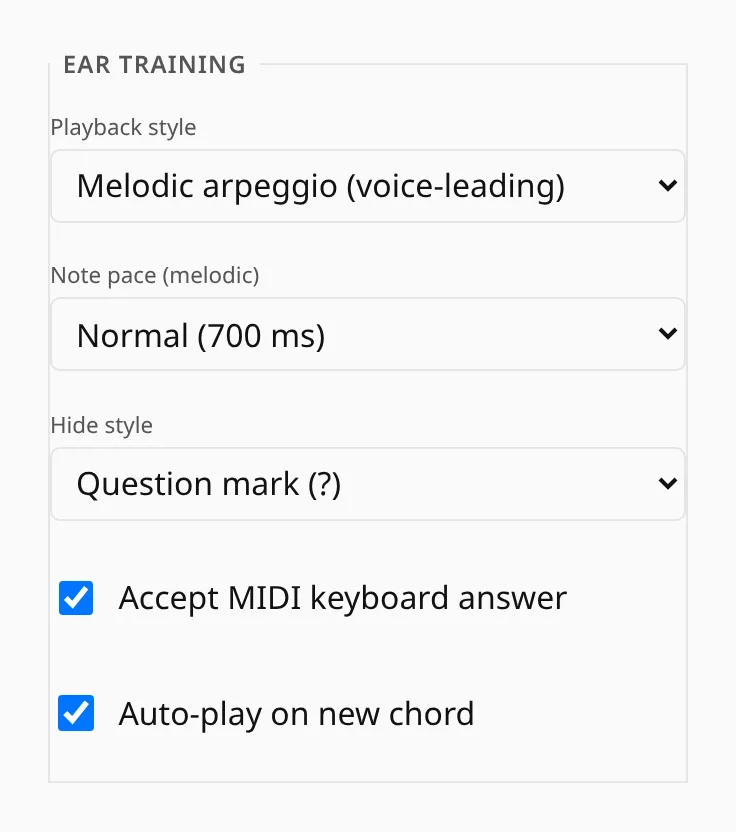
Hear chords as arpeggios
Ear training can play a chord all at once or as a melodic arpeggio, one note after another at a pace you set. The arpeggio is easier to hear, because you can name each note as it sounds instead of picking the notes out of one block of sound.