Favorites
The heart in the bottom bar saves the current exercise with all its settings, so you can open it again with one tap.
Tap the heart
When you find a setup that works, with the right chords, keys and tempo, tap the heart in the bottom bar. It saves the whole exercise with every option you set, so it opens again exactly as it was.
Shift-click the heart to add the exercise to your recent list instead, without making it a favorite.
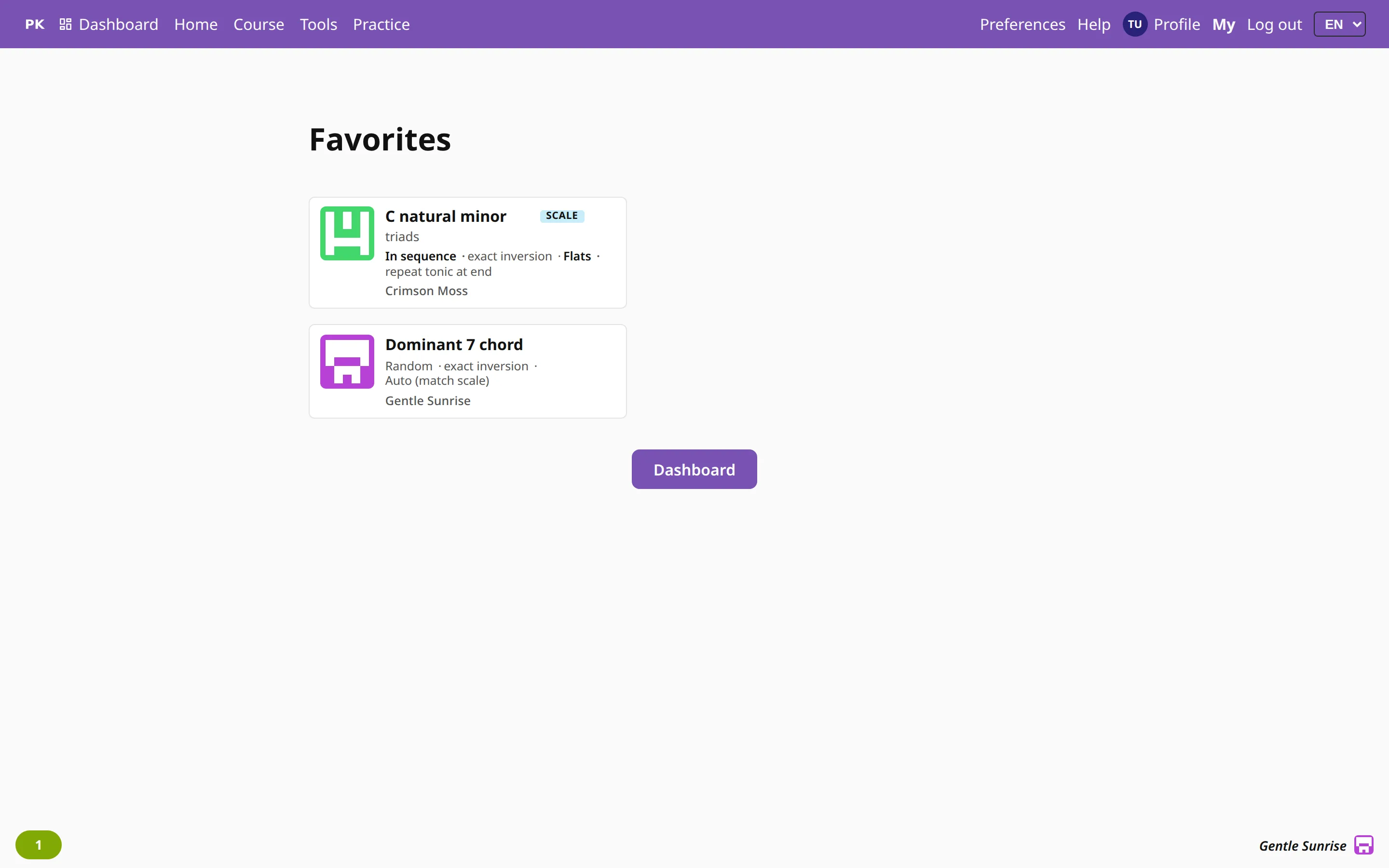
All your favorites on one page
My favorites shows them as exercise cards with their names, and one tap starts an exercise. If you are signed in, they are on every device you use.
Use favorites as a shortlist. To put several exercises in order, like a practice plan, use lists.