Play it in any key
You can move anything you practice to another key with one keypress, round the circle of fifths, or automatically after a few clean passes.
Twelve keys, one shape
A progression learned only in C can fall apart when a singer asks for it in E, because your hands have memorized the white keys it happened to use.
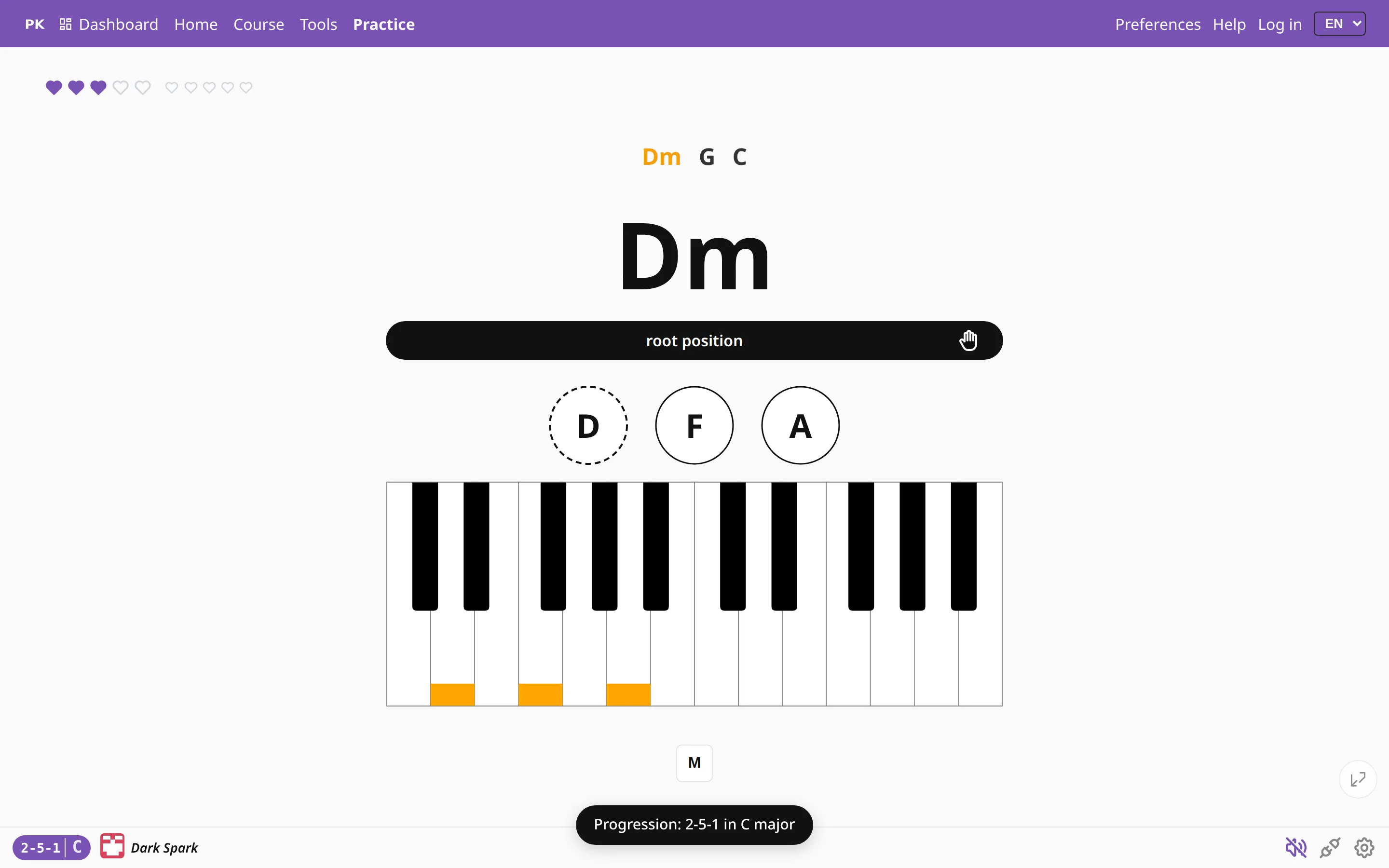
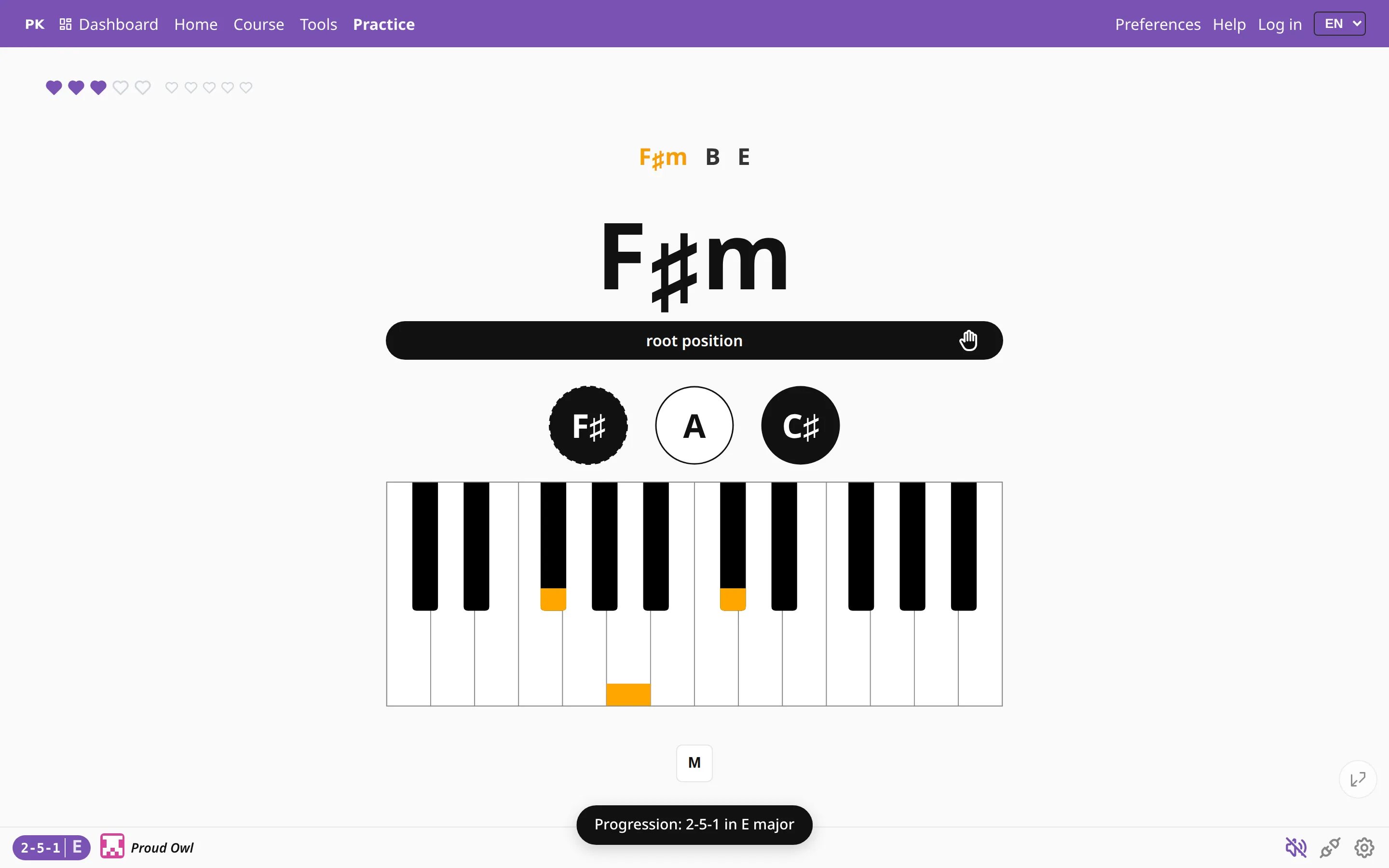
Here the material is written as degrees, so the same exercise exists in all twelve keys. Change the key and the chords follow: in E, the second, fifth and first degrees become F♯m, B and E.
Move it while you play
You can change key without leaving the drill. Some keys move by a half step, others step round the circle of fifths, and others switch between a major key and a minor one.
| Q | Down a half step |
| W | Up a half step |
| A | Back one step round the circle of fifths |
| S | On one step round the circle of fifths |
| L↑↓ | Major ⇄ its relative minor |
| C | Major ⇄ minor on the same tonic |
In the Songs subject the same keys transpose the song itself. If a chart sits too high for your voice, press Q a few times to bring it down.
Tours through all the keys
You do not have to keep track of which keys you have practiced. Pick one of the four tours: the circle of fifths in either direction, or chromatic up or down. Once you have played the material through, the app moves to the next key.
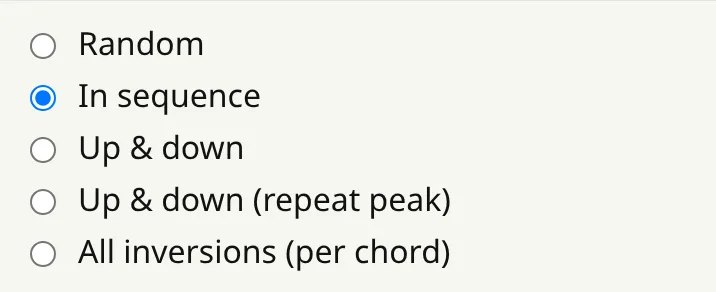
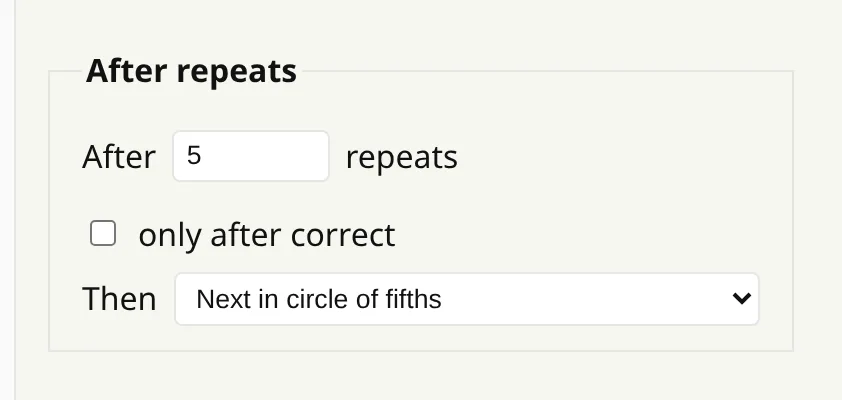
Chords and progressions have a separate setting for this: after a set number of repeats, go to the next key. You can count only the clean repeats, so you stay in a difficult key until you play it correctly.
Songs move too
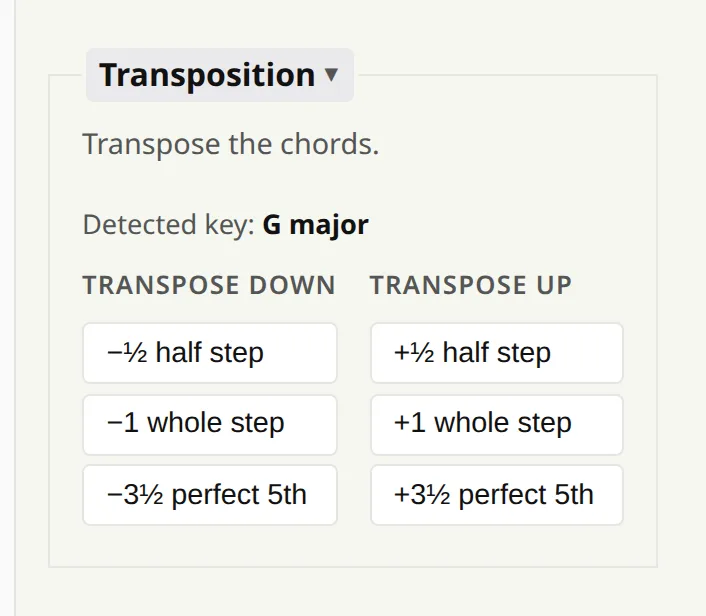
A song is stored as chord names rather than degrees, so it has its own transposition buttons: half step, whole step or a perfect fifth, up or down. The app also shows the key it detects in the song.
The spelling stays readable: a half step up from E gives F rather than E♯. If you want the strict enharmonic spelling, hold Shift while clicking. There is more on the transposing a song page.