“Now practice it in all twelve keys”
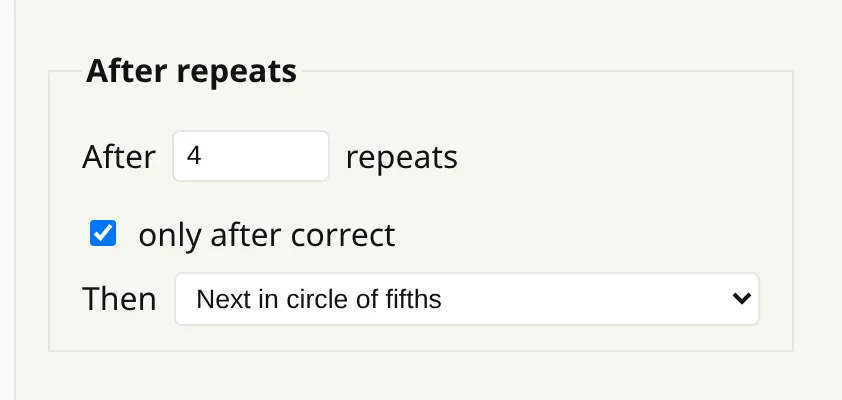
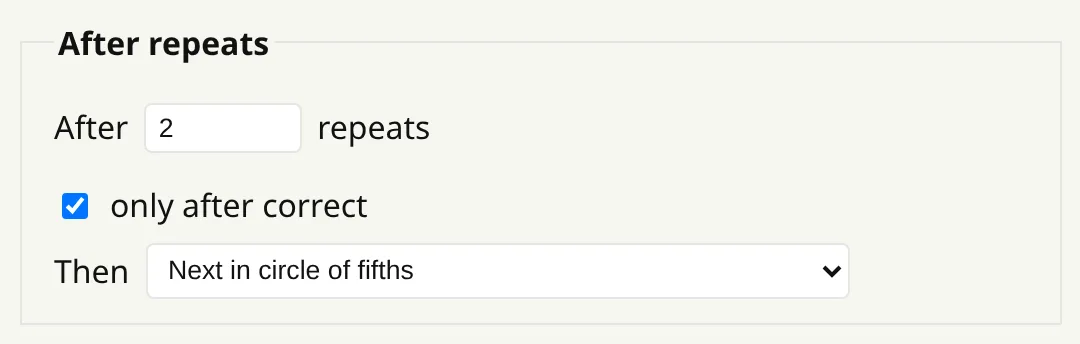
Set how many clean repeats each key needs and which direction to go, and the app moves you to the next key while you keep playing.
A familiar instruction
Teachers often end a lesson with “good — now in all twelve keys”. Doing that on your own is tedious: every few minutes you have to stop, work out which key comes next and set it, and it is easy to lose the thread.
The app can make the key changes for you. Set how many clean repeats each key needs and which direction to go, and the material moves to the next key without you leaving the drill.
What counts as a repeat
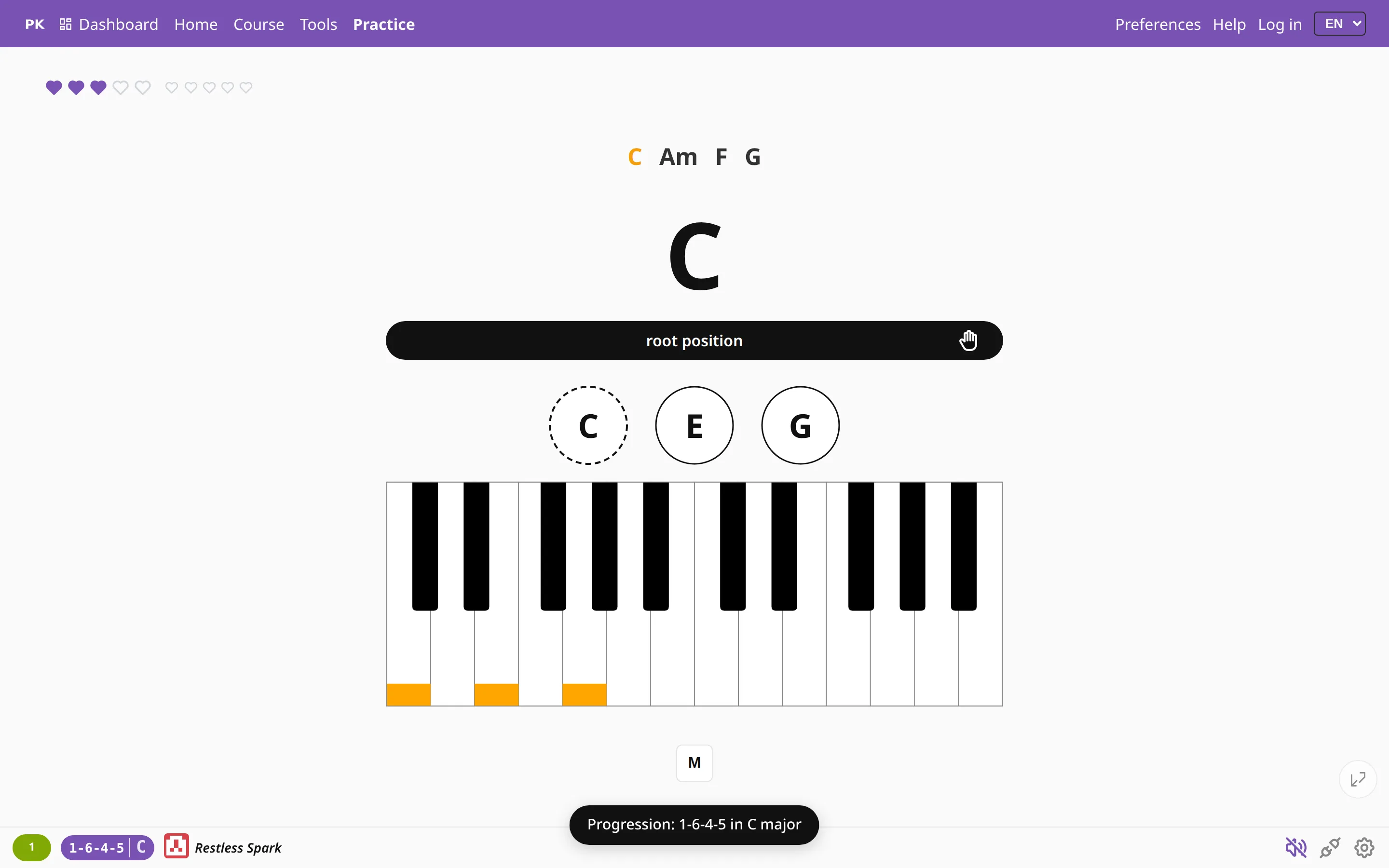
A repeat is one full pass through the material, such as the whole progression or the whole scale. The bottom bar counts them as you go, so you can see how far through the key you are.
Tick only after correct and a pass with a mistake in it does not count, so you stay in a key until you can play it cleanly.
Which way round
- Circle of fifths forwards: C, G, D, A…, the order in which sharps are added.
- Circle of fifths backwards: C, F, B♭, E♭…, through the flat keys.
- Chromatic up or down: every key in turn, a half step at a time.
Scales have the same After repeats section on their own tab, with their own values, so turning it on for scales does not change your progressions. It also works with any scale order, including all inversions of each chord.
You can also change key by hand (a half step, a fifth, the relative minor) with one keypress. This page covers the automatic key changes.