Backing tracks: a band instead of the click
Drums and bass play instead of the metronome click, follow the chord on screen and can move the chords on with the bar.
A band instead of the click
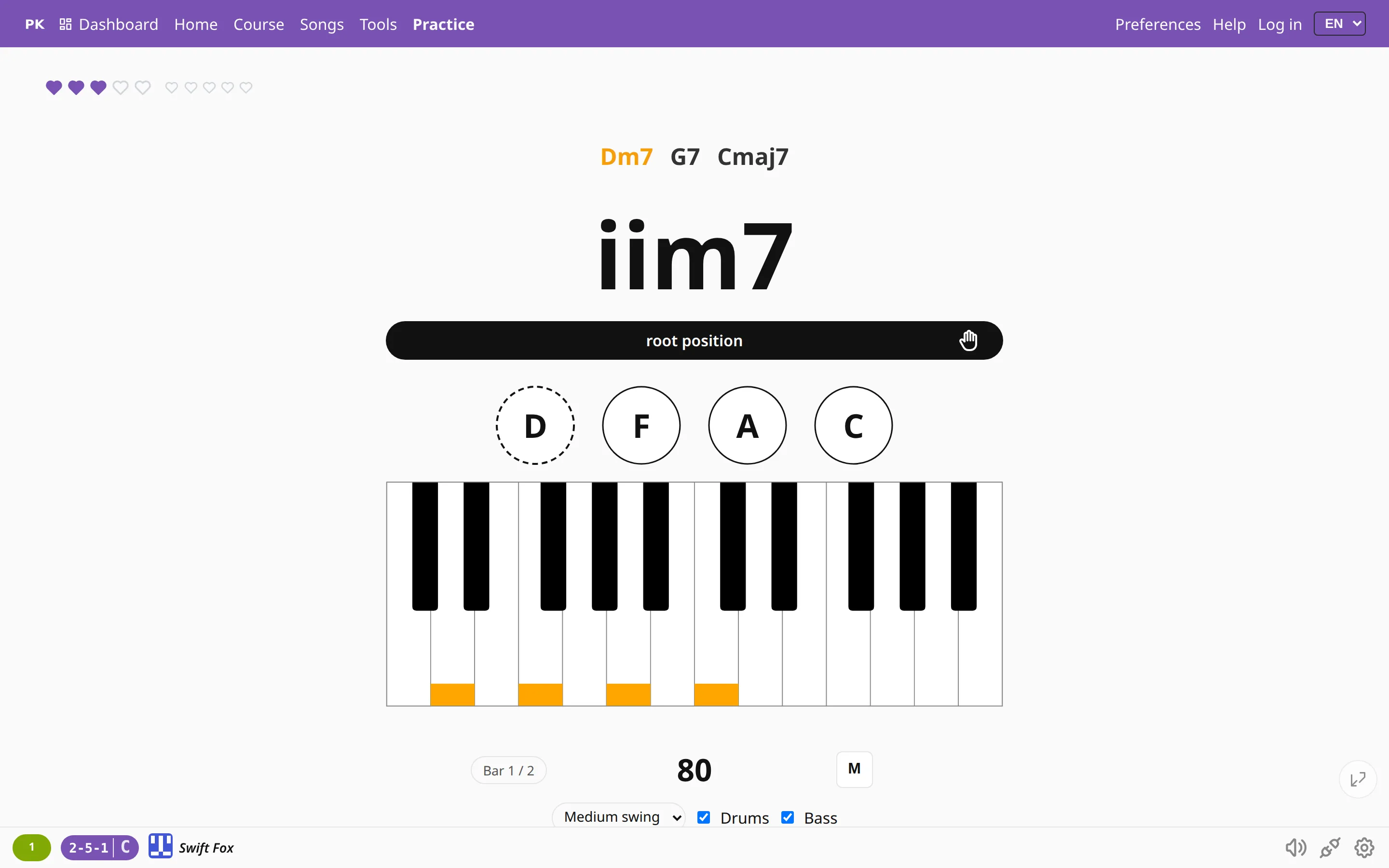
On the practice screen the metronome can play drums and a bass instead of the click. The band keeps your tempo and your meter. The bass plays the chord that is on screen: its root, its fifth and short approach notes into the next chord.
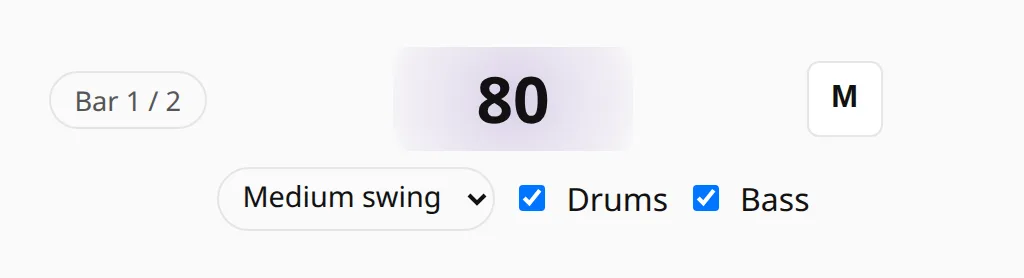
Pick a style in the select next to the metronome, or in Preferences next to the tempo. The first option, Metronome, is the plain click.
Styles
- Medium swing: brushes and a walking upright bass, in 4/4 and as a jazz waltz in 3/4.
- Charleston: sticks on the ride, with the figure on beat 1 and the “and” of 2. In 4/4.
- Bossa nova: in 4/4.
- Pop rock: a backbeat in 4/4 and a ballad in 6/8.
- Drum machine: 808 sounds, in 4/4.
A style that has no pattern for the current meter is hidden from the list.
Chords move with the bar
Switch on Auto-advance chords and the chord changes with the bar. Bars per chord sets how long it stays: 1, 2 or 4 bars. The first correct chord you play inside its bar is a hit. A bar with no correct chord is a miss, and the next chord comes anyway.
Auto-advance is off by default. The band still plays, but the chords wait for you as usual.
The start is a count-in with the click: one bar, or two bars above 140 BPM. In the last bar of a chord its name fades beat by beat, so you see the change coming.
The mix
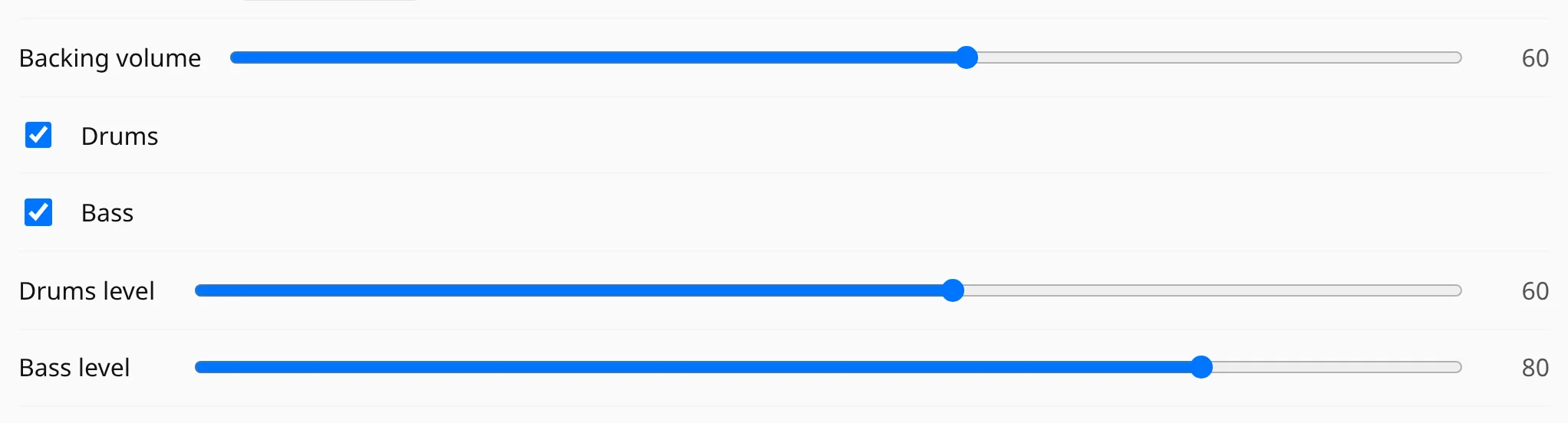
In Preferences, section Audio, set the Backing volume and switch Drums and Bass on or off. With a style chosen, Drums level and Bass level appear too. Preview plays the band so you can hear the mix.
Play without being graded
Press T to pause grading. You keep playing over the band, nothing is scored and the paused time does not count as practice. Press it again to resume.
| M | Start or stop the metronome and the band |
| TPause | Pause or resume grading |
| += | One BPM faster |
| -_ | One BPM slower |
Questions
Does it cost extra?
No. All the styles and all the mix settings are free.
Why is a style missing from the list?
Each style has patterns for some meters only. Medium swing plays in 4/4 and 3/4, Pop rock in 4/4 and 6/8, the other styles in 4/4. Change the meter in Preferences and the list changes with it.
Can I play without losing points?
Yes. Press T or Pause and keep playing over the band. Nothing is scored until you press the key again.